AI Video Generator Free
Create cinematic AI videos from text and images online
AIFreemium#ai-video#video-generator#free-tools
Launches Feb 9, 2027 at 00:00 UTC

What is AI Video Generator Free?
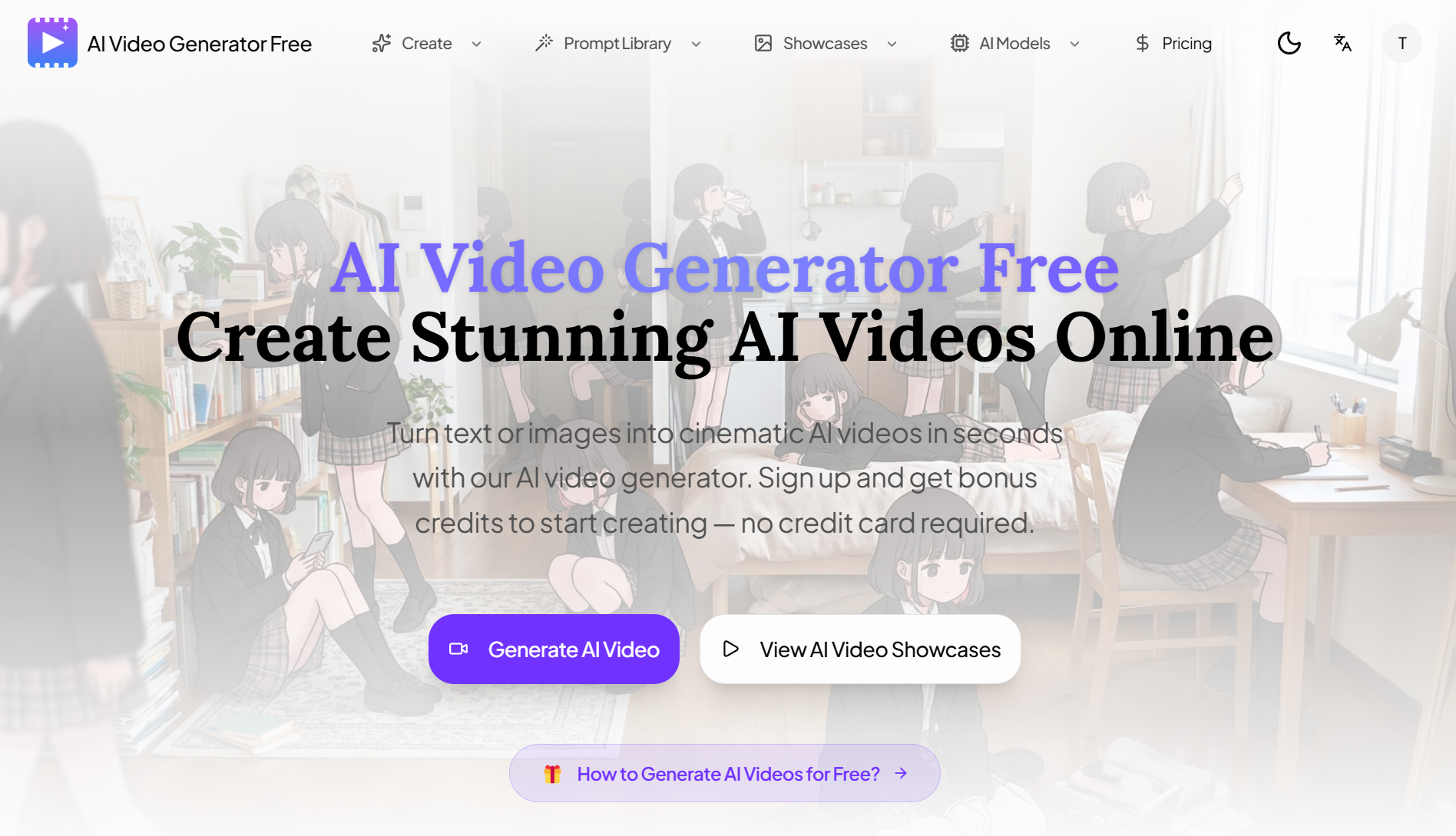
AI Video Generator Free is a web-based platform that converts text prompts and uploaded images into animated videos. New users receive fifteen bonus credits upon registration without requiring a payment method. The tool supports multiple generation models, including options from Google, ByteDance, MiniMax, and Alibaba. Users can select different resolution and duration settings depending on the chosen model.
The interface allows direct prompt entry, photo uploads, and style adjustments. Generated videos can be exported in high definition without watermarks. Additional credits are available through daily logins and referral links. The platform also includes separate sections for AI image generation and hairstyle previews.
AI Video Generator Free features
- Text to video conversion from written prompts
- Image to video animation for uploaded photos
- AI image generation and editing tools
- Character consistency across multiple scenes
- HD watermark free video exports
- Daily login bonus credits system
- Referral program for additional credits
Who uses AI Video Generator Free and for what
- Social media creators producing short promotional clips
- Small business owners generating product demonstration videos
- Photographers animating static portfolio images
- Marketing teams drafting quick ad concepts
- Film students testing visual storytelling ideas
AI Video Generator Free FAQ
Is AI Video Generator Free really free to use?
Yes. New users receive fifteen bonus credits immediately after signing up. No credit card is required to create an account or start generating videos.
How do I generate a video from text?
Create a free account, navigate to the generator, type a text prompt describing your scene, choose a model, and click generate. Your starting credits cover the first few generations.
Can I turn my own photos into videos?
Yes. Upload JPG, PNG, or HEIC files to the image to video tool. The platform applies cinematic motion to the uploaded photo using selected AI models.
Does this tool work on Mac or Windows?
The service runs entirely in a web browser. It does not require a desktop application or operating system specific installation.
Are there any hidden costs or subscriptions?
The base plan provides free credits upon registration. Additional credits can be earned through daily check-ins and referrals. Some advanced models may require extra credits beyond the initial allowance.
Comments (0)
No comments yet. Ask the maker a question or share how you would use it.
More AI launches
Generate and edit images in plain language.
Create personalized AI portraits, images and videos.
Star in the viral Bulin 47 freestyle video from one photo

Agent BarnOpen source · verified
Run your AI agents from one place
Try on 1000+ real hairstyles with realistic AI previews

Turn a portrait into a 23-second AI party video