AnimatedBoard
Turn your script into a video that draws itself
AIFreemium#whiteboard-animation#video-creation#script-to-video
Launches Jan 22, 2027 at 00:00 UTC

What is AnimatedBoard?
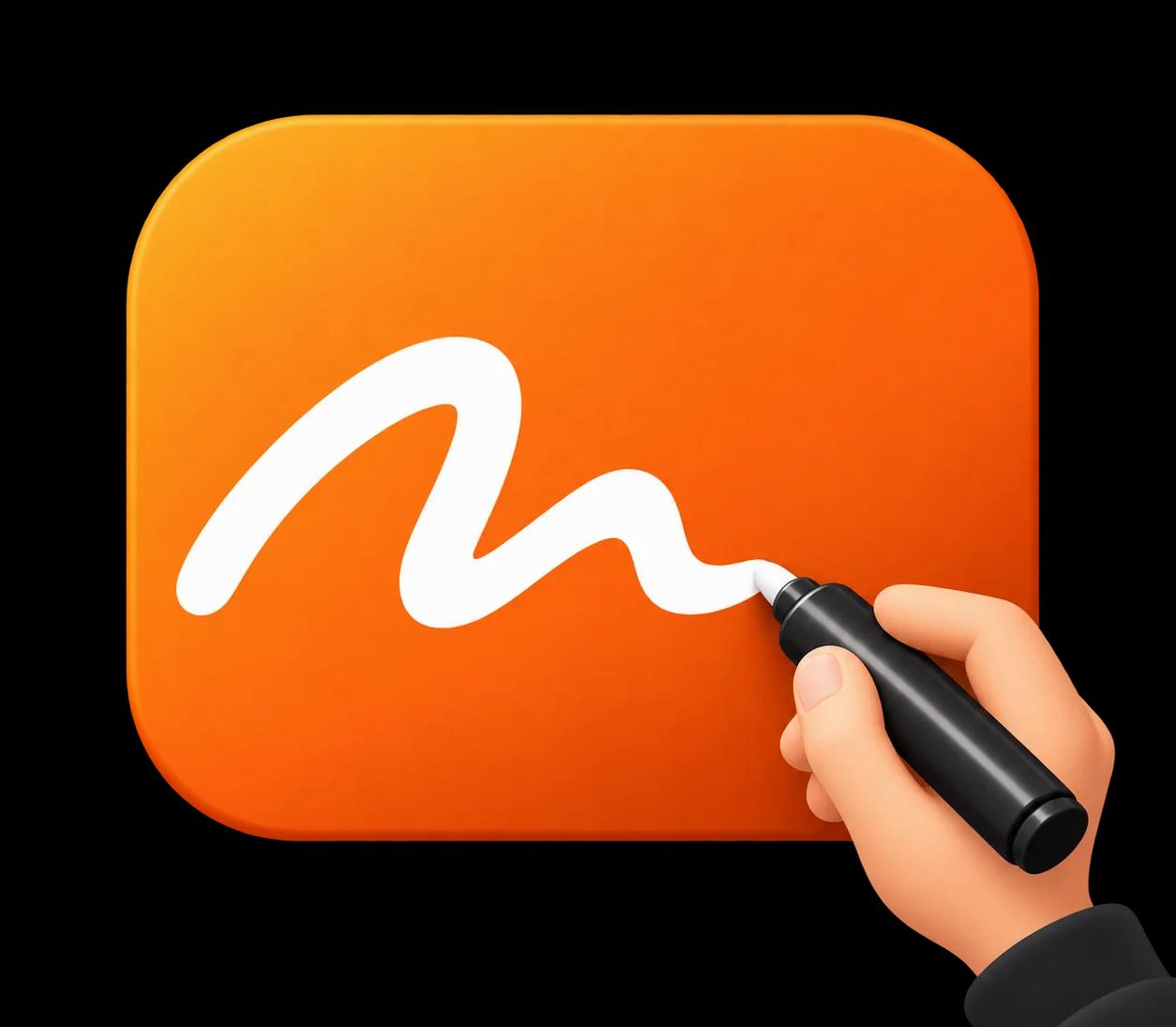
AnimatedBoard is a web-based tool for content creators, including YouTube and faceless channels, that converts a written script into a whiteboard doodle or illustrated-story video. The AI divides the script into scenes, generates matching illustrations and narration, and synchronizes a drawing hand with the spoken words. Each scene can be reviewed and edited in the browser before exporting a Full HD MP4, in aspect ratios from 16:9 to 9:16, with .srt and .vtt subtitle files.
The creator's script is never rewritten by the AI. There are 22 visual styles, narration in nine languages including US and UK English and Spanish from Spain or Latin America, and videos of up to 15 minutes. Every new account gets one free minute of video, once, with no credit card and a watermark. Paid plans start at $29 per month, remove the watermark, and can start from a PDF or Word document and use your own voice.
AnimatedBoard features
- Converts text scripts into synchronized whiteboard animations
- Automatically splits content into editable scenes
- Generates narration using AI voices, custom recordings, or cloned audio
- Exports videos with .srt and .vtt subtitle files
- Offers twenty-two distinct drawing and chalkboard styles
- Publishing to YouTube and TikTok on paid plans
- Uploads PDF or Word documents to auto-generate scripts and visuals
Who uses AnimatedBoard and for what
- Create faceless YouTube channels by turning blog posts or scripts into narrated doodle videos
- Create explainer videos for YouTube channels and brands from a written script
- Produce narrated doodle videos for faceless channels without recording or filming
- Make vertical Shorts and TikToks with a strong opening hook and drawn storytelling
- Turn stories into illustrated videos with calm narration and storybook visuals
AnimatedBoard FAQ
Is AnimatedBoard free to use?
Yes, the website states that users can start for free and receive one minute of video credit without requiring a credit card. Additional features like direct publishing to social media and voice speed controls require a paid plan.
Does AnimatedBoard work on Mac or Windows?
The website does not specify native desktop applications. The software runs entirely in a web browser, so it works on any device with internet access and a modern browser.
Can I use my own voice instead of the AI voice?
Yes, the platform allows users to upload their own audio recordings or use voice cloning technology alongside its built-in AI voice options.
What file formats can I export from AnimatedBoard?
Videos can be downloaded as MP4 files. The software also generates separate subtitle files in .srt and .vtt formats, which can optionally be burned into the video image.
Is AnimatedBoard open source?
The website does not mention open source licensing or provide a public repository. It is a commercial web application.
Comments (0)
No comments yet. Ask the maker a question or share how you would use it.
More AI launches
Generate and edit images in plain language.
Create personalized AI portraits, images and videos.
Star in the viral Bulin 47 freestyle video from one photo

Agent BarnOpen source · verified
Run your AI agents from one place
Try on 1000+ real hairstyles with realistic AI previews

Turn a portrait into a 23-second AI party video