Background Remove
Turn photos into transparent PNG cutouts with AI
AIPaid#background-removal#image-editing#transparent-png
Launches Oct 28, 2026 at 00:00 UTC
What is Background Remove?
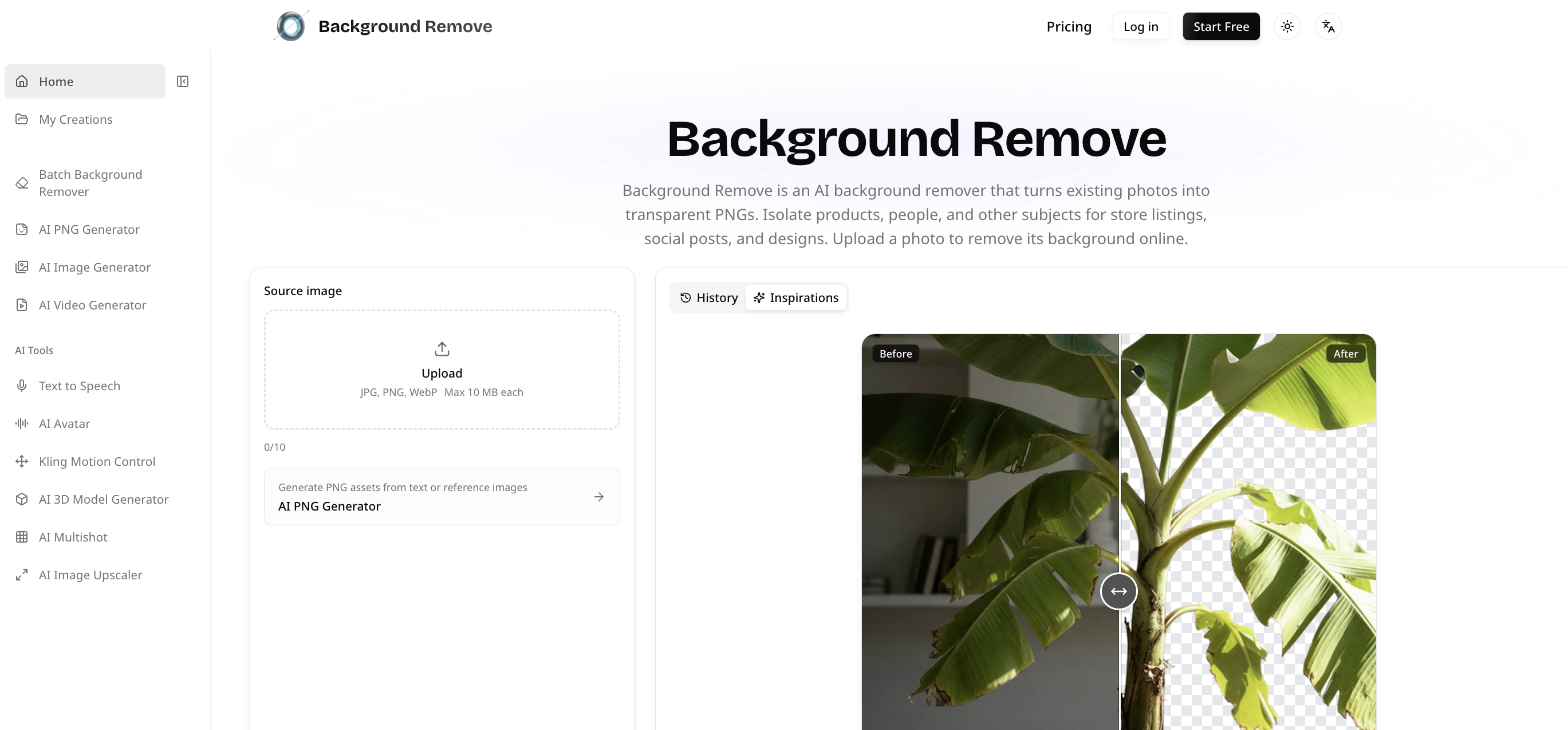
Background Remove helps online sellers, designers and content creators isolate subjects from existing photos without manual masking. Upload JPG, PNG or WebP images, remove their backgrounds with AI, and download transparent PNG cutouts.
The workspace supports processing multiple images and reviewing individual results. Reuse the cutouts in product listings, thumbnails, social graphics, presentations and design compositions. A separate Transparent Image Maker creates new transparent assets from text or reference images.
Background Remove features
- Remove backgrounds from existing photos with AI
- Export transparent PNG cutouts
- Process multiple JPG, PNG and WebP images
Who uses Background Remove and for what
- Online sellers prepare isolated product photos for store listings
- Creators reuse cutouts in social graphics and presentations
Background Remove FAQ
Which image formats can I upload?
You can upload JPG, PNG and WebP images to remove their backgrounds.
What can I do with the exported images?
Transparent PNG cutouts can be reused over different backgrounds in product listings, presentations and other design layouts.
Can it process more than one image?
The workspace supports multiple images, so you can prepare a group of photos and review each result.
Comments (0)
No comments yet. Ask the maker a question or share how you would use it.
More AI launches
Star in the viral Bulin 47 freestyle video from one photo
Cinematic AI video from text, images, and audio
Turn one photo into your own State Property meme video
Create with Kling 4.0 using text, images, keyframes, and
One photo becomes a short car stunt video.

Turn a portrait into a 23-second AI party video