Blinkvid
Generates vertical short videos from images or text prompts
AIFreemium#ai-video#social-media#short-form
Launches Nov 1, 2026 at 00:00 UTC

What is Blinkvid?
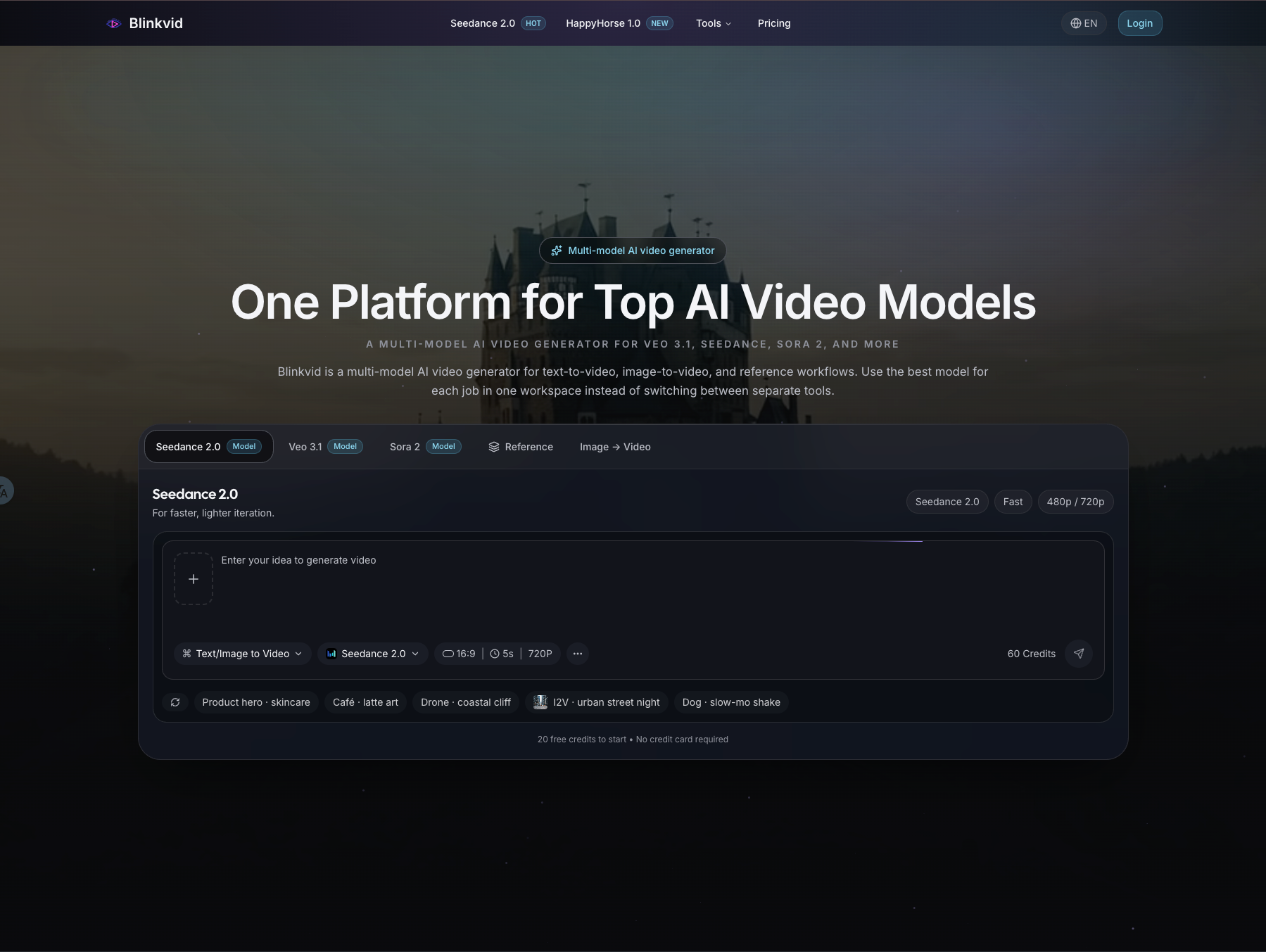
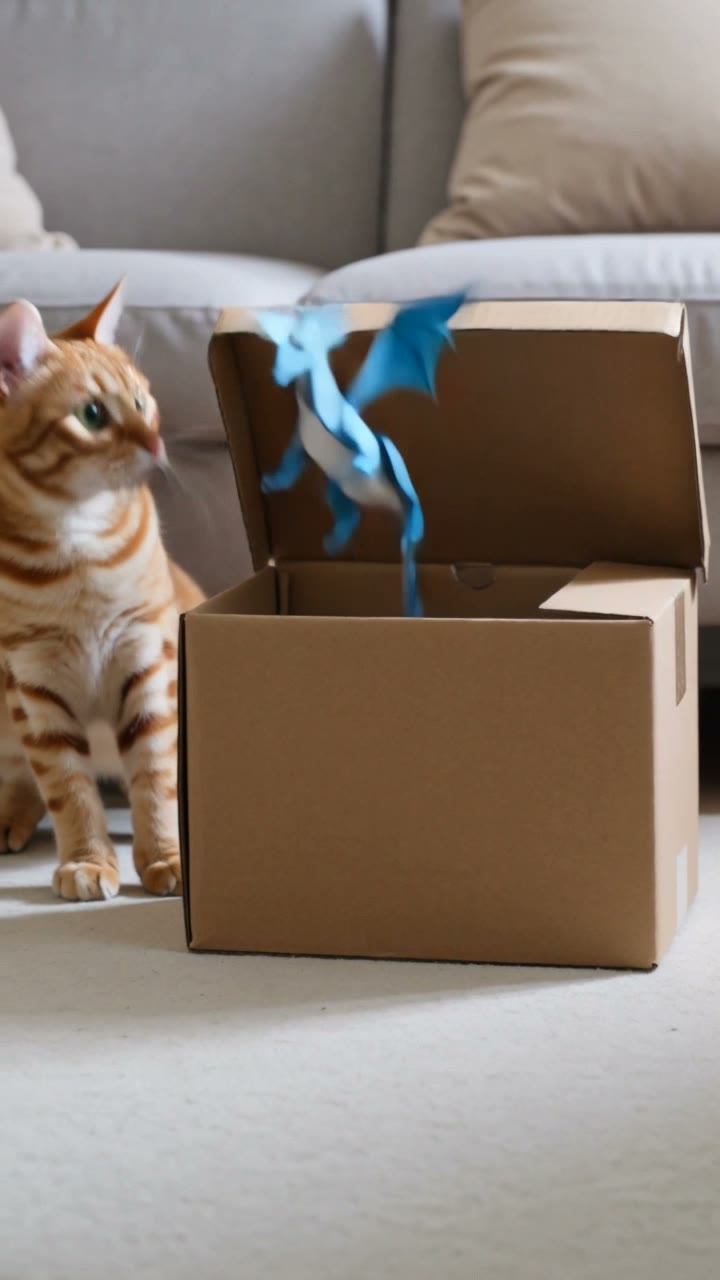
Blinkvid is a web-based AI video generator designed for independent creators. It converts a single owned image or a short written prompt into a downloadable vertical clip optimized for TikTok, Instagram Reels, and YouTube Shorts. The tool focuses on short-form content, typically producing four to ten second clips at a 9:16 aspect ratio.
Users select a destination format, upload their media or enter a motion description, and review the exact credit cost before generation. The platform provides several preset workflows, including photo animation, object transformation, and template-based scenes like dance loops or reaction clips. Outputs are saved locally rather than published directly to social networks.
The service operates on a credit system. Eligible new accounts registered with Google receive starter credits for one low-cost run. All other users purchase credit packs or subscriptions. The site enforces strict usage guidelines, requiring ownership or permission for any human faces used, and explicitly prohibits public figure impersonation or deceptive edits.
Blinkvid features
- Converts single images or text prompts into vertical video clips
- Generates 9:16 formatted shorts for TikTok, Reels, and YouTube
- Displays live credit costs before every generation
- Includes preset templates for dances, reactions, and object swaps
- Requires user ownership or consent for all source media
- Exports downloadable video files without direct social publishing
Who uses Blinkvid and for what
- Create quick visual hooks and loopable clips for TikTok posts
- Animate product photos or posters for Instagram Reels campaigns
- Generate establishing shots or scene starters for YouTube Shorts editing
- Produce short reaction videos using static pet or character images
- Transform everyday objects into animated sequences for social engagement
Blinkvid FAQ
Is Blinkvid free to use?
New accounts signed up with Google may receive starter credits for one lowest-cost video run. Email-only registrations and users from India do not get starter credits. All other generations require purchasing credit packs or subscriptions.
Can I animate photos of real people?
Yes, provided you own the media or have explicit permission from the depicted adults for the transformation and intended use. The platform prohibits using public figure likenesses or creating unauthorized, abusive, or deceptive identity edits.
Does Blinkvid publish videos directly to social media?
No. Blinkvid generates and exports downloadable video clips. It does not publish content to TikTok, Instagram, or YouTube. Users must download the result and add captions, music, or finishing touches in their preferred editing tools.
What AI models does Blinkvid support?
The supported models change over time. Users can open the model menu inside the creator interface to see current options, compare settings, and view live credit quotes for each available model.
Can I use the generated videos for commercial purposes?
Blinkvid does not grant a separate commercial license through its paid tiers. Commercial use depends on your rights to the source material, the terms shown for the selected video option, and the site Terms of Service. Review those documents before publishing commercially.
Comments (0)
No comments yet. Ask the maker a question or share how you would use it.
More AI launches
Star in the viral Bulin 47 freestyle video from one photo
Cinematic AI video from text, images, and audio
AI sprite animations for indie 2D game builders
Turn one photo into your own State Property meme video
Create with Kling 4.0 using text, images, keyframes, and

Turn a portrait into a 23-second AI party video