ClipShrink
Shrink videos locally. Transcribe in the cloud.
AIFreemium#video-compressor#video-to-text#transcription
Launches Nov 1, 2026 at 00:00 UTC
What is ClipShrink?
ClipShrink is a freemium web app for shrinking videos and turning video into text.
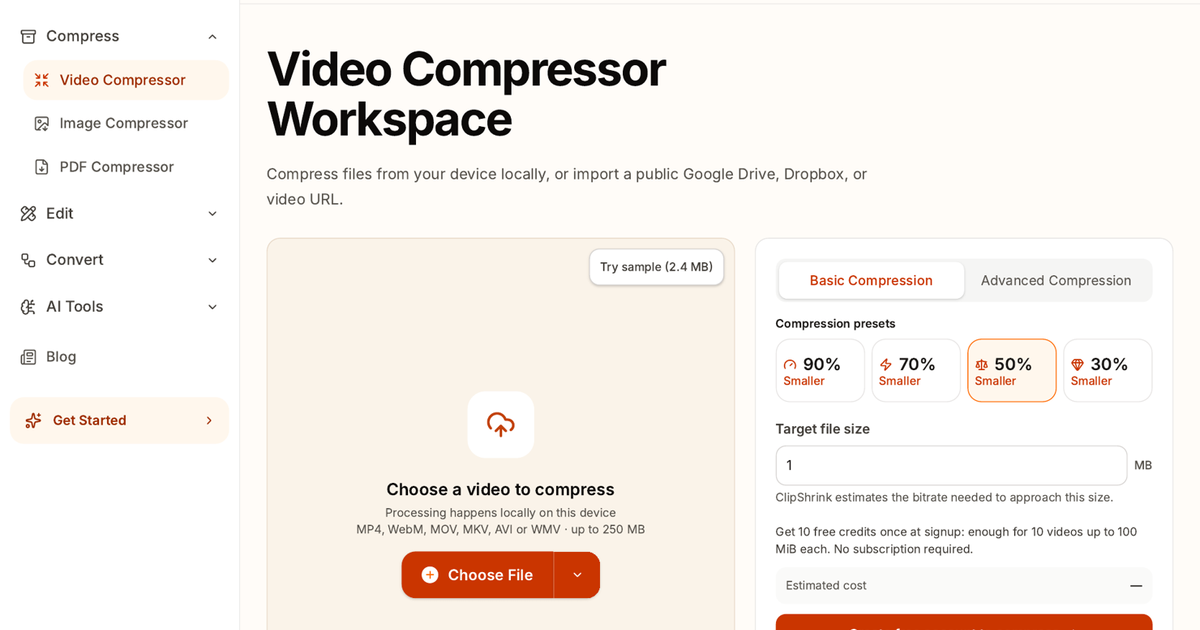
Compression runs in your browser on your device. The video file is not uploaded for compression.
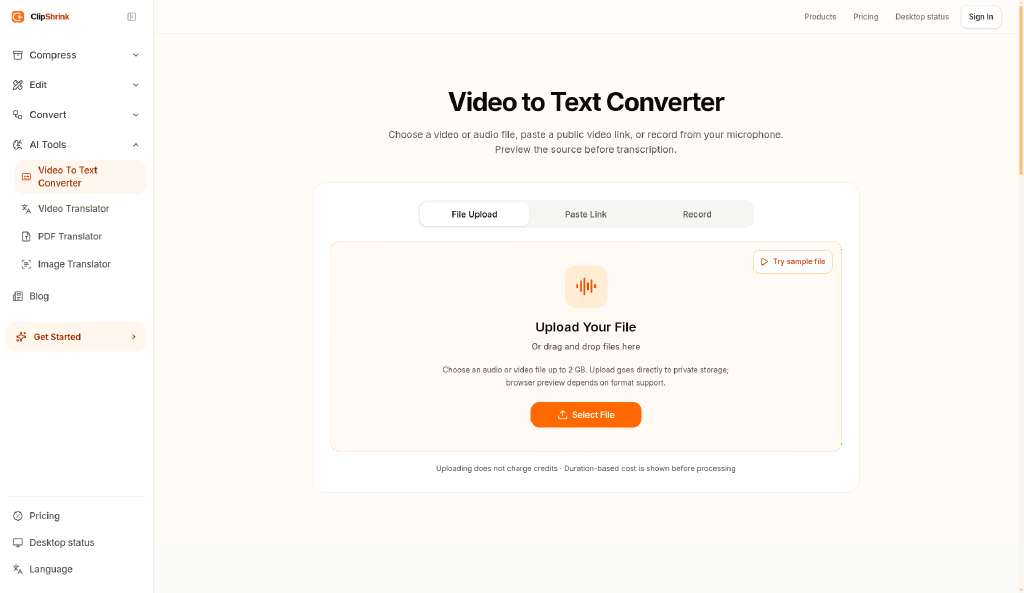
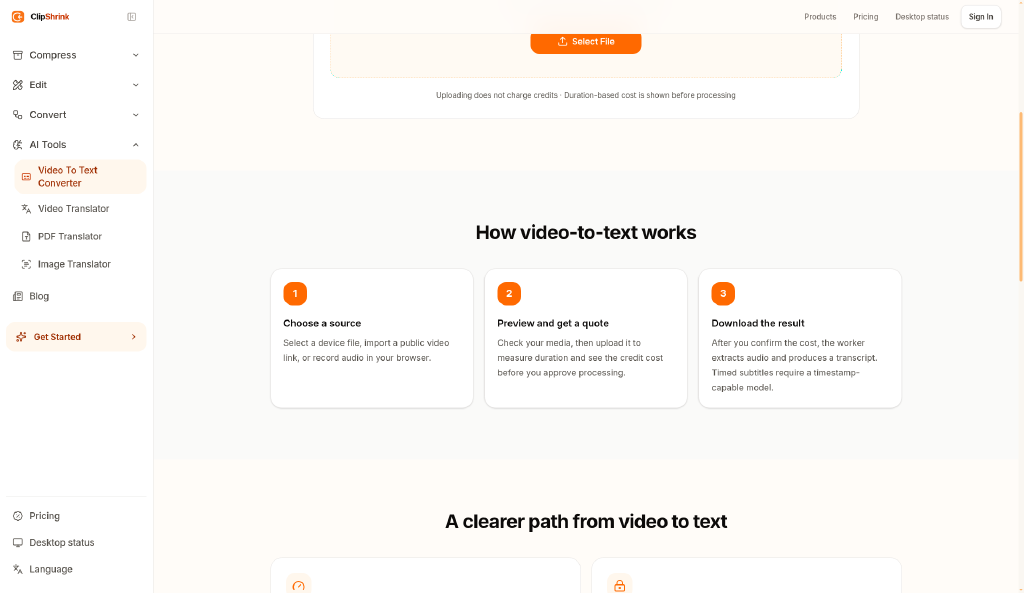
Video-to-text is separate. It needs an account, credits, and cloud processing.
It is for people who need a smaller clip for chat or email, or a transcript, without installing desktop software. There is a free tier. Paid use is credit-based.
ClipShrink features
- Compress videos in the browser. Device files are not uploaded for compression.
- Convert video to text with an account, credits, and cloud processing.
- Freemium pricing, with a free tier and paid credits.
Who uses ClipShrink and for what
- Make a video small enough to send while compression stays on your device.
- Get a transcript from a video using an account, credits, and cloud processing.
ClipShrink FAQ
Does ClipShrink upload my video to compress it?
No. Compression runs in the browser on your device. Files are not uploaded for compression.
Does video-to-text run on my device?
No. Video-to-text needs an account, credits, and cloud processing.
Is ClipShrink free?
ClipShrink is freemium. Compression works in the browser; video-to-text uses an account and credits. Paid plans are credit-based.
Comments (0)
No comments yet. Ask the maker a question or share how you would use it.
More AI launches
Star in the viral Bulin 47 freestyle video from one photo
Cinematic AI video from text, images, and audio
AI sprite animations for indie 2D game builders
Turn one photo into your own State Property meme video
Create with Kling 4.0 using text, images, keyframes, and

Turn a portrait into a 23-second AI party video