Ediroo
Browser AI photo editor driven by plain text prompts
AIFreemium#ai-image-editor#photo-editing#browser-tool
Launches Dec 2, 2026 at 00:00 UTC


What is Ediroo?
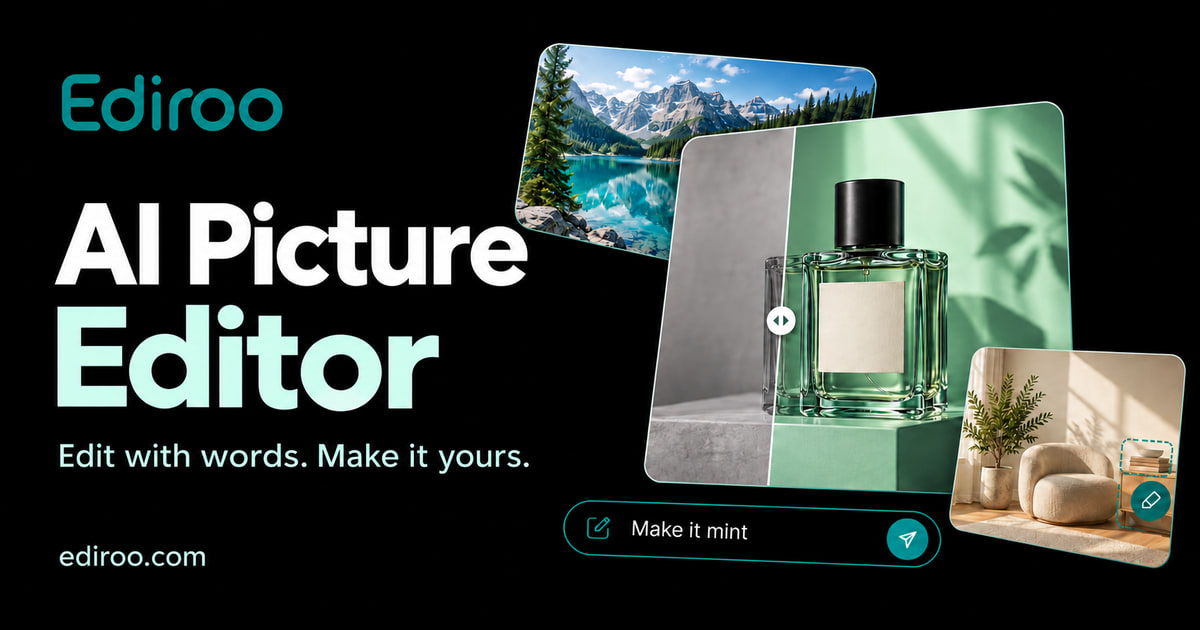
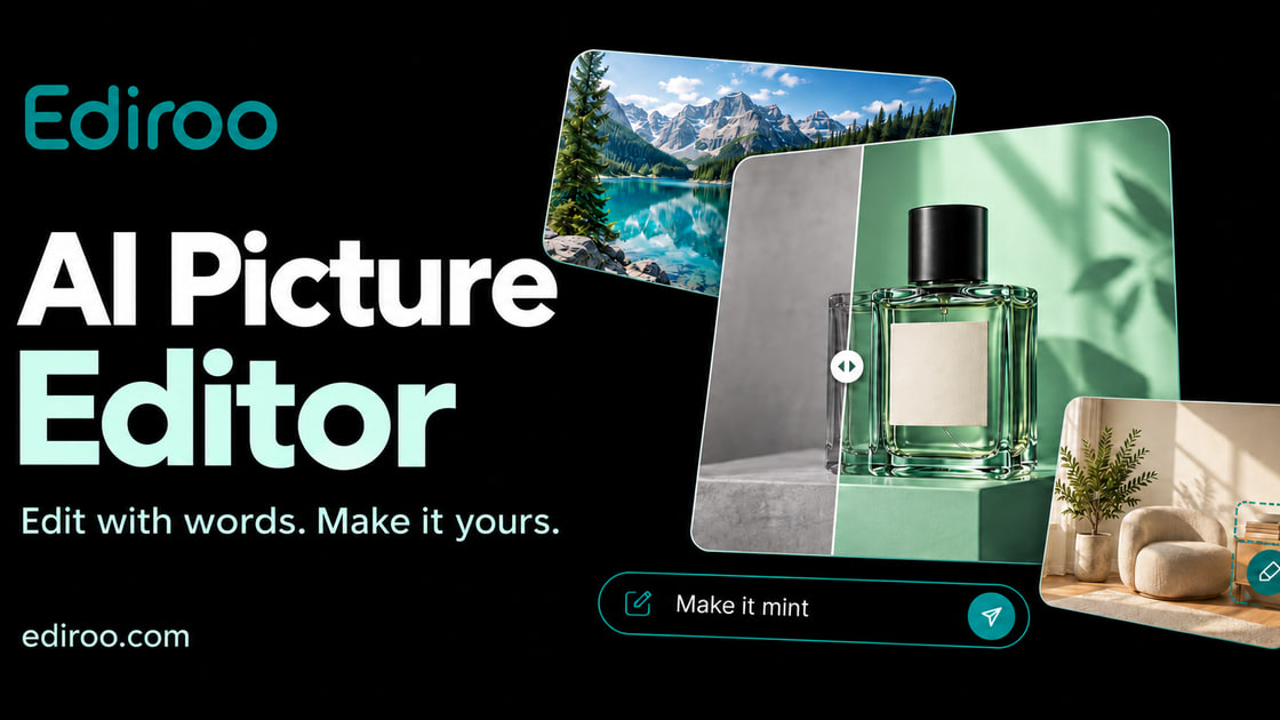
Ediroo is a browser-based AI photo editor. You upload a picture and describe the change in plain language, such as removing an object, swapping a background, or adjusting light. It is aimed at product sellers, real estate photographers and everyday users who want quick edits without layered software. New accounts get free credits, and paid plans start at $9.90 per month.
Ediroo features
- Edit images using natural language text prompts
- Remove people, objects, watermarks, and logos
- Replace backgrounds with solid colors or custom scenes
- Enhance details, sharpen images, and restore vintage photos
- Choose between multiple AI models like Nano and Banana Pro
- Save all uploads and generated images in persistent cloud storage
- Export clean images without mandatory watermarks
Who uses Ediroo and for what
- Clean up product photos by removing distracting background elements
- Replace plain backgrounds with studio lighting for e-commerce listings
- Restore faded or damaged vintage photographs to original quality
- Remove unwanted text overlays, timestamps, or watermarks from images
- Adjust portrait details like hair color or facial features quickly
Ediroo FAQ
Is Ediroo free?
New users receive free credits to try the editor. Additional edits require subscriptions or one-time credit packs. The website does not mention a permanent free tier beyond initial credits.
Does Ediroo work on Mac?
Yes, Ediroo is a browser-based tool that works on any operating system, including Mac, Windows, and Linux, as long as you have a modern web browser.
What is Ediroo used for?
It is an AI-powered image editor used to remove objects, replace backgrounds, enhance details, restore old photos, and modify specific elements using text prompts.
Can I save my projects in Ediroo?
Yes, uploaded files and generated results are stored permanently in your account gallery called My Creations. Files are never auto-deleted after 24 hours.
Does Ediroo add watermarks to exported images?
No, successful outputs export cleanly without mandatory brand watermarks. Failed generations automatically refund the credits used.
Is Ediroo open source?
The website does not say. There is no public repository or open-source license information provided.
Comments (0)
No comments yet. Ask the maker a question or share how you would use it.
More AI launches
Generate and edit images in plain language.
Create personalized AI portraits, images and videos.
Star in the viral Bulin 47 freestyle video from one photo
Try on 1000+ real hairstyles with realistic AI previews
Cinematic AI video from text, images, and audio

Turn a portrait into a 23-second AI party video