EveryGen AI
Create AI images, videos, and edit media in one workspace
AIPaid#ai-video#ai-image#media-editing
Launches Nov 14, 2026 at 00:00 UTC

What is EveryGen AI?
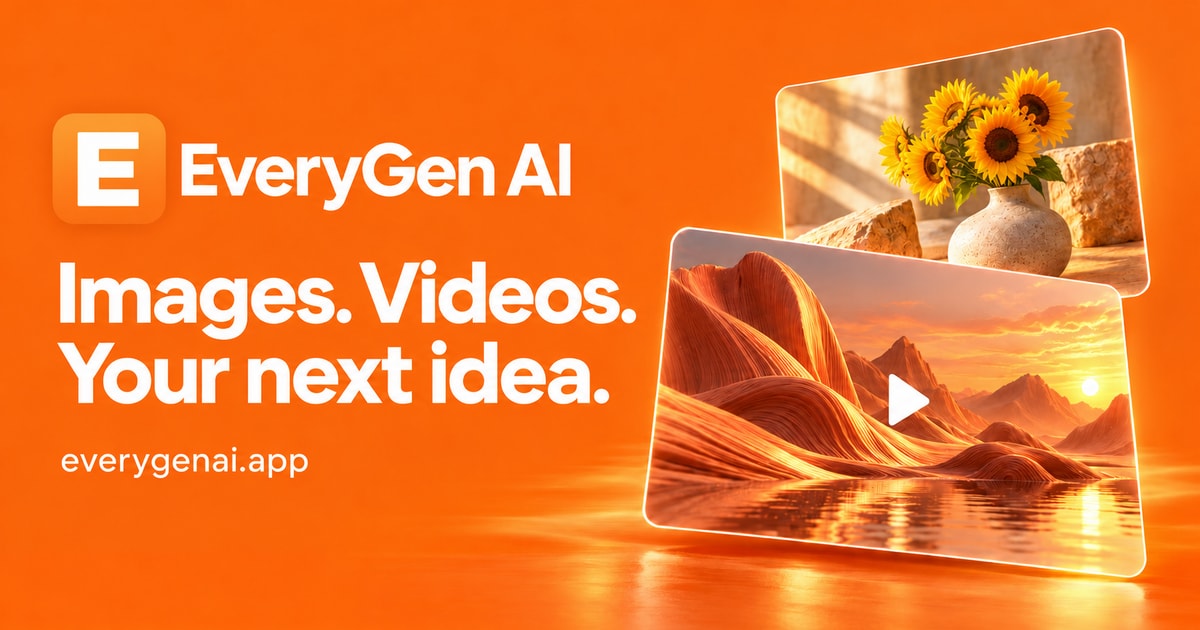
EveryGen AI is a web-based creative workspace that combines AI image and video generation with browser-based media editing tools. Users can select from multiple AI models to produce visuals and short clips, then review results in a creation history panel before downloading. The platform also includes dedicated pages for compressing, resizing, converting, rotating, cropping, and watermarking images directly in the browser. Additionally, it offers a text rewriting feature that adjusts supplied copy into natural, friendly, or professional tones.
Generation workflows require a logged-in account and sufficient credits. Browser image operations also require an account but do not consume AI generation credits. The site provides trending templates and public examples to help users explore prompts and settings before creating their own assets. Generated drafts still require manual review for composition, wording, and details before being used in final projects.
EveryGen AI features
- Generate videos from text or reference images using integrated AI models
- Create and edit images with multiple supported AI generators
- Compress, resize, convert, rotate, crop, and watermark images in the browser
- Rewrite text into natural, friendly, or professional tones
- Browse trending templates and public examples for prompt inspiration
- Track generation progress and download approved results from creation history
Who uses EveryGen AI and for what
- Prepare product photos for e-commerce listings and social media posts
- Draft short video clips for marketing campaigns or promotional ads
- Optimize image file sizes and formats directly in the browser before publishing
- Adjust website copy or email drafts to match specific audience communication styles
- Test AI video templates for quick social content experiments
EveryGen AI FAQ
Is EveryGen AI free?
The website does not provide automatic free credits upon signup. Users must purchase credits to run AI generation workflows. Browser-based image tools require an account but do not use AI credits. Annual billing plans are offered at a discounted rate compared to monthly payments.
What is EveryGen AI used for?
It is used to generate AI images and videos, rewrite text into different tones, and perform browser-based image editing tasks like compression, resizing, conversion, rotation, cropping, and watermarking. It serves as a unified starting point for visual and written creative drafts.
Does EveryGen AI work on Mac?
Yes. EveryGen AI is a web application that runs entirely in a browser. It is compatible with macOS, Windows, Linux, and mobile operating systems without requiring a native software installation.
Is EveryGen AI open source?
The website metadata includes a link to a GitHub repository, but the page does not explicitly state whether the source code is open source or what license applies. The website does not confirm this information.
How many AI models does EveryGen AI support?
The platform integrates several models including MiniMax H3 Max, Hailuo, Seedance, GPT Image, Wan, Kling, and others. Each model has different supported inputs, settings, and credit costs, which users must inspect before generating content.
Comments (0)
No comments yet. Ask the maker a question or share how you would use it.
More AI launches
Generate and edit images in plain language.
Star in the viral Bulin 47 freestyle video from one photo
Cinematic AI video from text, images, and audio
AI video face swap studio for photos, videos and GIFs
AI sprite animations for indie 2D game builders

Turn a portrait into a 23-second AI party video