Fabbo
Turn text, photos, or templates into AI-generated video
AIFreemium#video-generation#image-editing#templates
Launches Nov 24, 2026 at 00:00 UTC

What is Fabbo?
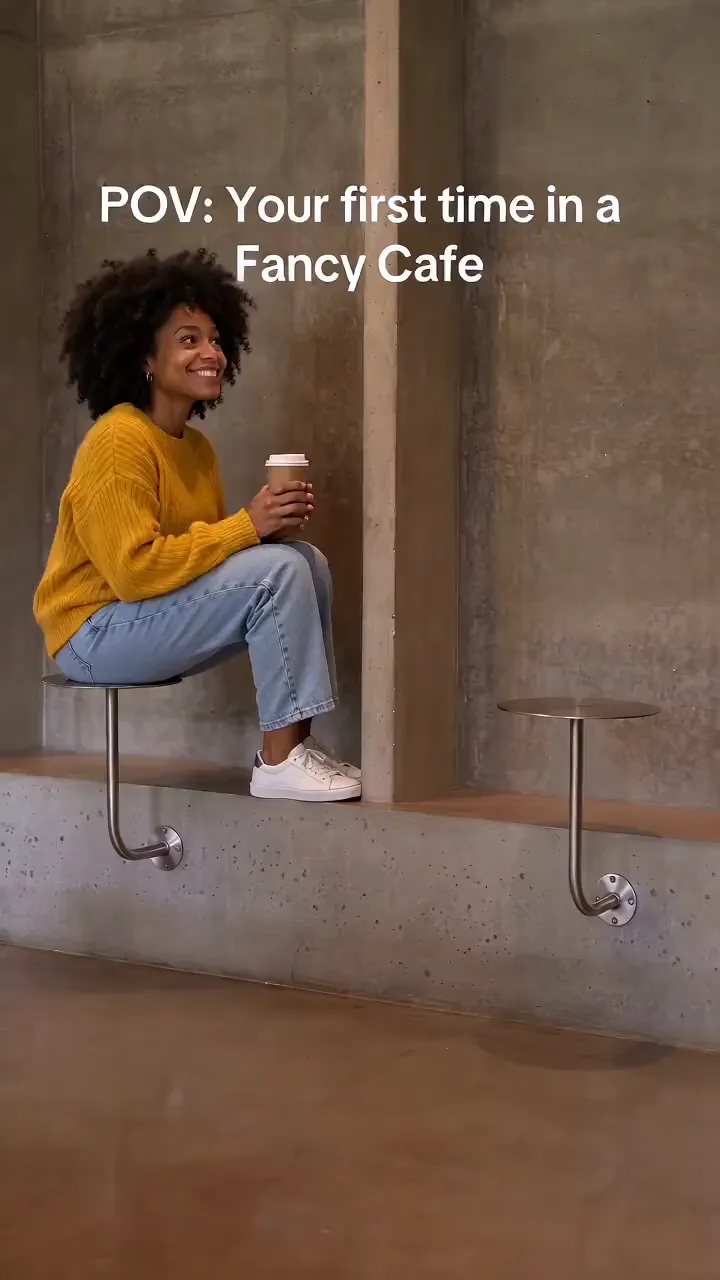
Fabbo is a browser workspace for making short AI videos. Generate a scene from a prompt, animate a still photo, or personalize a video effect template with an image. The workspace also offers image generation, editing, and upscaling. Sign-up includes limited free credits; subscriptions and one-time packs cover additional use. Credit cost varies by model and output settings.
Fabbo features
- Generate videos from text prompts or uploaded photos
- Use ready-made templates with pre-configured settings
- Choose from multiple AI video models with distinct styles
- Select from multiple video models
- Generate and edit images using text descriptions or photo modifications
- Apply motion control to make static characters copy reference movements
- Image upscaling in the browser
Who uses Fabbo and for what
- Turn a personal photo into a short animated clip for social media sharing
- Create promotional product videos using text descriptions and brand imagery
- Animate pet or car photos with viral dance or stunt templates
- Generate background visuals or concept art for presentations and pitches
- Produce quick marketing clips with synchronized voiceover and sound effects
Fabbo FAQ
Is Fabbo free to use?
Fabbo offers limited free credits on sign-up. Subscriptions and one-time credit packs are available for additional use.
Does Fabbo work on Mac or Windows?
The website does not specify native desktop applications for Mac or Windows. Fabbo operates as a web-based tool accessible through any modern browser.
Can Fabbo animate a still photo?
Yes. Add a photo to the image-to-video tool and describe the movement you want.
What AI models are available for video generation on Fabbo?
Fabbo offers multiple video generation models, including Seedance, Kling, and MiniMax. Model availability and credit usage vary.
Do I need video editing experience to use Fabbo?
No. You can pick a template and upload a photo, or type a prompt starting from example suggestions. The platform produces finished clips without requiring timeline editing or technical skills.
Comments (0)
No comments yet. Ask the maker a question or share how you would use it.
More AI launches
Generate and edit images in plain language.
Create personalized AI portraits, images and videos.
Star in the viral Bulin 47 freestyle video from one photo
Try on 1000+ real hairstyles with realistic AI previews
Cinematic AI video from text, images, and audio

Turn a portrait into a 23-second AI party video