
Gologah
Hardware monitoring and gaming compatibility tool
Open SourceOpen sourceOpen source · verified#gaming#rust
Launches Nov 30, 2026 at 00:00 UTC
What is Gologah?
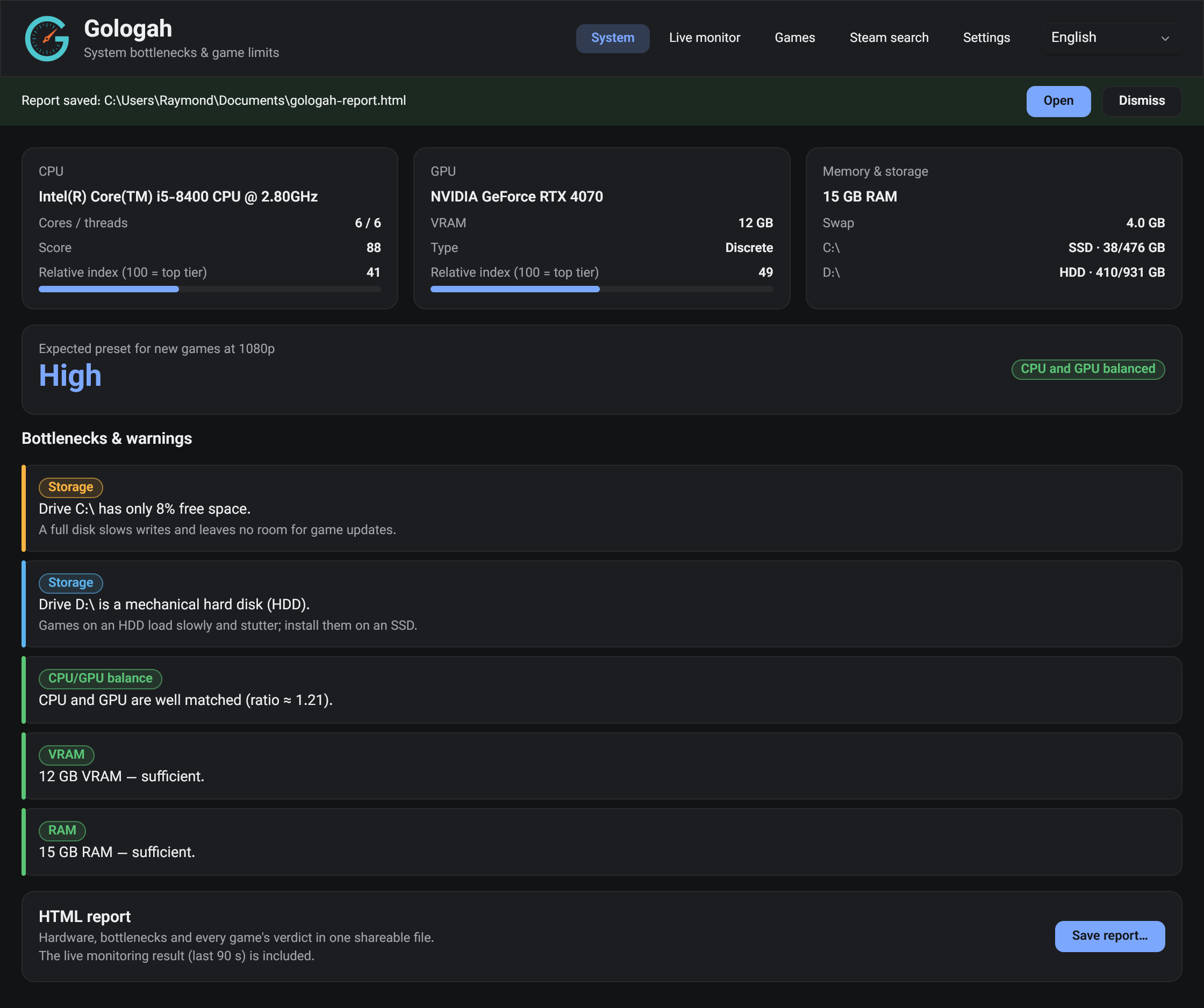
Gologah is an open-source desktop application written in Rust that monitors computer hardware and checks gaming compatibility. It detects system components including CPU, GPU, memory, and storage, then identifies which parts are creating performance bottlenecks. The app compares your hardware against official minimum and recommended specifications for installed games, providing clear verdicts on expected performance levels.
The interface includes a live monitor that samples system metrics every second and displays a ninety-second chart. It analyzes recent data to determine if the CPU, GPU, memory, or temperature is limiting performance during gameplay. Users can also search for games directly through the Steam store to pull accurate requirement data without needing an API key.
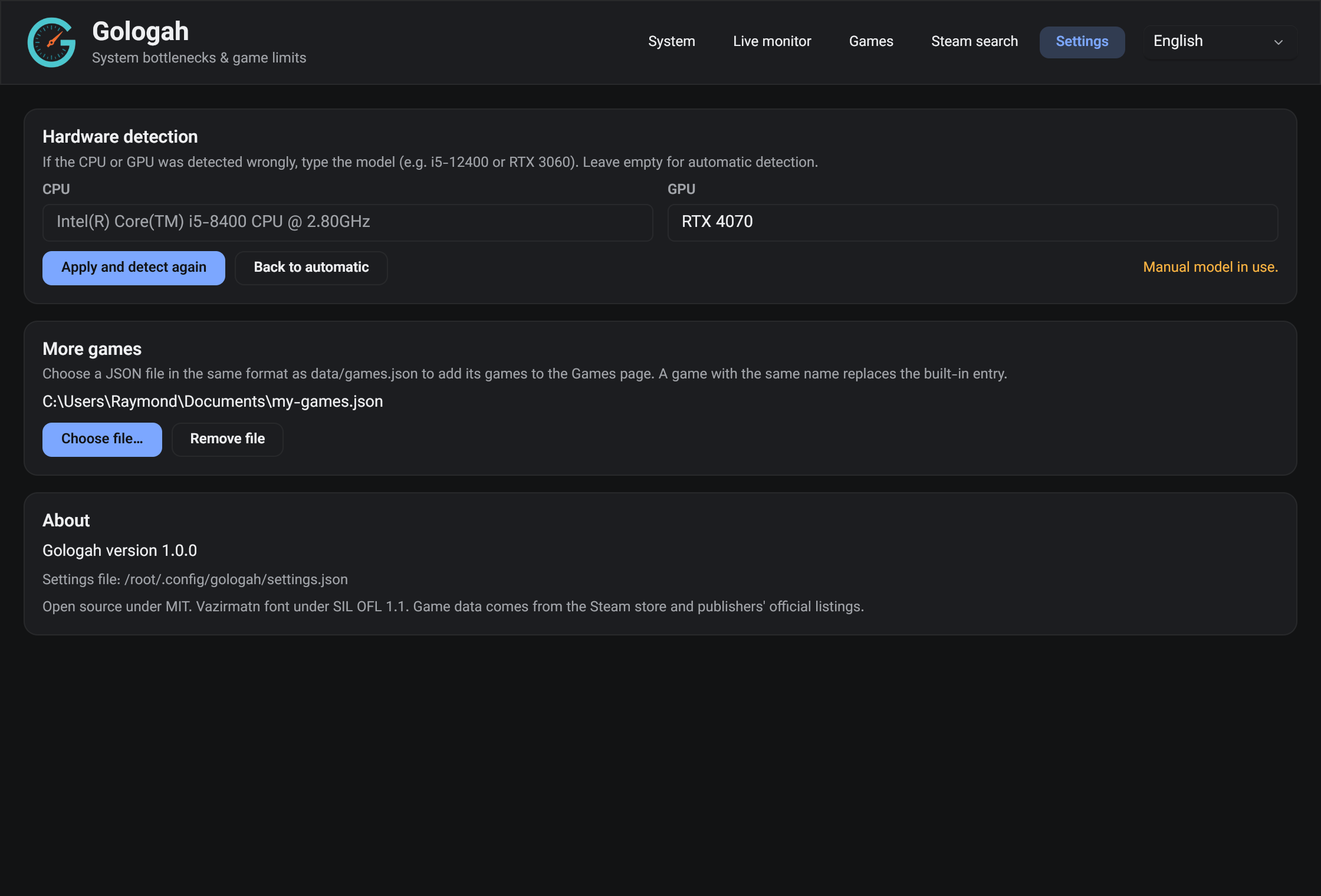
All findings can be exported into a single HTML report featuring dark mode and right-to-left text support. Settings such as language preference and custom hardware models are saved between sessions. The project is licensed under GPL-3.0 and requires a stable Rust toolchain to build and run on supported operating systems.
Gologah features
- Detects CPU, GPU, RAM, and storage hardware details
- Analyzes system bottlenecks and component balance
- Live performance monitoring with real-time charts
- Scans installed Steam and Epic Games libraries
- Fetches official game requirements directly from Steam
- Generates shareable HTML reports with dark mode
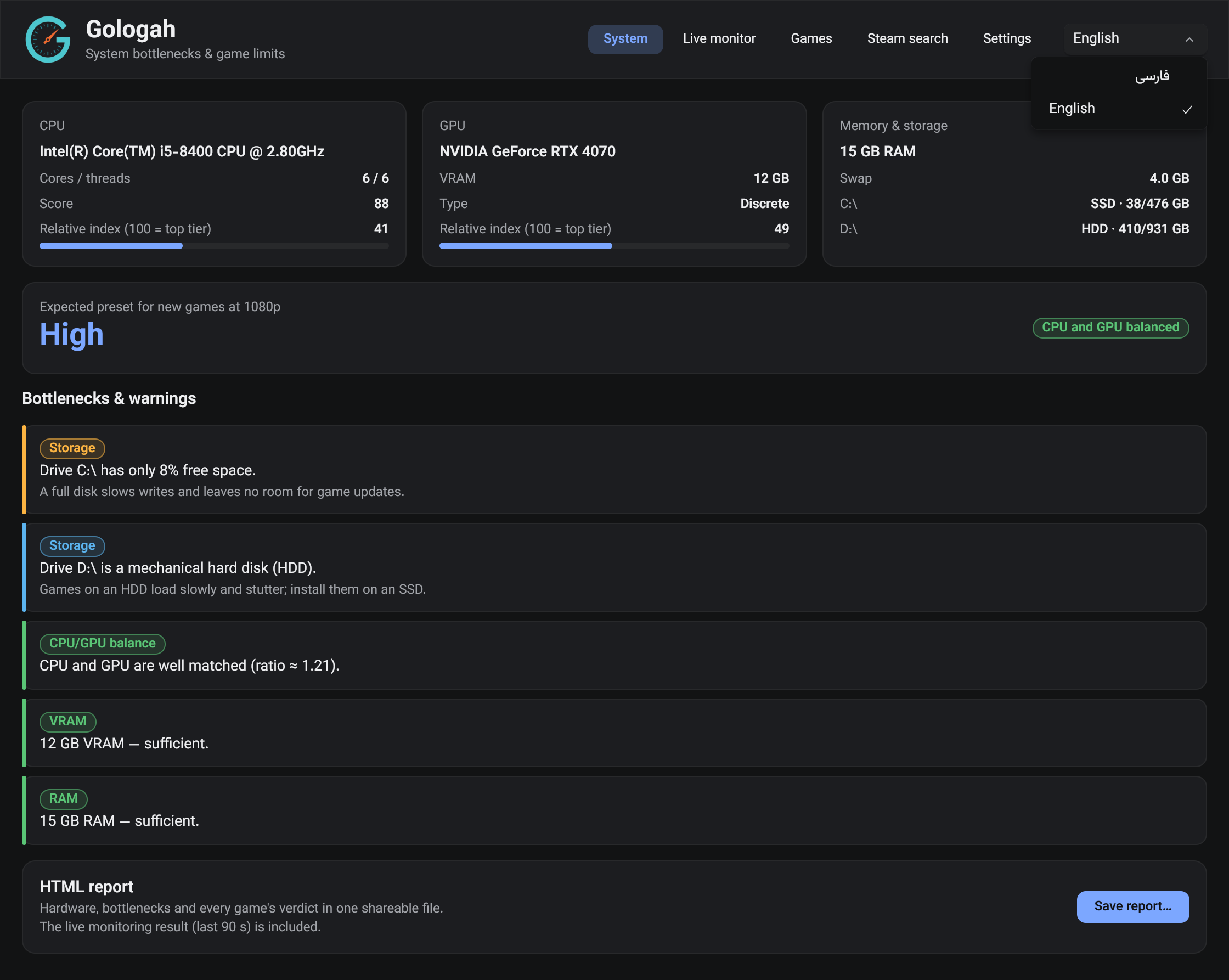
- Supports persistent settings and multiple languages
Who uses Gologah and for what
- Identify which PC component limits gaming performance
- Monitor system temperatures and usage while playing
- Check if your PC meets minimum specs for new releases
- Generate a hardware report to share with tech support
- Compare installed games against official recommended specs
Gologah FAQ
Is Gologah free?
Yes, Gologah is released under the GPL-3.0 license and is available as open source software.
What operating systems does Gologah support?
The project provides build instructions for Linux and Windows. The website does not mention macOS support.
Does Gologah require an API key to fetch game specs?
No, it looks up games on the Steam store directly and fetches requirements without needing an API key.
Can I export my hardware and game data?
Yes, the app can save all results, including hardware details, bottleneck analysis, and live monitoring data, into a single shareable HTML report.
How does Gologah determine system bottlenecks?
It samples CPU, GPU, VRAM, RAM, disk activity, and temperature every second, then analyzes the last thirty seconds of data to identify limiting factors.
Comments (0)
No comments yet. Ask the maker a question or share how you would use it.
More Open Source launches
SubtitleFixerOpen source · verified
Fix subtitles online: no upload, no sign-up, 25 free tools

Waifu DeckOpen source · verified
Swipe anime art from 10 sources and sync to your own cloud.
truediscountOpen source · verified
Check EU shop discounts against the 30-day lowest price.
Peptide Library MCPOpen source · verified
Peptide research library API and MCP server (MIT)
SoftSync Skills HubOpen source · verified
Open-source AI skills for SoftSync CRM & agents