
Minecraft Blueprints
Explore builds or import buildings from saves
GamesFree#minecraft#blueprints#world-import
Launches Dec 4, 2026 at 00:00 UTC
What is Minecraft Blueprints?
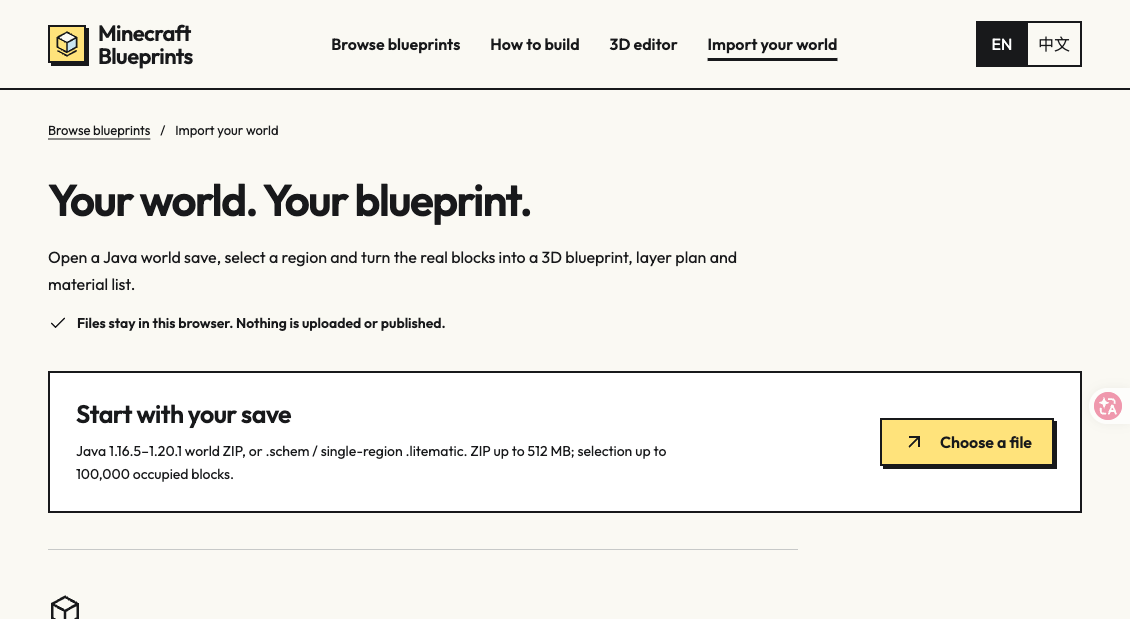
Minecraft Blueprints is a browser-based tool for exploring builds and turning buildings from your own Minecraft Java world saves into blueprints. Import a supported world ZIP, select a structure, and inspect its 3D preview, layer-by-layer plans, and material list before exporting .schem or .litematic files. World ZIP imports are processed locally in your browser and currently support Java 1.16.5–1.20.1. Browse original and credited community builds, with English and Chinese interfaces. Browsing, supported imports, and blueprint exports are free.
Minecraft Blueprints features
- Import Java world ZIP saves and select buildings
- Explore builds in interactive 3D with layer-by-layer plans
- Check material lists and export .schem or .litematic files
Who uses Minecraft Blueprints and for what
- Minecraft Java players extract a building from a world save and turn it into a reusable .schem or .litematic blueprint.
- Builders inspect a Minecraft schematic in 3D, then follow layer plans and material counts while recreating it.
Minecraft Blueprints FAQ
Which Minecraft world saves can I import?
Import Java world ZIP saves from versions 1.16.5–1.20.1. You can also open .schem and single-region .litematic files.
Are my world files uploaded?
No. Importing and inspecting a world save happen locally in your browser; the files stay on your device.
What can I export from a blueprint?
Export a selected building as a .schem or .litematic file, with a 3D preview, layer plans and a material list to guide the build.
Comments (0)
No comments yet. Ask the maker a question or share how you would use it.
More Games launches
Free browser games with XP Points and digital rewards
Daily common answer guessing game in your browser
Free Satisfactory production calculator
Free online arcade: 3,300+ instant browser games
Word GardenOpen source · verified
Hidden-word puzzles that grow a virtual garden

Browser gymnastics game for players who enjoy physics flips