Motionflare
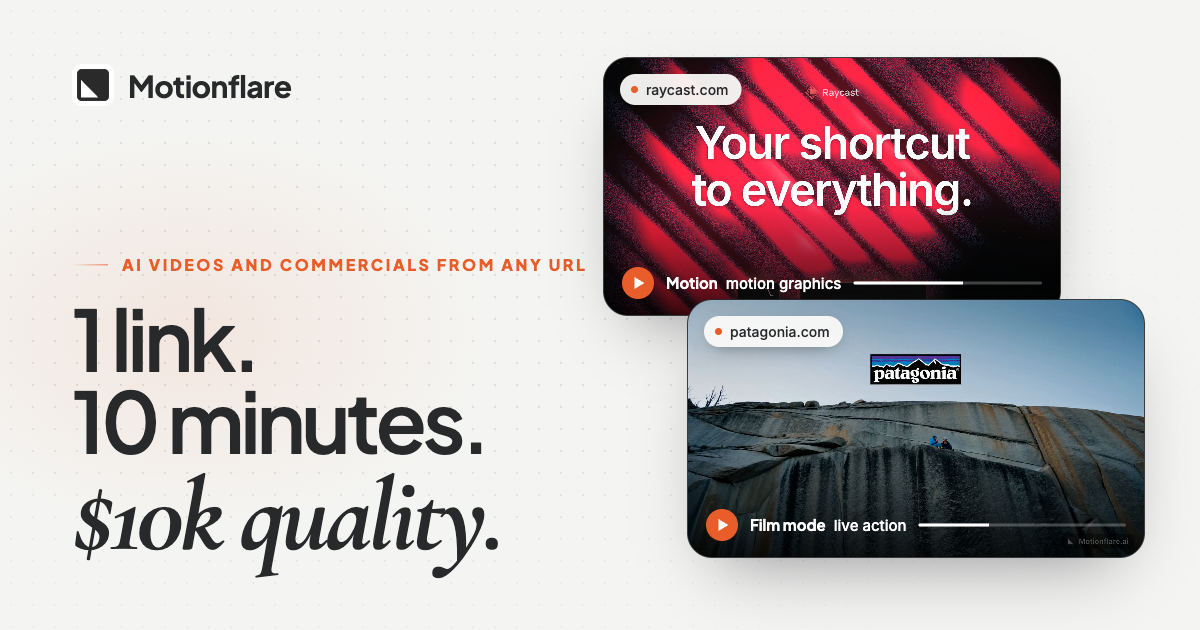
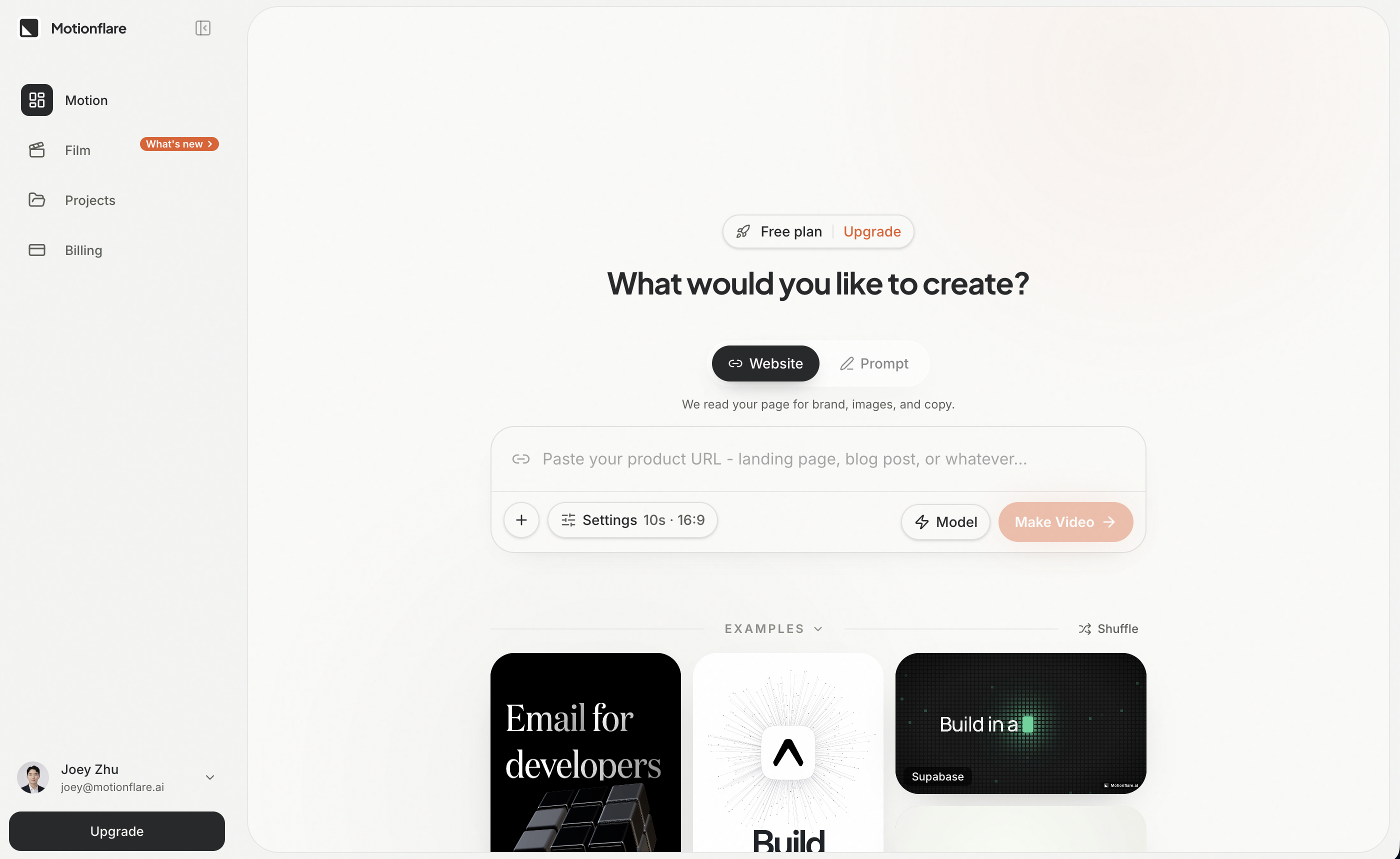
Paste a URL → get a product promo video
AIFreemium#ai#video-generation#marketing
Launches Nov 27, 2026 at 00:00 UTC

What is Motionflare?
Motionflare is an AI video tool for founders and marketers. Paste a product page URL and it generates a polished promo video you can post on social, landing pages, or ads. Skip the timeline grind—go from site to video in minutes. Built for people who need motion content without a video team or complex editors.
Motionflare features
- Generates motion graphics videos from a website URL or text prompt
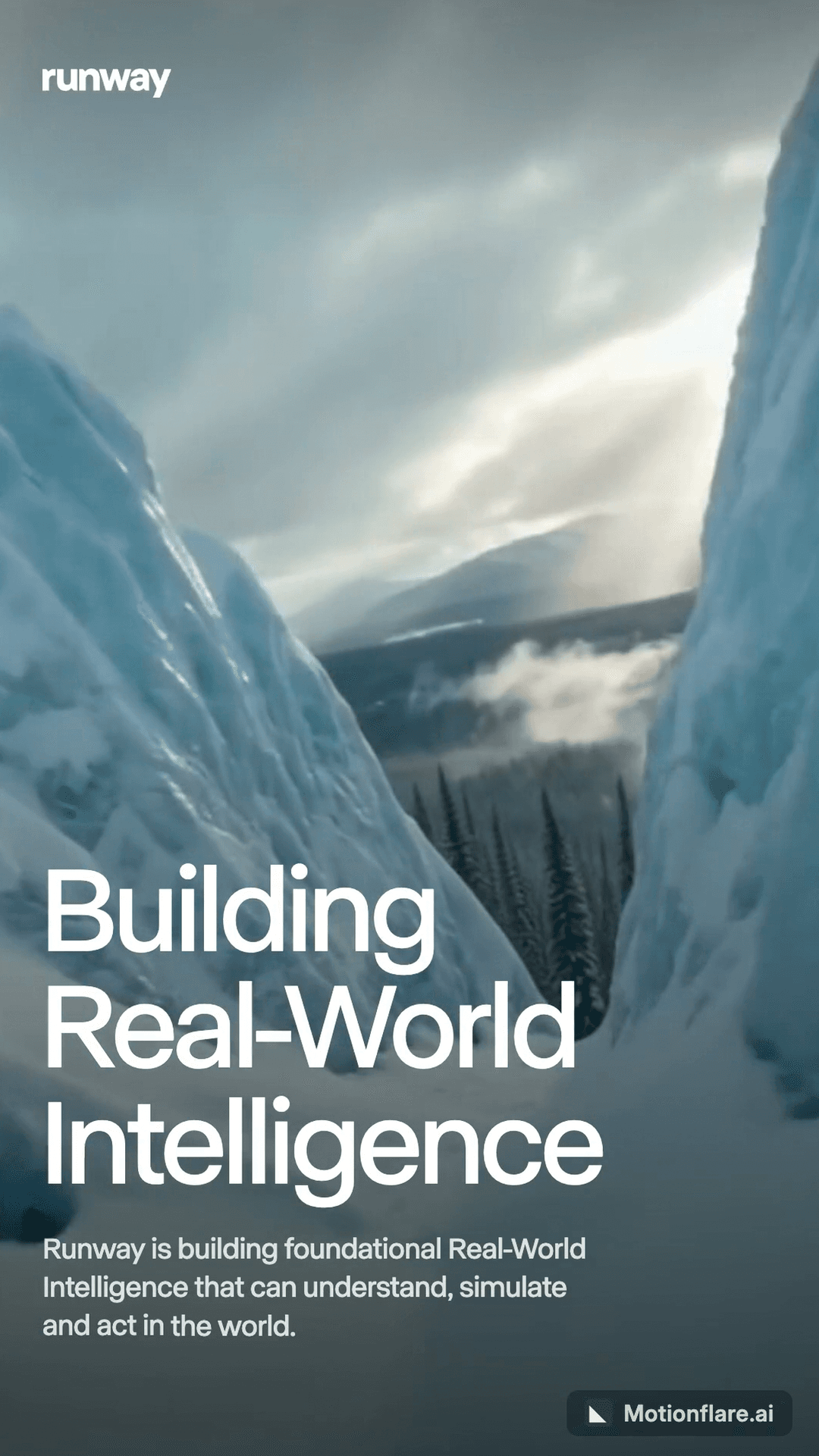
- Creates live-action commercial films with realistic people and voiceover
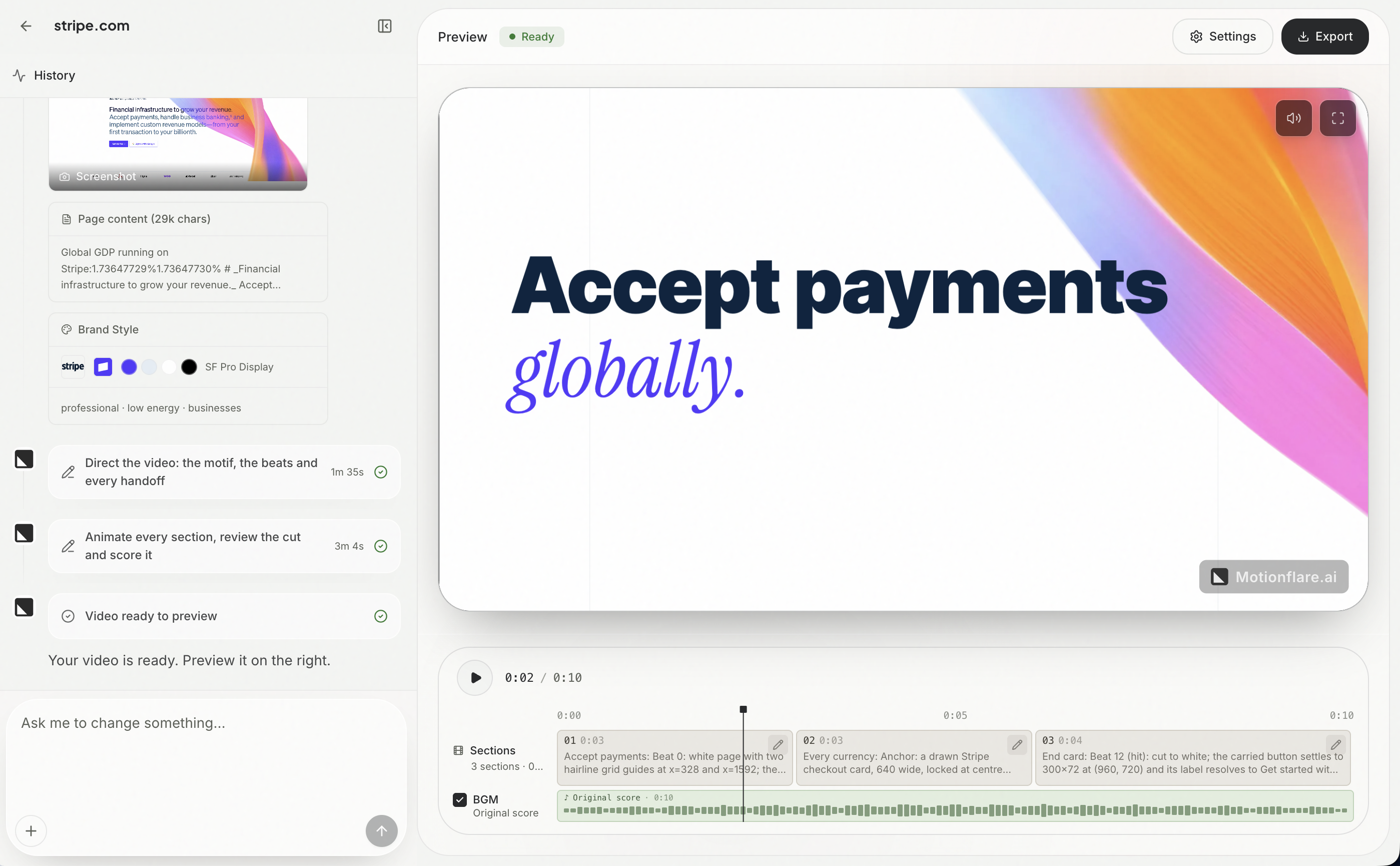
- Extracts real logos, brand colors, and live UI screenshots automatically
- Writes scripts, composes scenes, and generates custom background music
- Supports optional narration and chat-based revision prompts
- Exports videos up to 4K resolution in 16:9 or 9:16 aspect ratios
Who uses Motionflare and for what
- Turn a new SaaS landing page into a product demo video for launch day
- Create social media ads for YouTube, X, or Instagram Reels in minutes
- Generate explainer videos for startup pitch decks without hiring editors
- Produce multilingual marketing videos with native voiceovers in several languages
- Build consistent brand-compliant video content for email campaigns
Motionflare FAQ
Is Motionflare free?
Yes, Motionflare offers a free tier that includes six one-time credits. These allow you to generate and preview a watermarked video up to 10 seconds long directly in your browser. Exporting final files requires a credit pack or subscription.
Does Motionflare use stock footage or avatars?
No. The website does not use generated avatars or generic stock clips. Motion graphics videos use real UI screenshots captured from the provided URL, while Film mode generates live-action scenes with realistic people.
What video formats and resolutions does Motionflare support?
The platform exports MP4 files up to 4K resolution. Motion graphics videos can be up to 90 seconds long on paid plans, and Film mode commercials range from 5 to 45 seconds in either 16:9 or 9:16 aspect ratios.
Can I edit the video after it is generated?
You can request changes through a chat interface after the initial generation. The website does not mention a traditional timeline editor or manual frame-by-frame adjustment tools.
Is Motionflare available on mobile or desktop apps?
The website does not say. The service is described as web-based and accessible through a browser at motionflare.ai.
Comments (0)
No comments yet. Ask the maker a question or share how you would use it.
More AI launches
Generate and edit images in plain language.
Create personalized AI portraits, images and videos.
Star in the viral Bulin 47 freestyle video from one photo
Try on 1000+ real hairstyles with realistic AI previews
Cinematic AI video from text, images, and audio

Turn a portrait into a 23-second AI party video