Ray 3.2 AI Video Generator
Generate controlled 1080p HDR video from text or images
AIFreemium#ai-video#video-generation#creative-tools
Launches Oct 29, 2026 at 00:00 UTC

What is Ray 3.2 AI Video Generator?
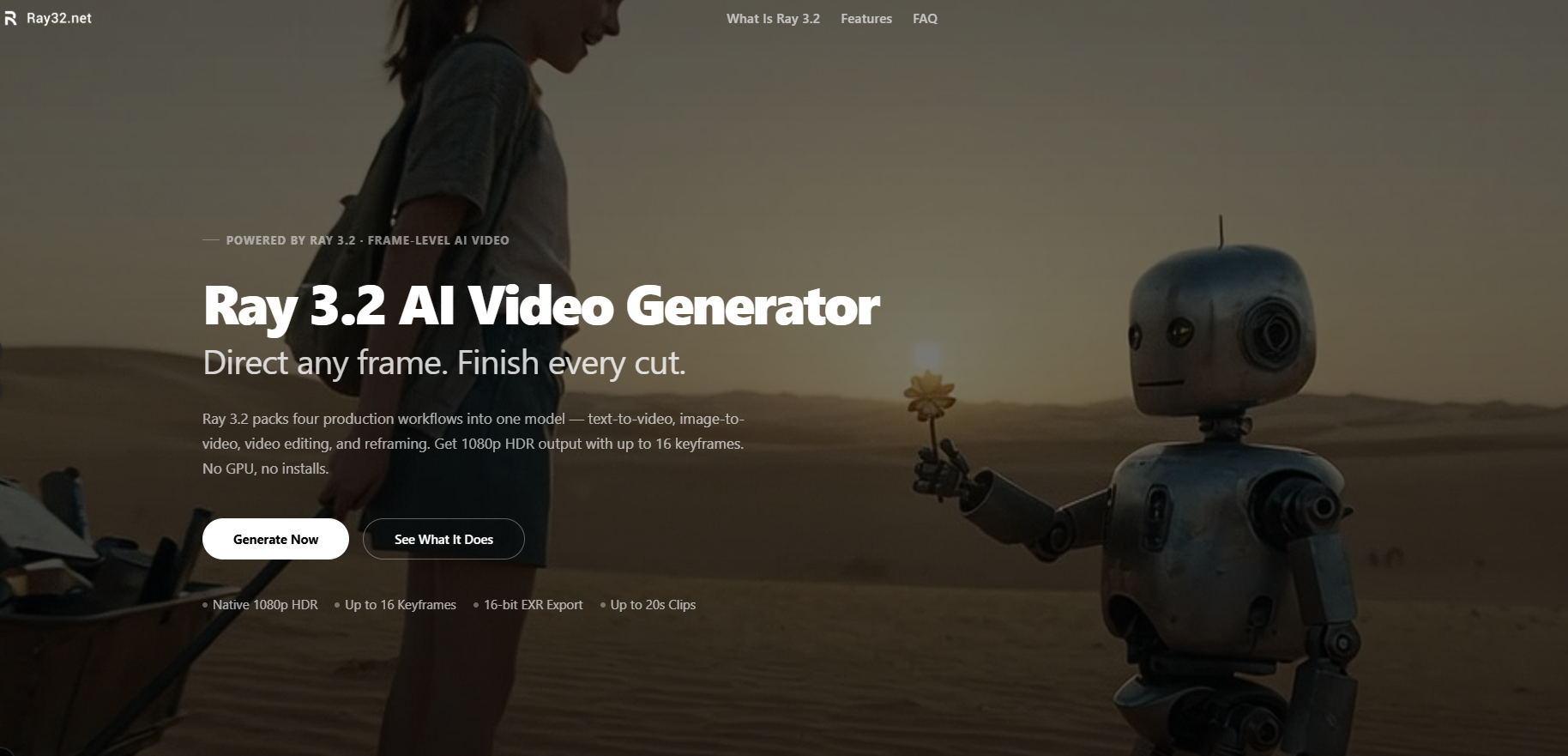
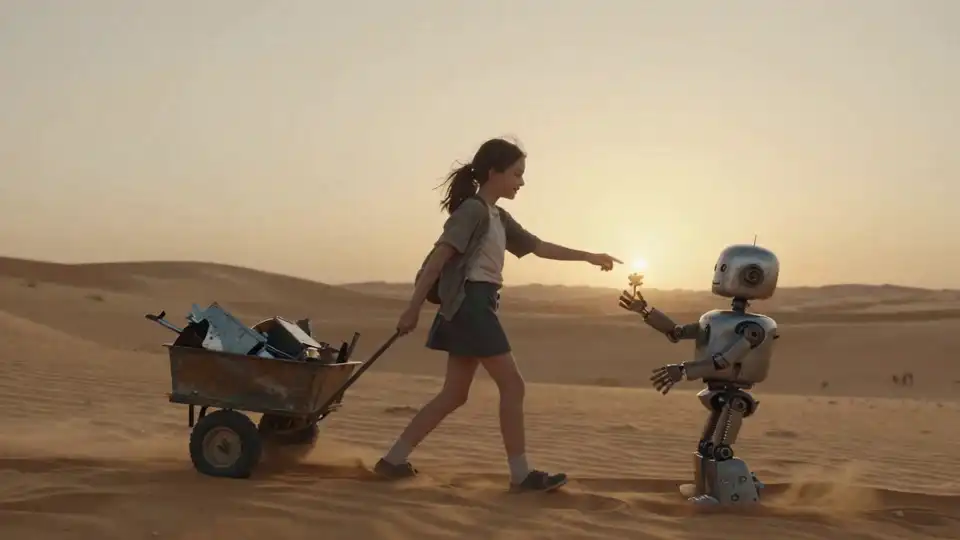
Ray 3.2 is an independent web-based tool that provides access to Luma AI's Ray 3.2 video generation model. It allows users to create cinematic clips directly in a browser using text prompts or reference images. The platform supports four main workflows: text-to-video, image-to-video, video editing, and video reframing.
The system generates native 1080p HDR video with 16-bit color depth and offers 16-bit EXR export for professional post-production pipelines. Users can control motion and composition by placing up to 16 keyframes within a single clip. Clips can run up to 20 seconds long, depending on the workflow used.
Advanced capabilities include facial performance tracking for up to eight subjects, motion transfer, character transformation, environment swapping, relighting, product substitution, and campaign localization. The interface runs entirely online and integrates with various creative platforms through API access.
Ray 3.2 AI Video Generator features
- Text-to-video generation from detailed prompts
- Image-to-video animation with reference inputs
- Video editing with motion and timing preservation
- Aspect ratio reframing with scene-aware fill
- Up to 16 keyframes per clip for frame-level control
- Native 1080p HDR output with 16-bit EXR export
- Facial performance tracking for up to eight faces
- Environment change, relighting, and product swap
Who uses Ray 3.2 AI Video Generator and for what
- Create concept videos and storyboards without filming
- Generate social media and advertising content at scale
- Restyle existing footage while keeping original performances
- Adapt vertical video formats from horizontal source clips
- Produce market-specific campaign variants from one master clip
Ray 3.2 AI Video Generator FAQ
Is Ray 3.2 free?
The website offers a free trial and mentions a credit system. The exact limits of the free tier are not specified.
Does Ray 3.2 work on Mac?
Yes, the tool runs entirely in a web browser, so it works on Mac computers along with other operating systems.
What is Ray 3.2 used for?
It is used to generate cinematic video from text or images, edit existing footage, reframe aspect ratios, and apply advanced visual changes like lighting or product swaps.
Is Ray 3.2 open source?
No, the website does not indicate that the software or underlying model is open source.
Can I export videos in high dynamic range?
Yes, the platform generates native 1080p HDR video and supports 16-bit EXR export for professional grading workflows.
Comments (0)
No comments yet. Ask the maker a question or share how you would use it.
More AI launches
Star in the viral Bulin 47 freestyle video from one photo
Cinematic AI video from text, images, and audio
AI sprite animations for indie 2D game builders
Turn one photo into your own State Property meme video
Create with Kling 4.0 using text, images, keyframes, and

Turn a portrait into a 23-second AI party video