Remove Background Noise
Remove wind, hiss, traffic, hum and echo in your browser
AIFreemium#audio#noise-removal#ai
Launches Feb 7, 2027 at 00:00 UTC
What is Remove Background Noise?
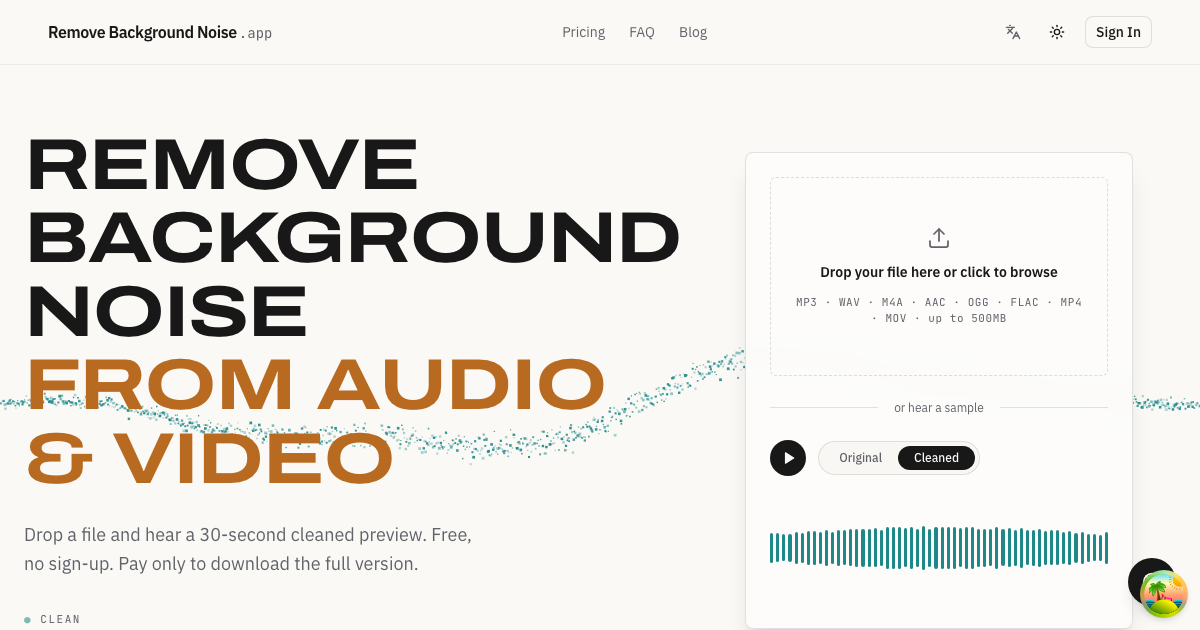
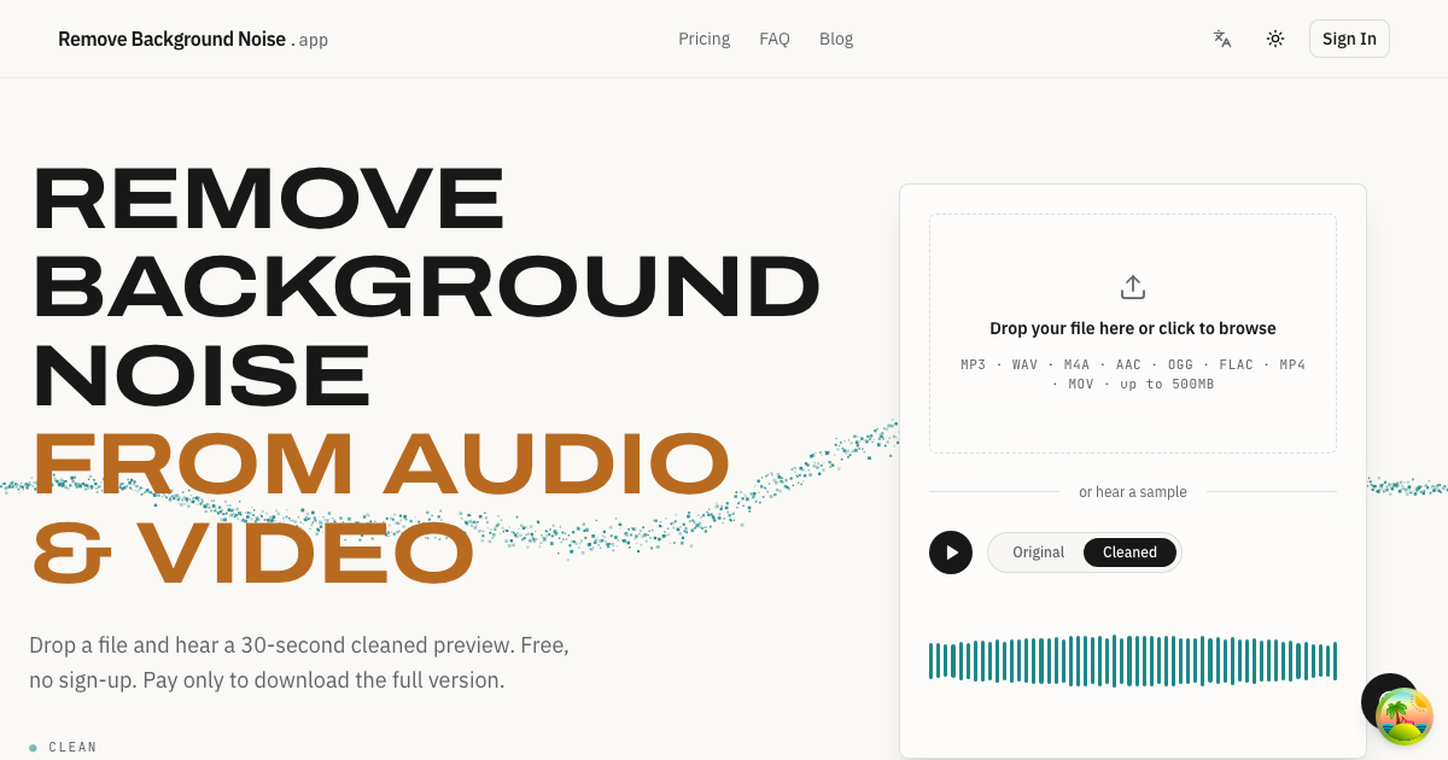
Remove Background Noise is a browser-based tool that reduces unwanted background noise in audio and video recordings. You work in the browser: upload a file, start processing, preview the cleaned result, and download the cleaned audio if you are satisfied. There is no desktop application to install.
The tool is meant for everyday recordings in which the main voice is mixed with other sound. It uses AI to reduce wind, fan and air-conditioner hiss, traffic, electrical hum, room echo, and background chatter. Typical uses include podcasts, interviews, voice-overs, lectures, field recordings, online classes, and video work where clearer speech is needed.
Supported upload formats include MP3, WAV, M4A, AAC, OGG, and FLAC for audio, and MP4 and MOV for video. When you upload a video file, the tool cleans the audio track only; the file you download is cleaned audio, not a video file with a replaced soundtrack. Each file may be up to 500 MB or 60 minutes long. Uploaded files are deleted after 24 hours.
You can try a 30-second preview without creating an account. Signing up provides free credits that can be used to process and download files. Additional processing time is sold as paid packs: 1 hour for $3.49, 5 hours for $6.99, and 10 hours for $11.99. A PRO plan is available at $9.90 per month.
The workflow is the same for audio and video uploads. Choose a file within the size and duration limits, upload it in the browser, wait for processing to finish, listen to the preview, and download the cleaned audio when the result is acceptable. This is a practical way to tidy a noisy take without installing extra software.
Remove Background Noise features
- Removes wind, fan and air-conditioner hiss, traffic, electrical hum, room echo, and background chatter
- Works in the browser with no desktop application to install
- Supports MP3, WAV, M4A, AAC, OGG, and FLAC audio, and MP4 and MOV video (cleans the audio track only)
- 30-second preview without creating an account; signing up provides free credits
- Each file may be up to 500 MB or 60 minutes; uploaded files are deleted after 24 hours
Who uses Remove Background Noise and for what
- Cleaning podcasts, interviews, and voice-overs
- Cleaning lectures, field recordings, and online classes
- Video work where clearer speech is needed; the download is cleaned audio only
Remove Background Noise FAQ
Is there a free plan?
You can try a 30-second preview without creating an account. Signing up provides free credits that can be used to process and download files. Additional processing time is sold as paid packs: 1 hour for $3.49, 5 hours for $6.99, and 10 hours for $11.99. A PRO plan is available at $9.90 per month.
What file formats are supported?
Supported upload formats include MP3, WAV, M4A, AAC, OGG, and FLAC for audio, and MP4 and MOV for video. When you upload a video file, the tool cleans the audio track only; the file you download is cleaned audio, not a video file with a replaced soundtrack.
What are the file size and length limits?
Each file may be up to 500 MB or 60 minutes long. Uploaded files are deleted after 24 hours.
Comments (0)
No comments yet. Ask the maker a question or share how you would use it.
More AI launches
Generate and edit images in plain language.
Create personalized AI portraits, images and videos.
Star in the viral Bulin 47 freestyle video from one photo

Agent BarnOpen source · verified
Run your AI agents from one place
Try on 1000+ real hairstyles with realistic AI previews

Turn a portrait into a 23-second AI party video