Seedance AI Video Generator
Create videos from text prompts or images for web users
AIFreemium#video-generation#text-to-video#image-to-video
Launches Nov 12, 2026 at 00:00 UTC



What is Seedance AI Video Generator?
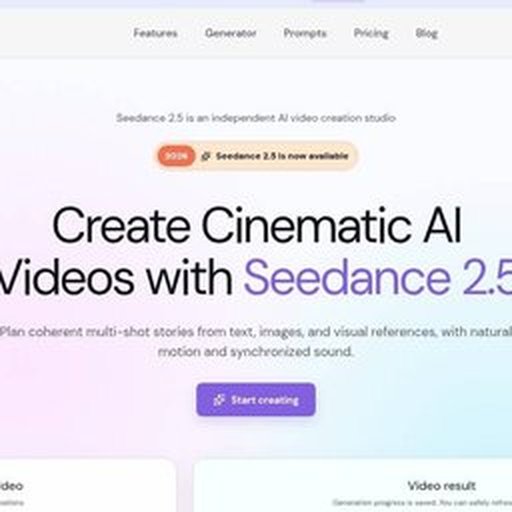
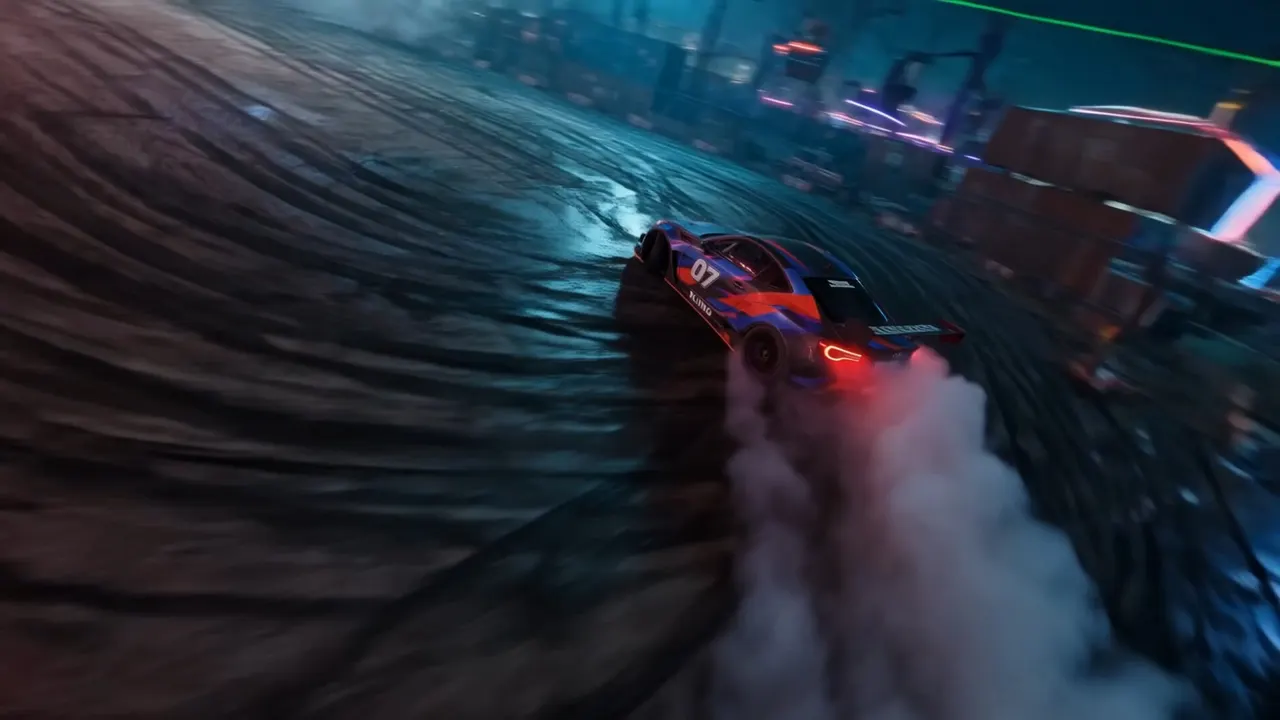
Seedance 2.5 is a web-based tool that converts written scenes or static images into short video sequences. Users start by describing a setting, action, or character, or by uploading a reference image. The platform then generates a moving clip that follows the provided direction.
The interface lets creators plan multiple visual beats within a single generation. You can outline an opening, a development phase, and a final frame to establish a clear narrative arc. The tool also allows you to specify camera movement, timing ranges, and audio cues alongside the visual prompt.
Seedance 2.5 opens as the default model, but the platform includes other options such as Veo 3.1 Lite, Wan, and Kling. Each model has different input requirements and settings. New users can generate their first video at no cost to test pacing and continuity before adjusting the prompt or switching models.
Seedance AI Video Generator features
- Generate videos from text descriptions or uploaded images
- Plan multi-beat sequences with opening, middle, and ending frames
- Specify camera movement, timing ranges, and audio cues
- Switch between Seedance 2.5, Veo 3.1 Lite, Wan, and Kling models
- Create initial clips at no cost to test motion and continuity
- Export videos in 16:9 aspect ratio at 720p resolution
Who uses Seedance AI Video Generator and for what
- Storyboarding character journeys across connected shots
- Creating reference-led marketing campaigns with consistent visuals
- Testing scene framing and movement before live production
- Turning product photos into short animated promotional clips
- Generating quick visual prototypes for creative pitches
Seedance AI Video Generator FAQ
Is Seedance 2.5 free to use?
Yes, you can try the generator free and create a video. Available settings and later usage vary by model. The website does not say how many free generations are allowed per account.
Can I make a video using only text?
Yes. You can describe the action and camera direction, then select a model that supports text-to-video generation.
Does Seedance 2.5 work on Mac or Windows?
The platform runs entirely in a web browser, so it works on any device with internet access. The website does not say whether native desktop applications exist.
What video models are available?
The page opens with Seedance 2.5 as the default. The model picker also includes Veo 3.1 Lite, Wan, Kling, and other available video models. Input options depend on the selected model.
How long can the generated videos be?
The interface shows a 5-second default duration, but you can map time ranges for longer sequences by planning multiple visual beats. The website does not say the maximum length supported.
Comments (0)
No comments yet. Ask the maker a question or share how you would use it.
More AI launches
Generate and edit images in plain language.
Star in the viral Bulin 47 freestyle video from one photo
Cinematic AI video from text, images, and audio
AI video face swap studio for photos, videos and GIFs
AI sprite animations for indie 2D game builders

Turn a portrait into a 23-second AI party video