ShipSafe
Find what your AI-built app is leaking before launch
Developer ToolsFreemium#security#seo#ai-dev
Launches Oct 25, 2026 at 00:00 UTC

What is ShipSafe?
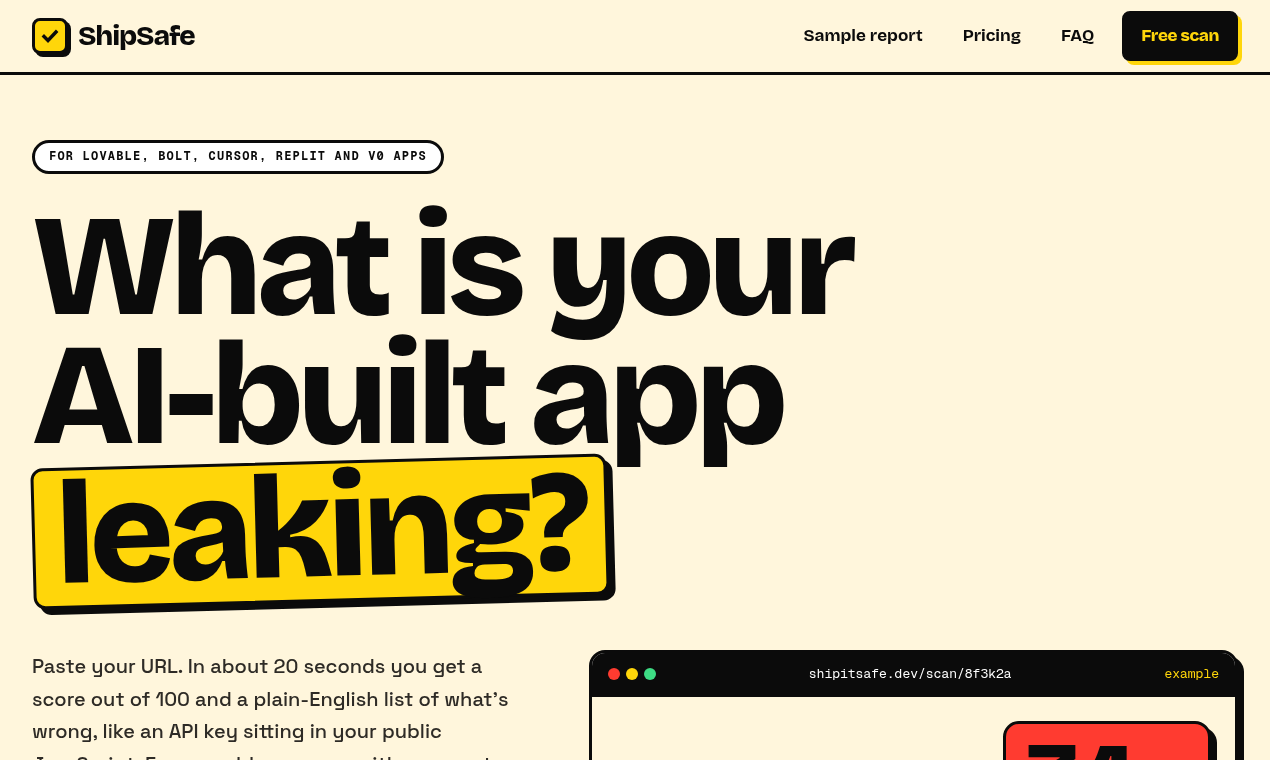
Free scan for apps built with Lovable, Bolt, Cursor, v0 or Replit. Finds exposed keys, missing headers and SEO gaps, with a fix prompt for each.
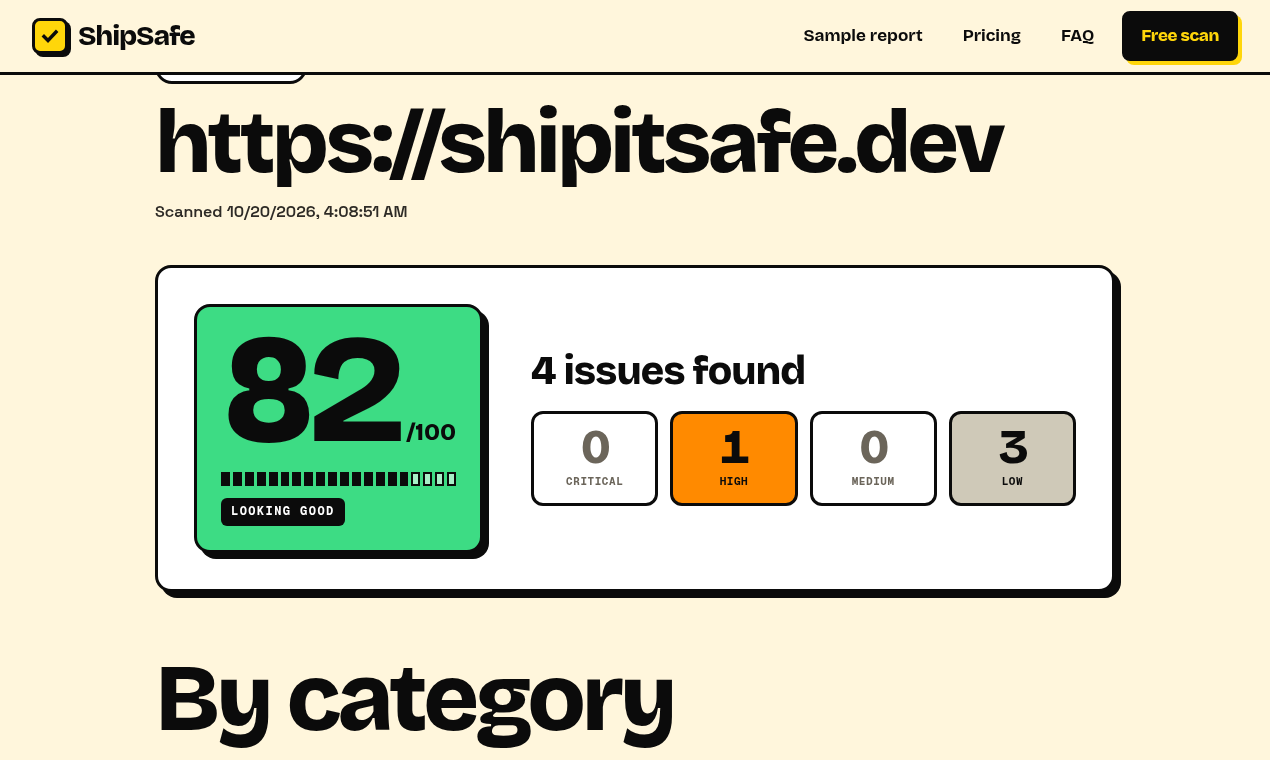
Paste your app's URL. In about 20 seconds ShipSafe checks what any visitor can see: secrets in your JS bundles, an open /.env or /.git, security headers, SEO and share previews, and trust pages. Score out of 100, free. The $9 one-time report adds copy-paste AI fix prompts and a 7-day fix plan. The scan is passive: normal GET requests only, no logins or exploits.
ShipSafe features
- Scans live app URLs for security and SEO issues
- Scores launch readiness out of 100
- Generates copy-paste fix prompts for AI builders
- Checks for exposed API keys and public env files
- Verifies security headers and database access settings
- Reviews SEO tags, sitemaps, and trust policy links
Who uses ShipSafe and for what
- Check an AI-generated app before publishing to the public
- Find accidentally exposed API keys in frontend code
- Fix missing security headers on a newly deployed site
- Improve SEO metadata and sitemap configuration
- Prepare a vibe-coded app for app store or Stripe review
ShipSafe FAQ
Is ShipSafe free?
Yes, you can run a free scan without signing up or adding a payment method. The free version gives a score out of 100, issue counts by severity, and your top three findings. A full report costs nine dollars one time per scan.
Does ShipSafe require my code or account access?
No. You only paste your public app URL. ShipSafe never asks for your code, accounts, or login credentials. It performs passive checks by reading what is publicly visible from the outside.
What kind of apps does ShipSafe support?
It is designed for web apps built with AI tools like Lovable, Bolt, Cursor, Replit, and v0. It works with any live app URL regardless of the hosting provider.
Is ShipSafe a penetration test or code review?
No. The website states it is not a penetration test, code review, or guarantee. It only checks what a visitor can see from the outside using automated passive scans.
How do I fix the issues ShipSafe finds?
Each finding includes a plain-English explanation, masked evidence, and a ready-to-use prompt. You paste that prompt back into your AI builder to generate the fix.
Comments (0)
No comments yet. Ask the maker a question or share how you would use it.
More Developer Tools launches
Monitor Laravel scheduled tasks and queues

Free product launch platform for indie makers
PloyzOpen source
The open-source cloud on servers you rent