
TextRemover.video
Remove text and captions from video without blur
AIFreemium#video-editing#subtitles#text-removal
Launches Feb 5, 2027 at 00:00 UTC

What is TextRemover.video?
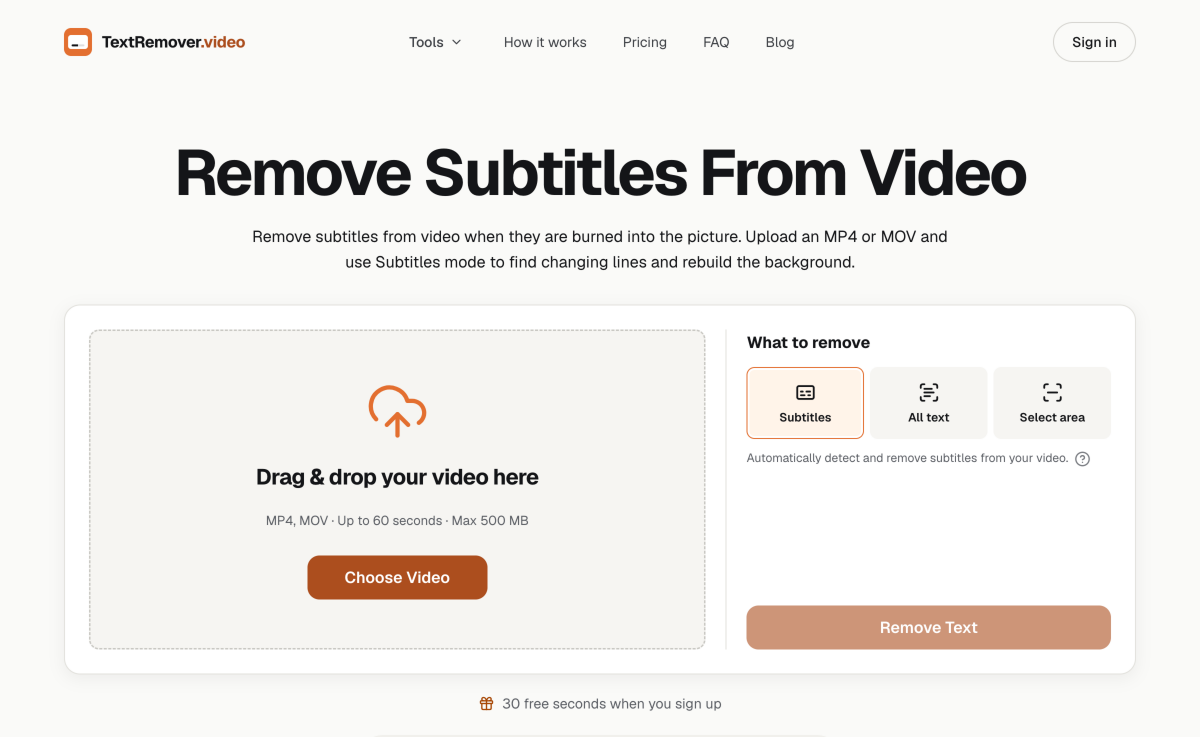
TextRemover.video removes burned-in text, captions and hardcoded subtitles from MP4 and MOV clips in the browser. It is for creators, social media editors and agencies who reuse footage that already has captions baked in. Instead of blurring the removed area, the AI reconstructs the background so the frame stays clean, and the export keeps the original resolution. Freemium: 30 free seconds on signup, then from $24.90 per month.
TextRemover.video features
- AI background reconstruction behind removed text
- Removes captions and hardcoded subtitles
- Keeps the original video resolution
Who uses TextRemover.video and for what
- Creators cleaning captioned clips before reposting on TikTok and Reels
- Agencies reusing footage that already has burned-in text
TextRemover.video FAQ
Does it blur the area where the text was?
No. It reconstructs the background behind the removed text, so there is no blurry patch.
What video formats are supported?
MP4 and MOV, processed in the browser at the original resolution.
Is there a free trial?
Yes, 30 free seconds when you sign up, then plans from $24.90 per month.
Comments (0)
No comments yet. Ask the maker a question or share how you would use it.
More AI launches
Generate and edit images in plain language.
Create personalized AI portraits, images and videos.
Star in the viral Bulin 47 freestyle video from one photo

Agent BarnOpen source · verified
Run your AI agents from one place
Try on 1000+ real hairstyles with realistic AI previews

Turn a portrait into a 23-second AI party video