The PolyTrack
Unofficial browser hub to play PolyTrack and browse tracks
GamesFree#racing#time-trial#browser-game
Launches Jan 5, 2027 at 00:00 UTC
What is The PolyTrack?
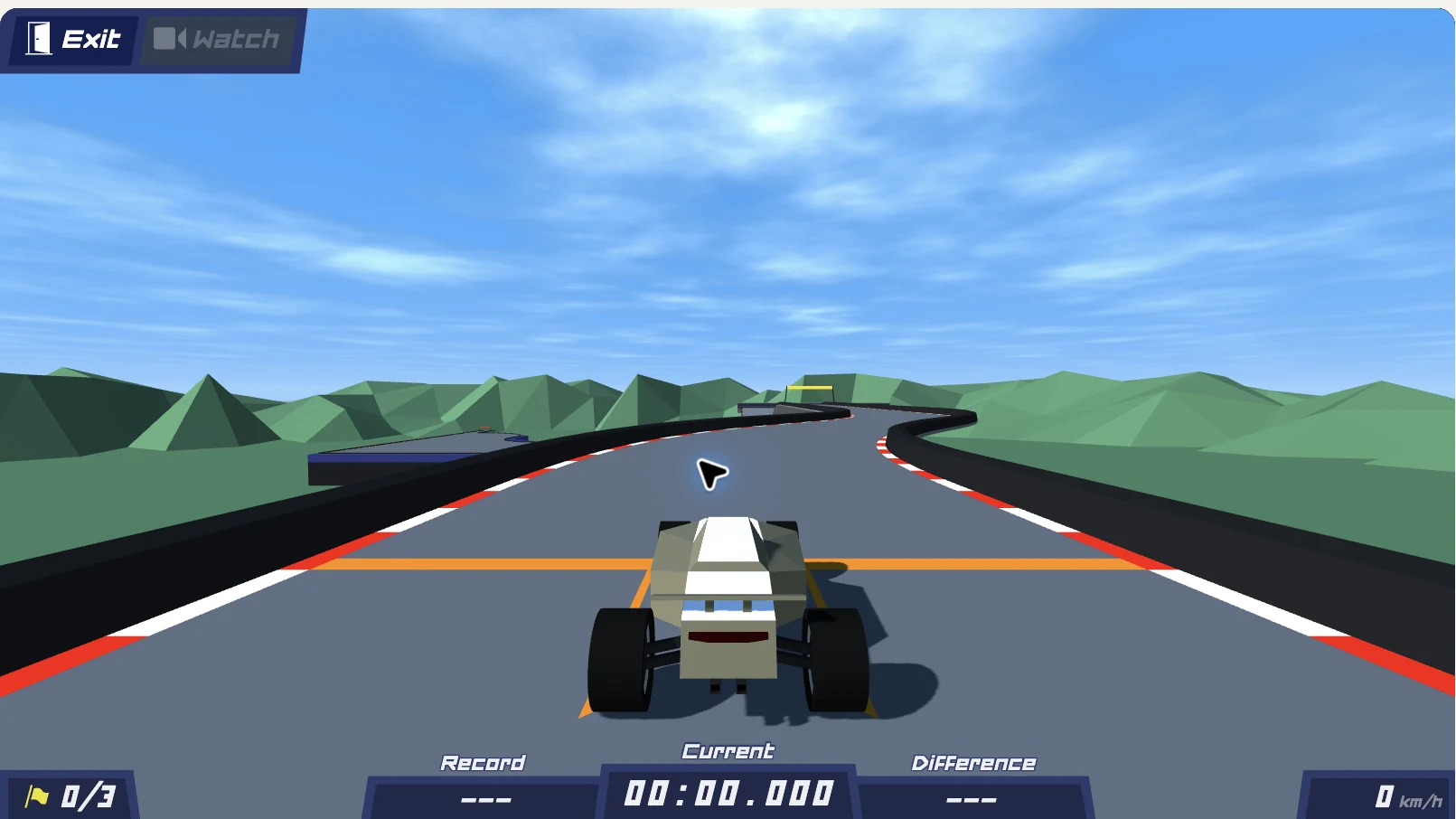
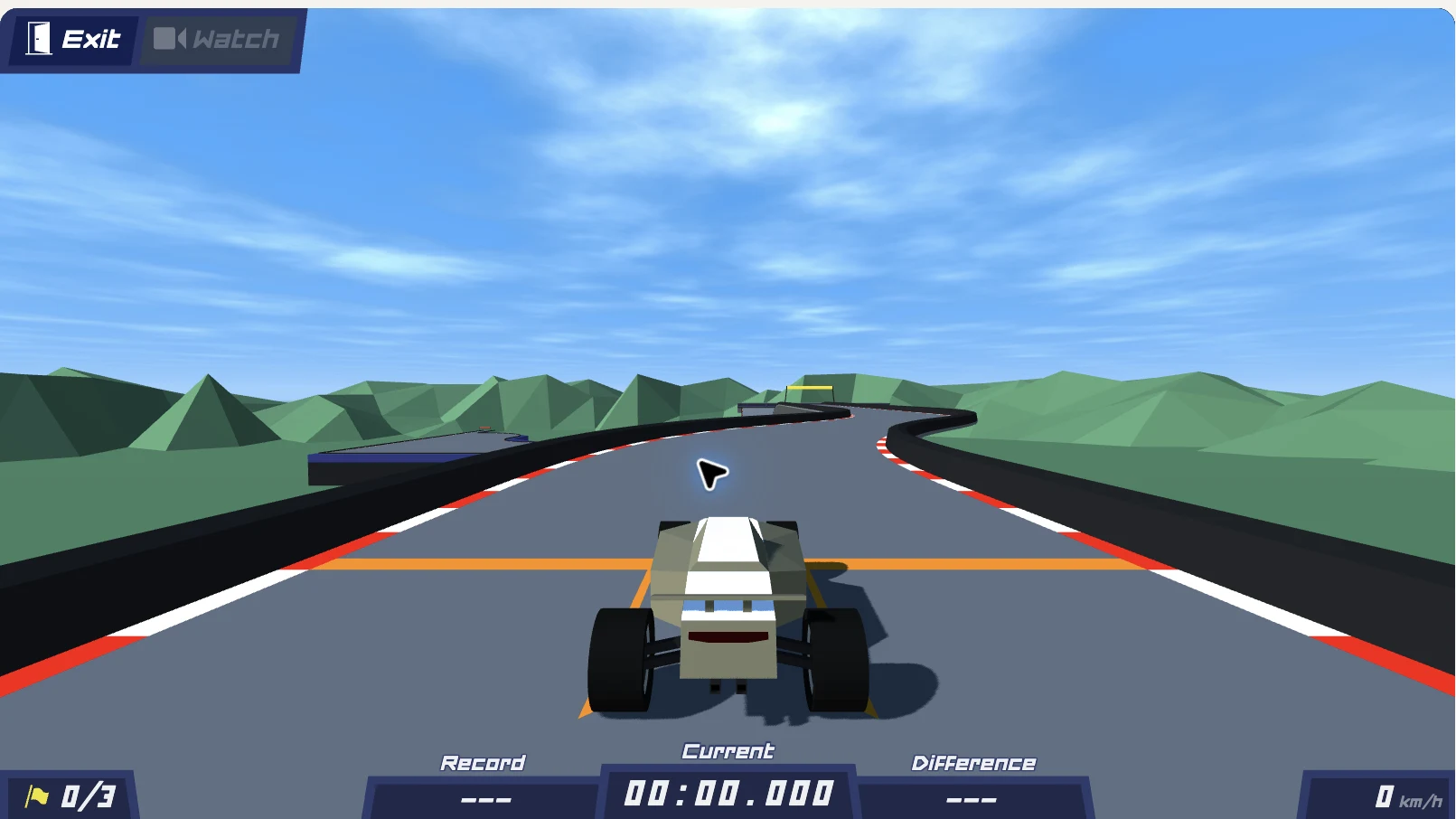
PolyTrack is a low-poly time trial racing game developed by Kodub. This independent website hosts the game directly in your browser, allowing you to race against the clock without downloading software. The site currently offers version 0.6.3 as the default, with an option to switch back to the classic version 0.5.0. Players drive through short courses, learn the routes, and attempt to improve their lap times.
The platform includes a directory of official tracks and community created courses. Users can browse track previews, read import guides, and paste community codes to load custom layouts. The site also provides a complete control scheme, troubleshooting steps for loading issues, and a section dedicated to accessing the game on restricted networks. World record times for official tracks are listed for reference.
The PolyTrack features
- Play directly in the browser without downloads
- Switch between version 0.6.3 and classic 0.5.0
- Browse official and community created tracks
- Import custom track codes using provided guides
- Checkpoint reset and full course restart options
- Keyboard control reference and loading troubleshooting
Who uses The PolyTrack and for what
- Practice racing lines and braking points on short courses
- Compare personal lap times against recorded world records
- Load and test custom tracks shared by the community
- Learn vehicle controls through the built-in tutorial
- Access the game on school or workplace networks via the unblocked guide
The PolyTrack FAQ
Is PolyTrack free to play?
Yes. The website states that the game loads directly in the browser and does not mention any purchase requirement or subscription fee.
Does PolyTrack support multiplayer or leaderboards?
No. The website explicitly notes that multiplayer, leaderboards, and weekly tracks require Kodub servers and are not available on this site, which only offers the single player game.
How do I import custom tracks in PolyTrack?
Copy a track code from the community directory, open the import guide on the website, and follow the steps to load the code into version 0.6.3. Codes made in older versions only import in 0.6.3.
Can I play PolyTrack on Mac or Windows?
The website does not say. The game runs entirely in a web browser, so it works on any device with a compatible browser and internet connection.
What is the difference between PolyTrack 0.6.3 and 0.5.0?
Version 0.6.3 is the latest release and includes Winter 5 and Desert 5 tracks. Version 0.5.0 is labeled as the classic version and remains available one click away under the player.
Is PolyTrack open source?
The website does not say. The page lists no repository links or source code availability information.
Comments (0)
No comments yet. Ask the maker a question or share how you would use it.
More Games launches
Chiikawa Look-Alike Finder & Battle Game
Find your Chiikawa look-alike from a photo
Free browser games with XP Points and digital rewards
Short browser games for quick breaks and friendly challenges
Pick a color, roll three dice, and count your matches.
Daily common answer guessing game in your browser

Browser gymnastics game for players who enjoy physics flips