VidDub
Translate videos into burned-in subtitles
AIFreemium#video-translation#subtitles#ai-voiceover
Launches Dec 5, 2026 at 00:00 UTC
What is VidDub?
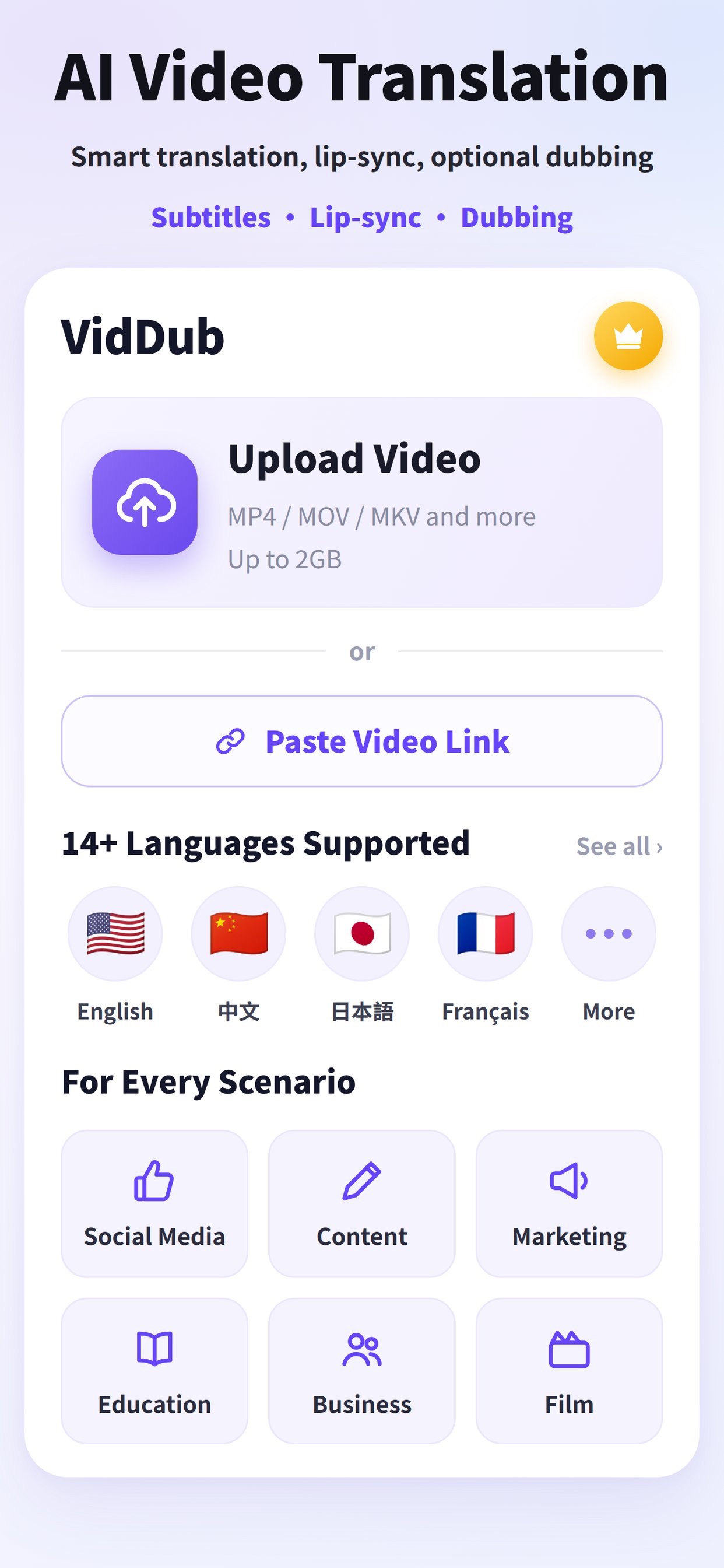
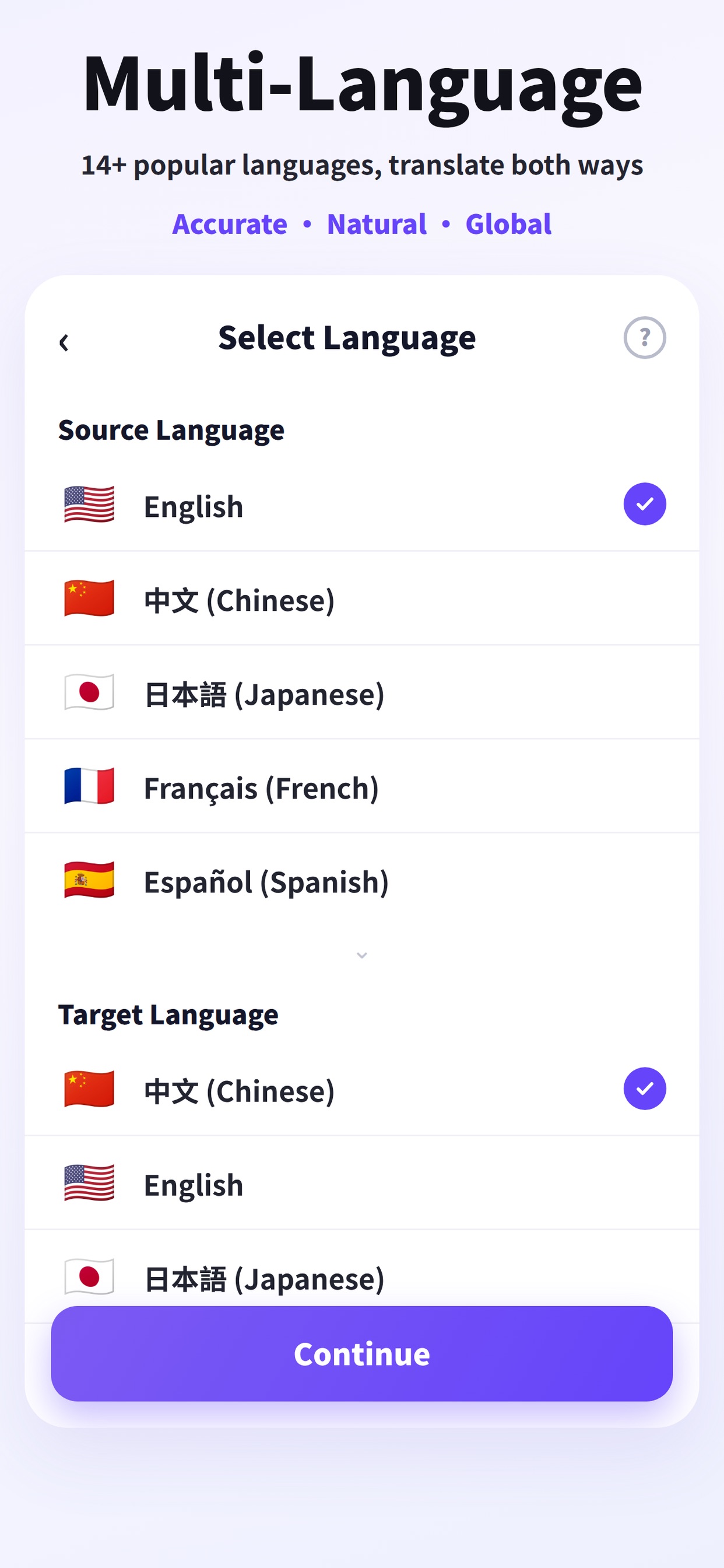
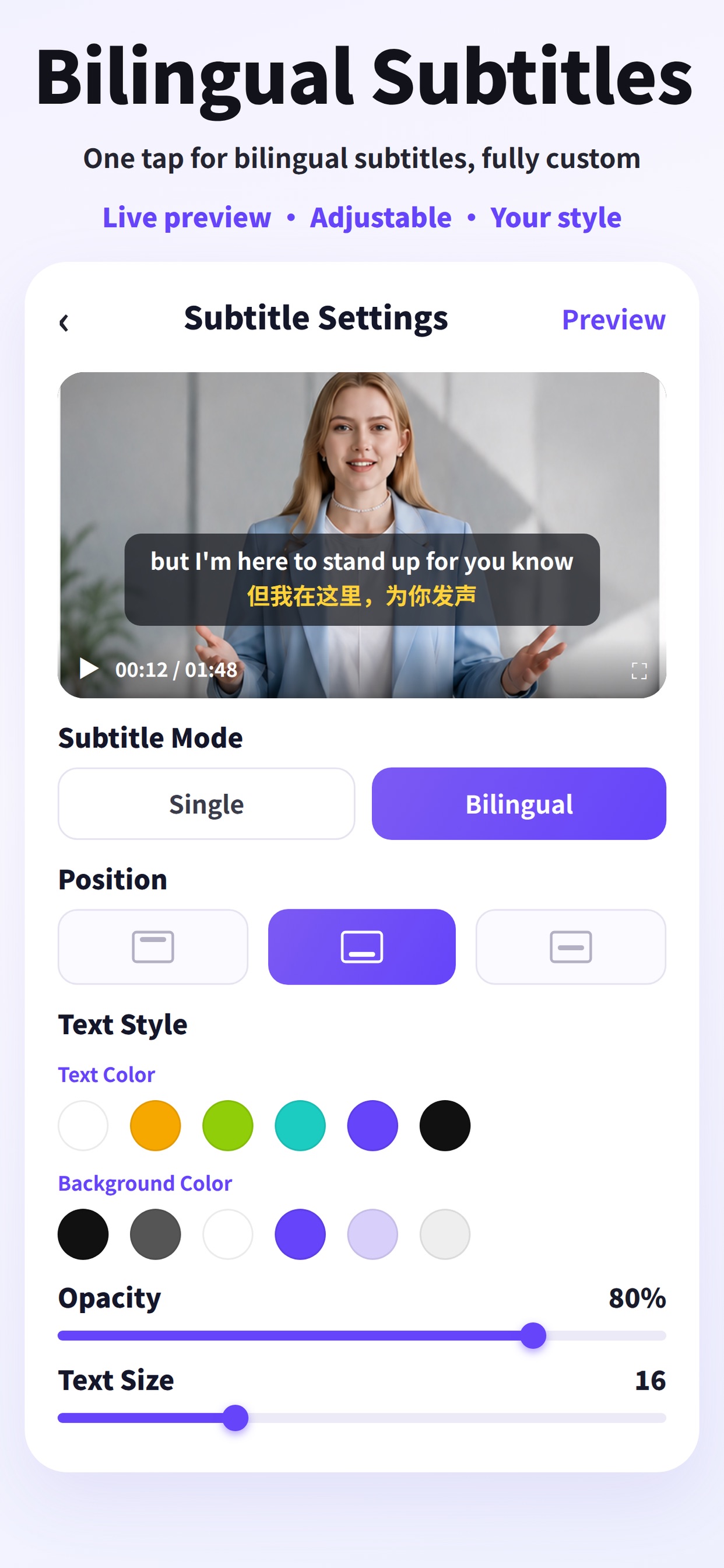
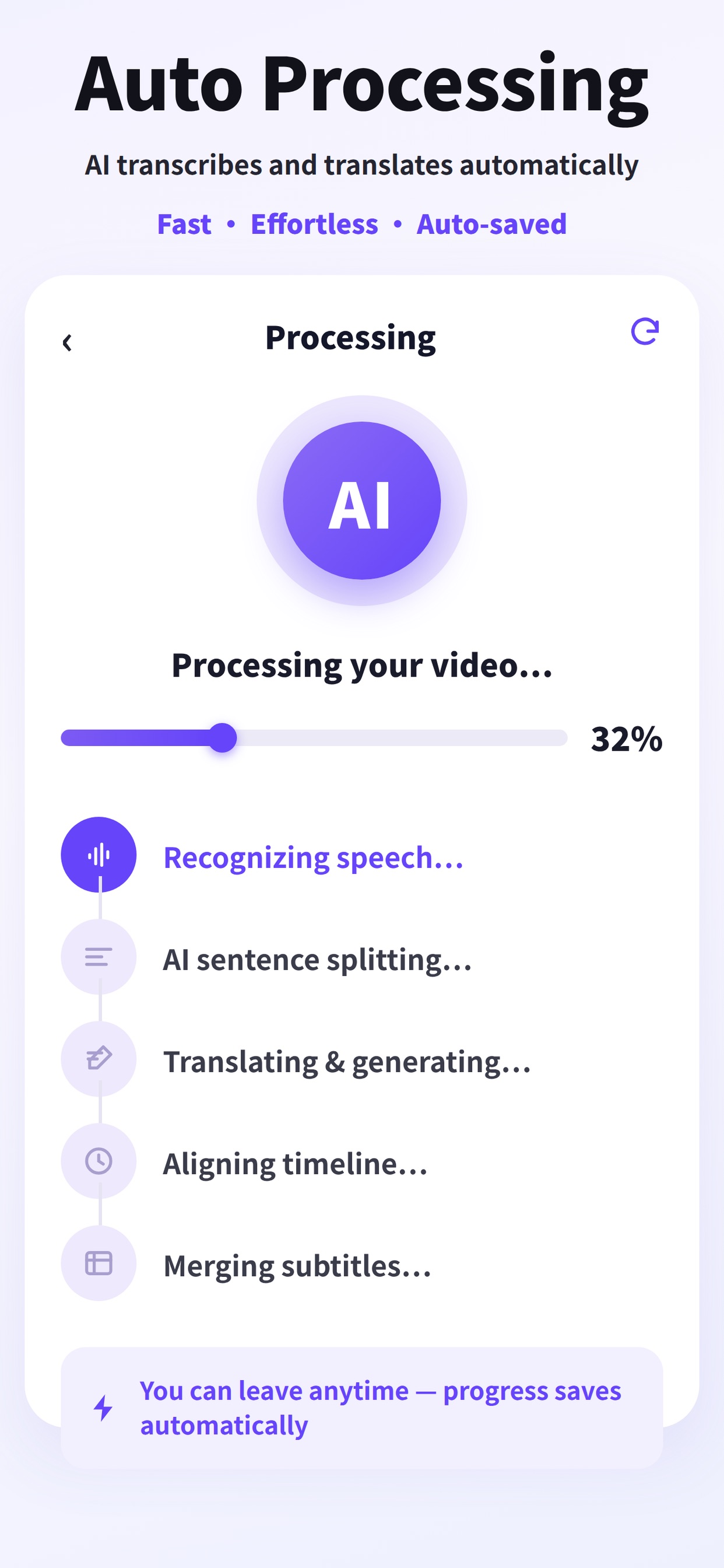
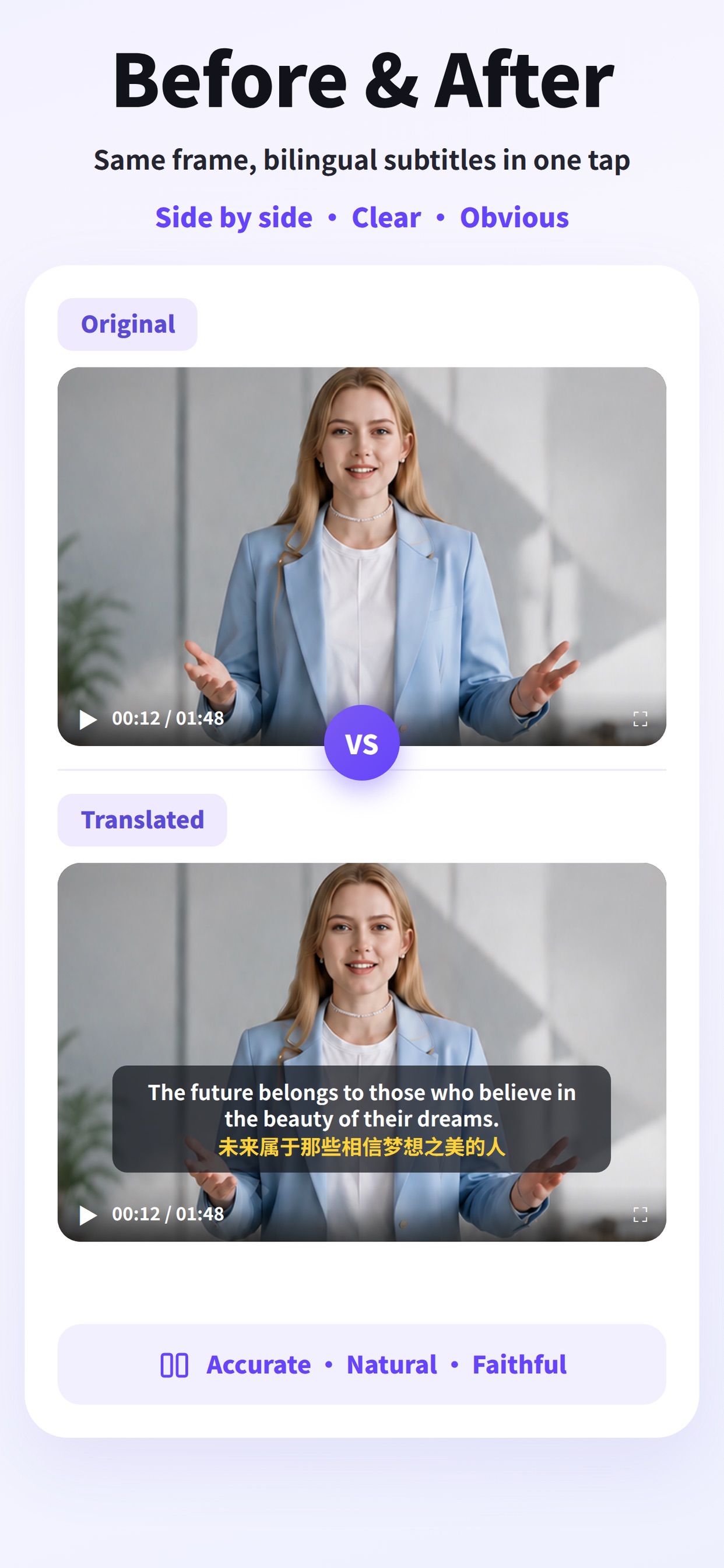
VidDub is an AI video translation tool from szsoftwell (Shenzhen Netsoft Information Technology Co., Ltd). Upload a video (MP4, MOV, MKV, AVI, FLV or WebM, up to 2 GB), pick the source and target language, and VidDub transcribes the speech, translates it and burns synced subtitles into the video — monolingual or bilingual, with high-level style controls (position, color, size, background). Subtitle files can also be exported when you have minutes. As an optional second step you can add AI voiceover/dubbing: preview voices from the VidDub voice library, generate a track timed to the original speech, and download; you can re-dub with a different voice. Burned-in subtitles stay in the video. It supports 17 source languages and 18 target languages (Traditional Chinese is target-only), runs in any desktop or mobile browser with no install, and also has iOS and Android apps. Sign-in (Google or Apple) is required before uploading. After sign-in, eligible short videos (≤10 minutes) can complete translation as a free preview; full downloads are paid. Basic dubbing is free, with no extra charge; Premium dubbing is paid in the iOS and Android apps.
VidDub features
- Burns synced translated subtitles into the video — monolingual or bilingual
- High-level subtitle style controls (position, color, size, background)
- Export subtitle files when you have minutes
- Optional AI voiceover/dubbing from the VidDub voice library, timed to the original speech
- 17 source and 18 target languages; runs in the browser, plus iOS and Android apps
Who uses VidDub and for what
- Translate a video and burn in monolingual or bilingual subtitles
- Export translated subtitle files when you have minutes
- Add optional AI voiceover/dubbing and re-dub with a different voice
VidDub FAQ
Is there a free plan?
After sign-in, eligible short videos (≤10 minutes) can complete translation as a free preview; full downloads are paid. Basic dubbing is free, with no extra charge; Premium dubbing is paid in the iOS and Android apps.
What video formats and sizes does VidDub support?
You can upload MP4, MOV, MKV, AVI, FLV or WebM, up to 2 GB.
Which languages does VidDub support?
It supports 17 source languages and 18 target languages (Traditional Chinese is target-only).
Do I need to install an app?
VidDub runs in any desktop or mobile browser with no install, and also has iOS and Android apps. Sign-in (Google or Apple) is required before uploading.
Comments (0)
No comments yet. Ask the maker a question or share how you would use it.
More AI launches
Generate and edit images in plain language.
Create personalized AI portraits, images and videos.
Star in the viral Bulin 47 freestyle video from one photo
Try on 1000+ real hairstyles with realistic AI previews
Cinematic AI video from text, images, and audio

Turn a portrait into a 23-second AI party video