AI Icon Creator
AI app icon generator with 20+ curated styles
DesignFreemium#app-icon#icon-generator#ios
Launched Oct 13, 2026 · finished #1 of the day
What is AI Icon Creator?
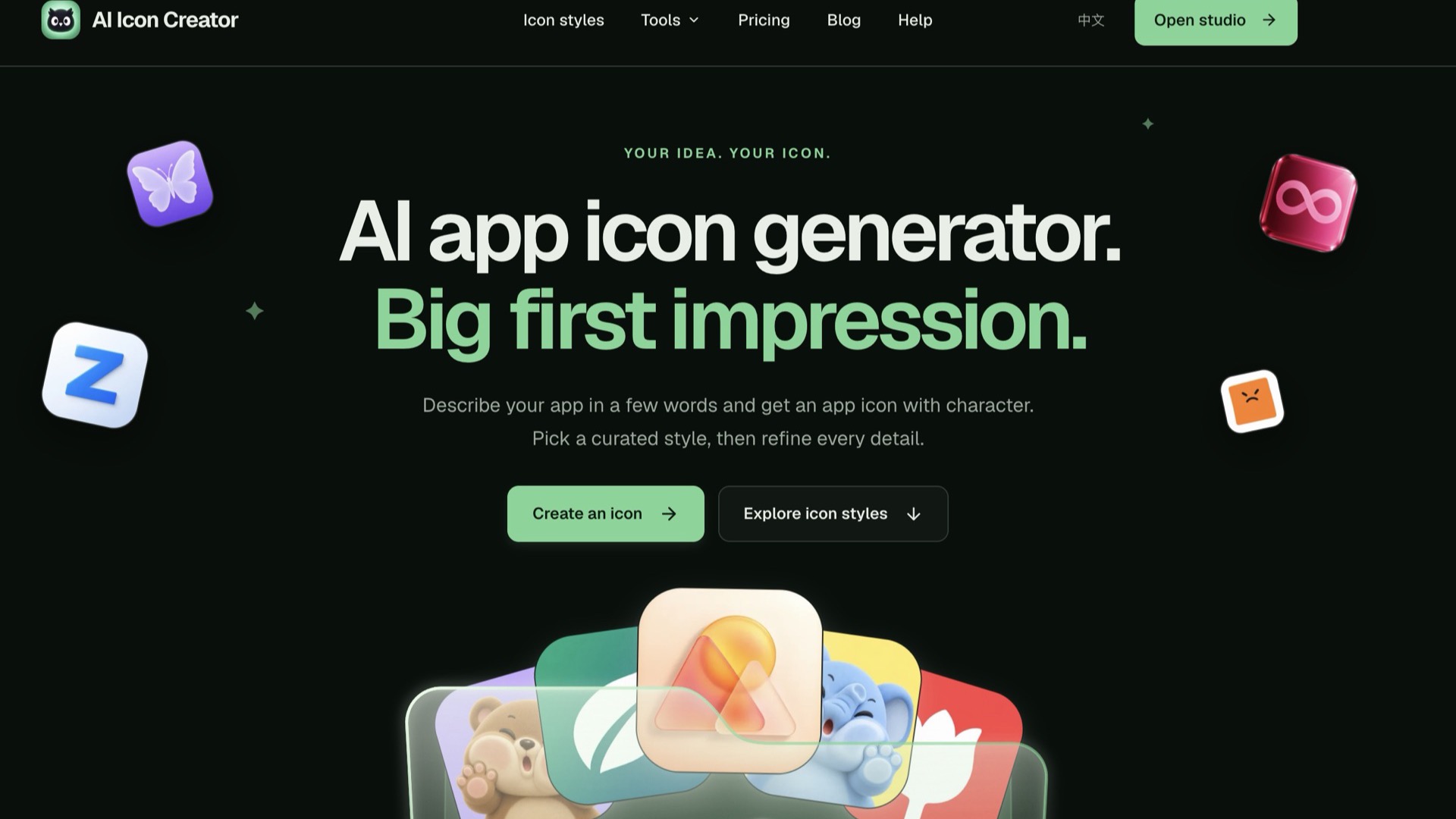
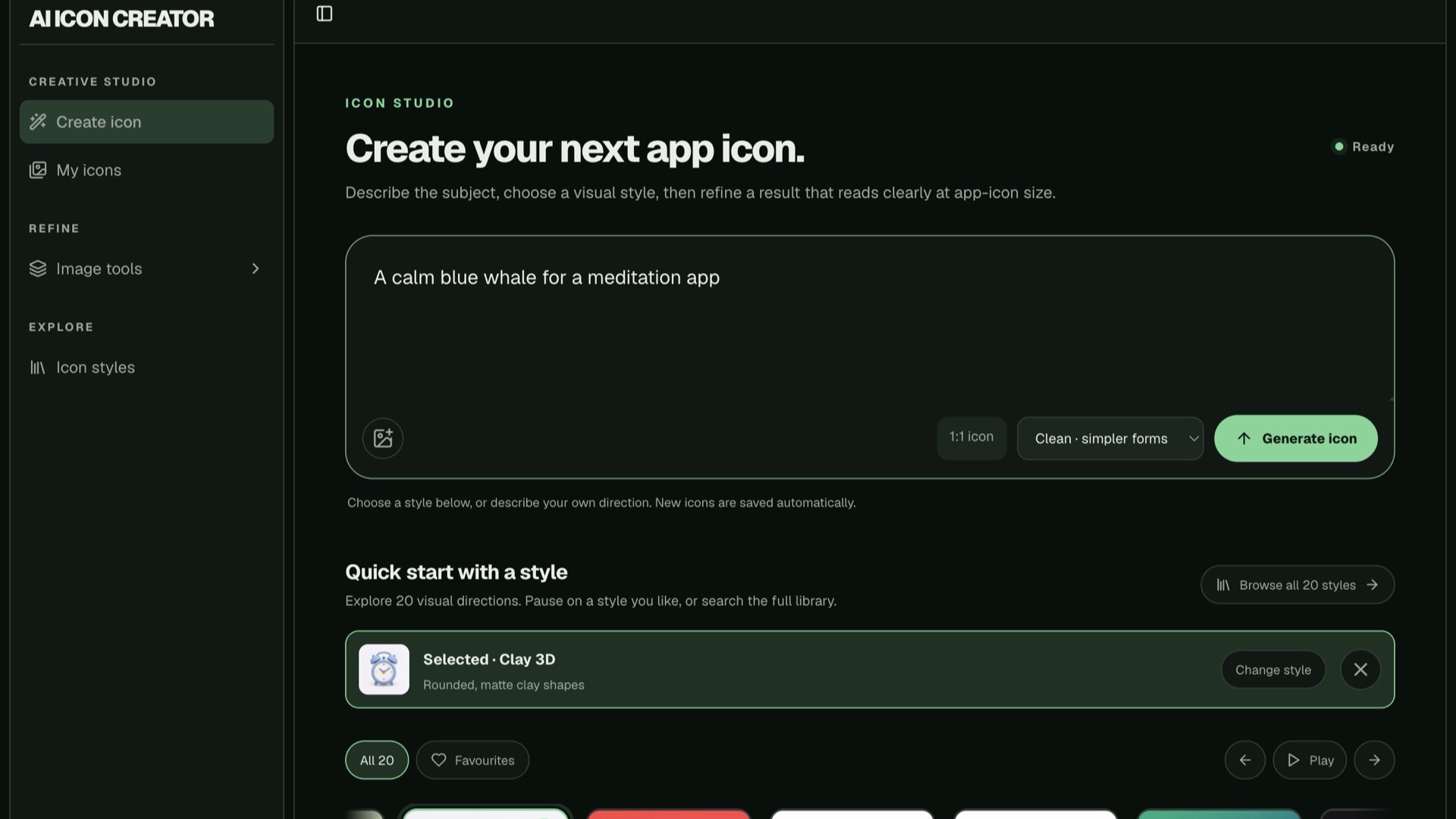
AI Icon Creator (aiiconcreator.com) is an AI app icon generator for indie developers, designers and small teams who need an icon that looks like it belongs on a home screen, without starting from a blank canvas.
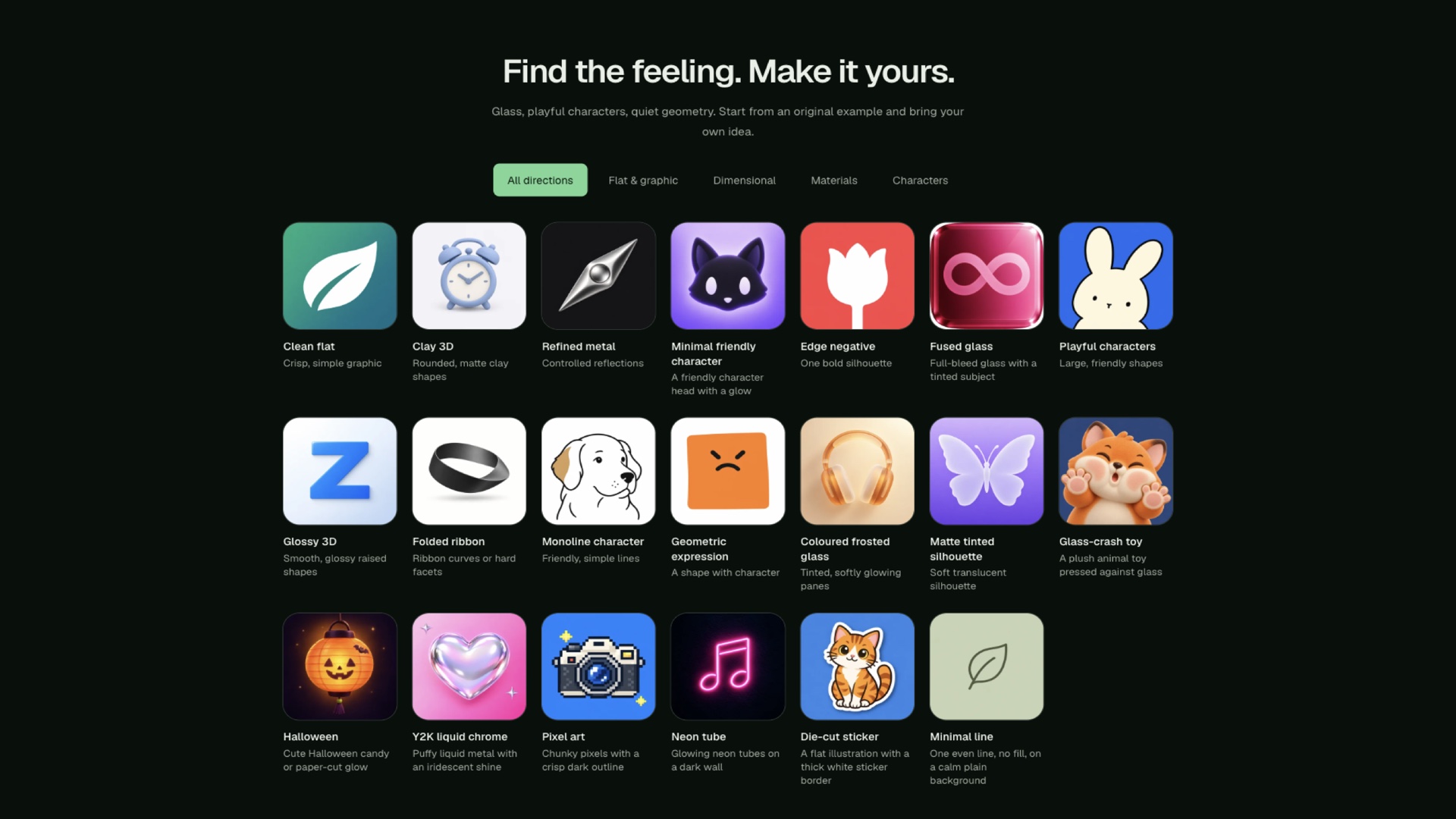
Describe your subject and what it is for, such as "a calm blue whale for a meditation app", then choose from a growing library of curated style directions (more than 20, with new ones added regularly), from clean flat and clay 3D to frosted glass, metal and playful characters. Each style has its own controls: preset palettes or any HEX colour, plus details such as expression or outline where the style supports them. You can also start from a picture of your own in most styles.
When a result is close but not quite right, you don't have to start over. Mark up to three areas and say what should change in each. Every save becomes a new version, and your original is always kept.
Before you ship, check the icon at real sizes (64, 32 and 29 px) on dark and light backgrounds. Download a full-resolution PNG, or an app icon pack with iOS, Android and web favicon sizes in one ZIP. Some styles can also export SVG outlines and layered PSD files (Beta).
New accounts get free credits to try it. After that, credits come from monthly plans or one-time packs.
AI Icon Creator features
- 20+ curated icon styles, with new ones added regularly
- Brand colours: presets or any HEX code
- Edit up to three areas of an icon without starting over
Who uses AI Icon Creator and for what
- Indie developers making App Store and Google Play icons
- Designers exploring icon directions for client work
AI Icon Creator FAQ
What is AI Icon Creator?
A web app that turns a short description into an app icon in one of 20+ curated styles, with tools to edit details and download the sizes iOS, Android and the web need.
Can I change part of an icon?
Yes. Adjust the whole icon or mark up to three areas and describe what should change. Each save is a new version, and the original stays.
What formats can I download?
A full-resolution square PNG and an app icon pack (iOS, Android and web sizes). Some styles can also export SVG outlines and layered PSD files (Beta).
Comments (0)
No comments yet. Ask the maker a question or share how you would use it.
More Design launches
Turn your music into stunning visuals
Calculate epoxy resin in gallons, fl oz & Part A/B grams.