
ContentForge Studio
Free video, image and audio editor that runs in your browser
DesignFreemium#video-editing#design-tools#content-creation
Launches Dec 23, 2026 at 00:00 UTC
What is ContentForge Studio?
ContentForge is a free video, image and audio editor that runs in your browser, built solo by Paul at OriginForge Studio in Manchester. Nothing to install.
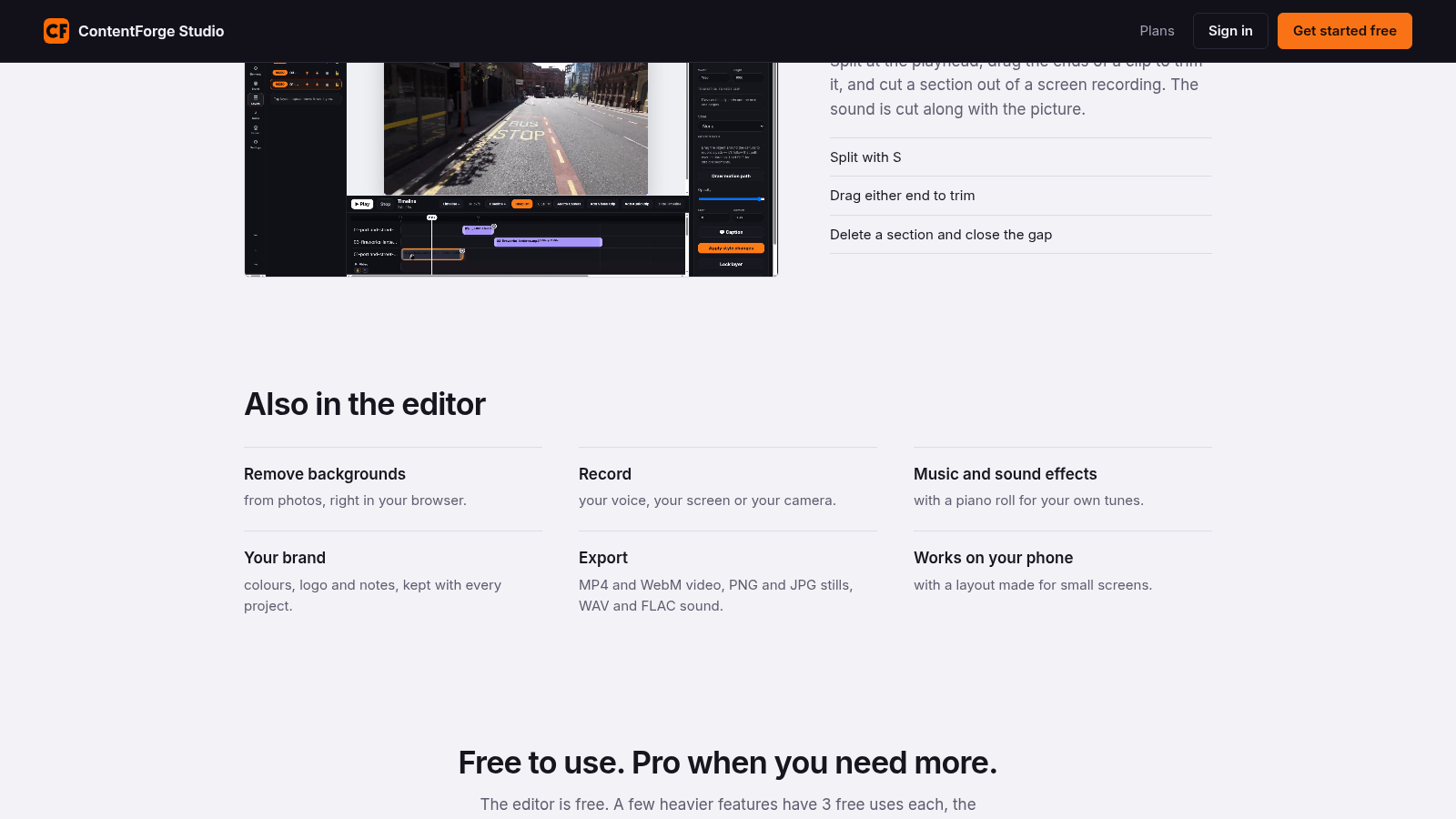
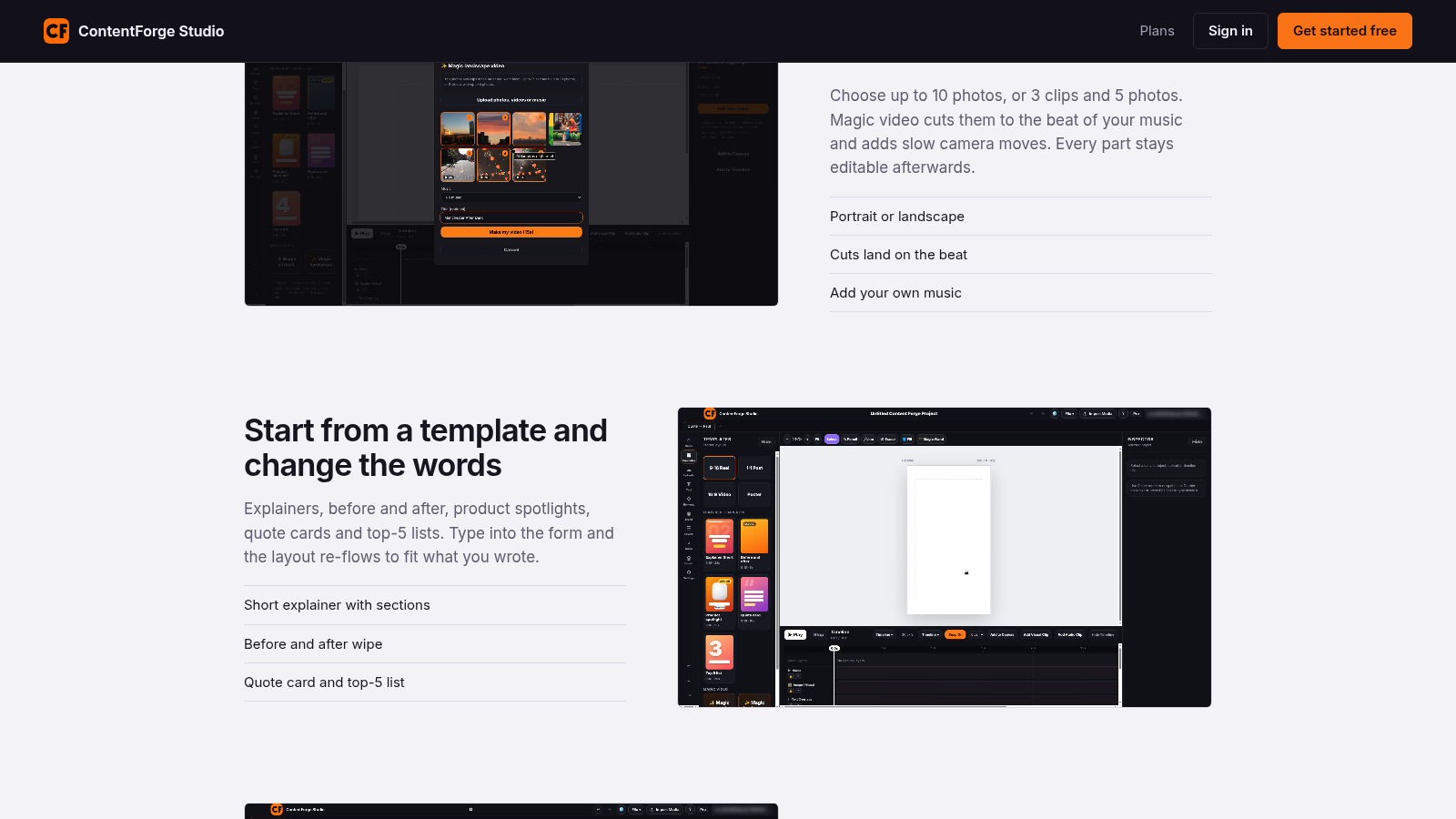
It has a real timeline, so you can split, trim and cut a section out, with the sound following the picture. You can start from a template (explainers, before and after, product spotlights, quote cards and top-5 lists) and change the words. Magic video turns your photos and clips into an edit cut to the beat of your music. There's also photo background removal, voice, screen and camera recording, a piano roll for your own tunes, and export to MP4, WebM, PNG, JPG, WAV and FLAC. It also runs on Android.
ContentForge Studio features
- Free video, image and audio editing in your browser
- Real timeline with split, trim and cut for video editing
- Export to MP4, WebM, PNG, JPG, WAV and FLAC
Who uses ContentForge Studio and for what
- Content creators making video tutorials and explainers
- Marketers creating social media video content
ContentForge Studio FAQ
Is there a free plan?
Yes. ContentForge is free to start, and paid plans are also available.
Do I need to install anything?
No. ContentForge runs in your browser, and it also runs on Android.
What file formats can I export to?
You can export video to MP4 and WebM, images to PNG and JPG, and audio to WAV and FLAC.
Comments (0)
No comments yet. Ask the maker a question or share how you would use it.
More Design launches
Client photo galleries, video feedback and print sales
GPT Image 2 online — photoreal AI images with sharp text
Free AI image editor you can try without signing up
Give your photos a look you love
App Store screenshots, designed as one panorama
AI thumbnail art direction for YouTube creators