CutPilot
Free drawing and quotation workflow for fabrication shops
DesignFree#dxf#laser-cutting#cad
Launches Jan 10, 2027 at 00:00 UTC

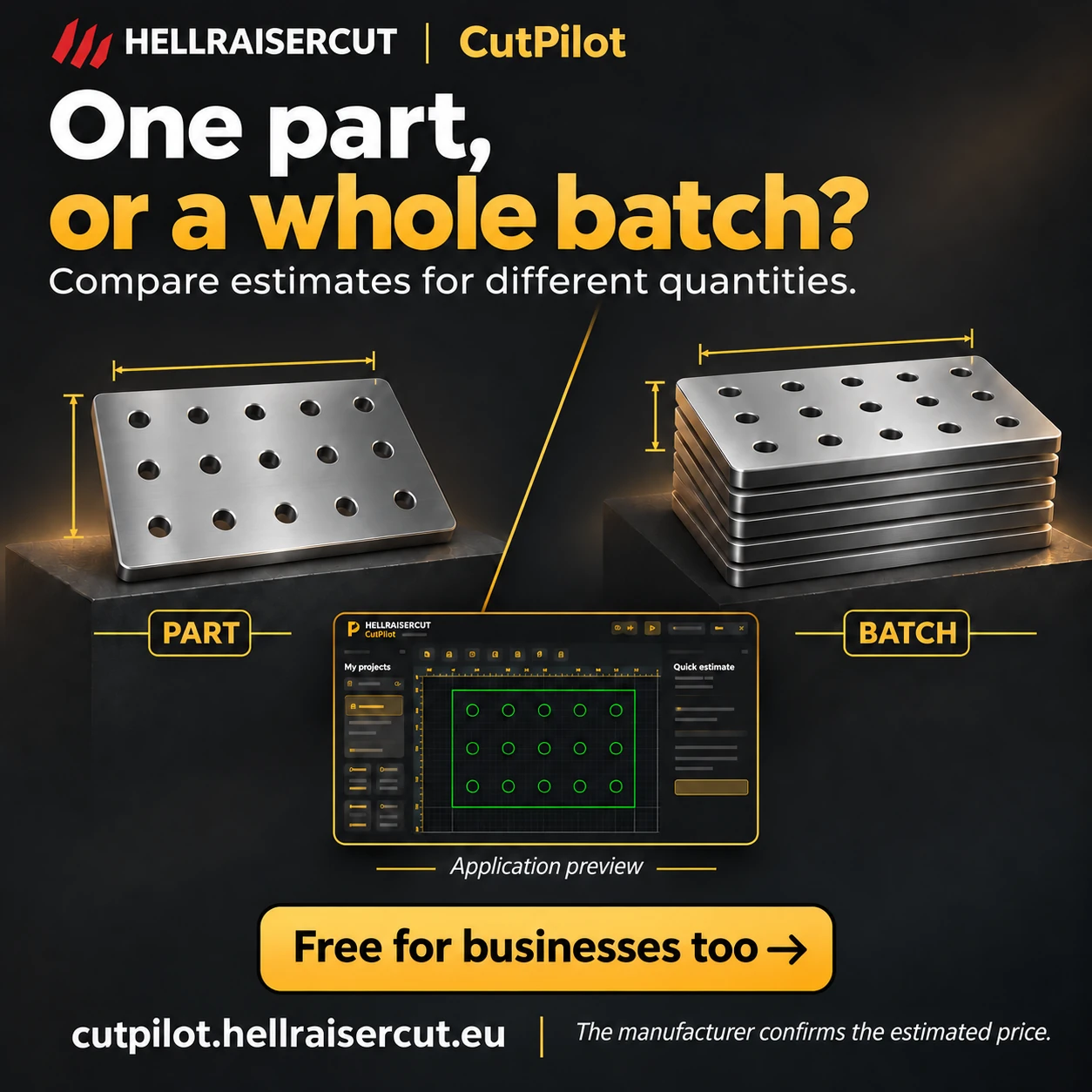
What is CutPilot?
CutPilot is a free browser application for customers and fabrication shops. Prepare parts from drawings, choose material and thickness, inspect geometry in 2D or 3D, and send a manufacturing inquiry. Manufacturers configure their own machines, cutting parameters and rates, then manage stock, production capacity, quotations and orders. Both customer and manufacturer accounts are free, with no trial period or software subscription. The workshop confirms the price of physical production. Six interface languages are available.
CutPilot features
- Import and prepare DXF drawings in the browser
- Draw parts and inspect them in 2D or 3D
- Choose material and thickness for a manufacturing inquiry
- Use workshop-specific machines, cutting parameters and rates
- Save drawings in a private part library
- Manage inquiries, offers, orders, stock and production capacity
Who uses CutPilot and for what
- Prepare drawings for laser-cut parts
- Request a quotation for a chosen material and thickness
- Compare production estimates for different quantities
- Organize reusable parts in a private library
- Manage workshop offers and production orders
CutPilot FAQ
Is CutPilot free for manufacturers too?
Yes. Both customer and manufacturer accounts are free, with no trial period or software subscription. The workshop prices physical manufacturing separately.
What does a customer do in CutPilot?
Prepare a part from a drawing, choose material and thickness, inspect its geometry and send a production inquiry to a manufacturer.
Does CutPilot run in a browser?
Yes. CutPilot is a browser application with 2D and 3D previews.
Can I keep a private part library?
Yes. A registered account can store parts and drawing revisions in a private library.
Who confirms the manufacturing price?
The manufacturer confirms the production price using the workshop’s own machines, cutting parameters and rates.
Comments (0)
No comments yet. Ask the maker a question or share how you would use it.
More Design launches
Client photo galleries, video feedback and print sales
Merge PNGs and images privately in your browser
GPT Image 2 online — photoreal AI images with sharp text
Free AI image editor you can try without signing up
Give your photos a look you love
AI thumbnail art direction for YouTube creators