DeskBlur
What is DeskBlur?
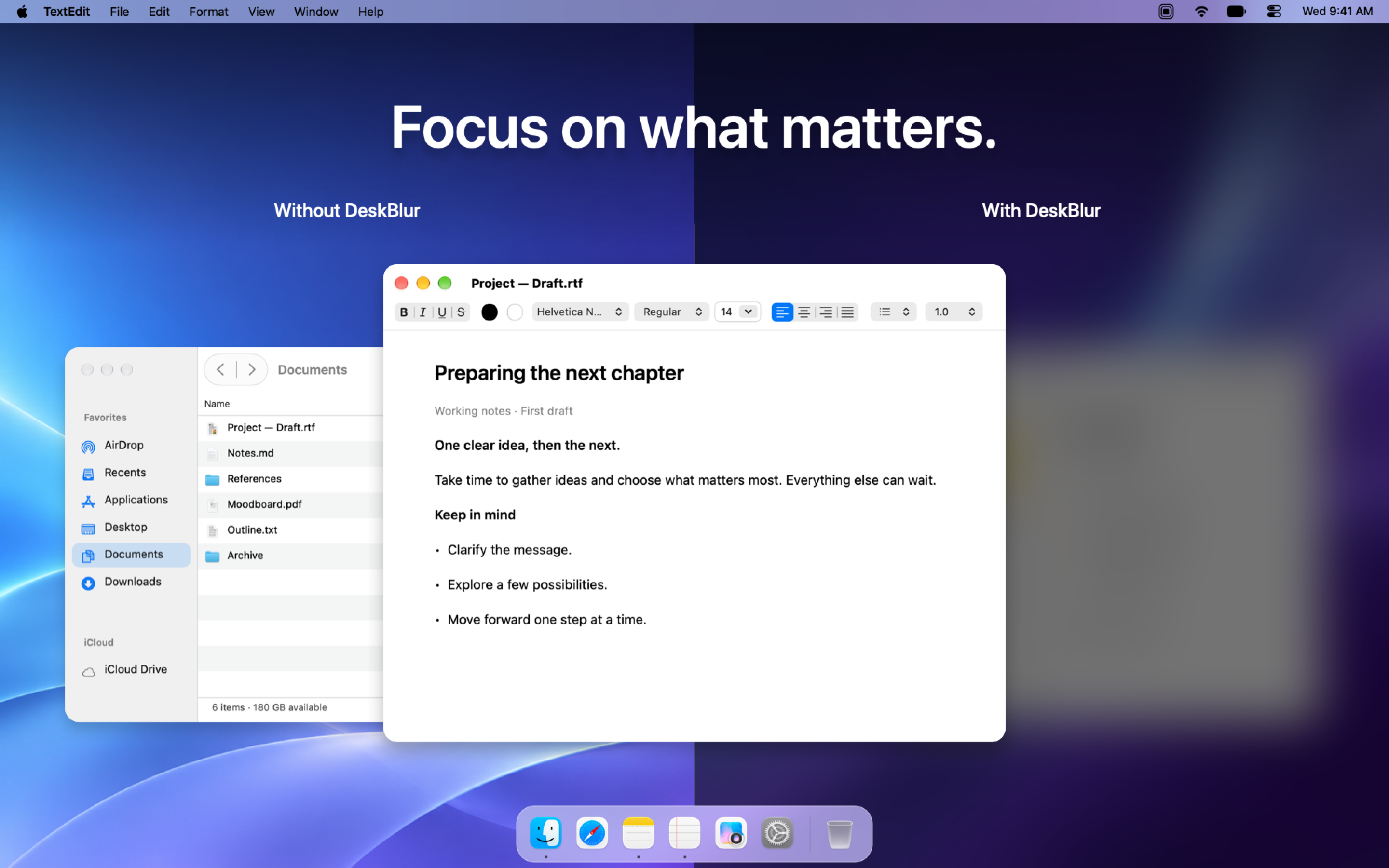
When your desktop gets busy, it can be hard to concentrate on the draft in front of you. DeskBlur softens the windows around your document so you can keep your train of thought and make progress. If you need a detail from your notes, turn on unblur on hover to glance at them without switching apps.
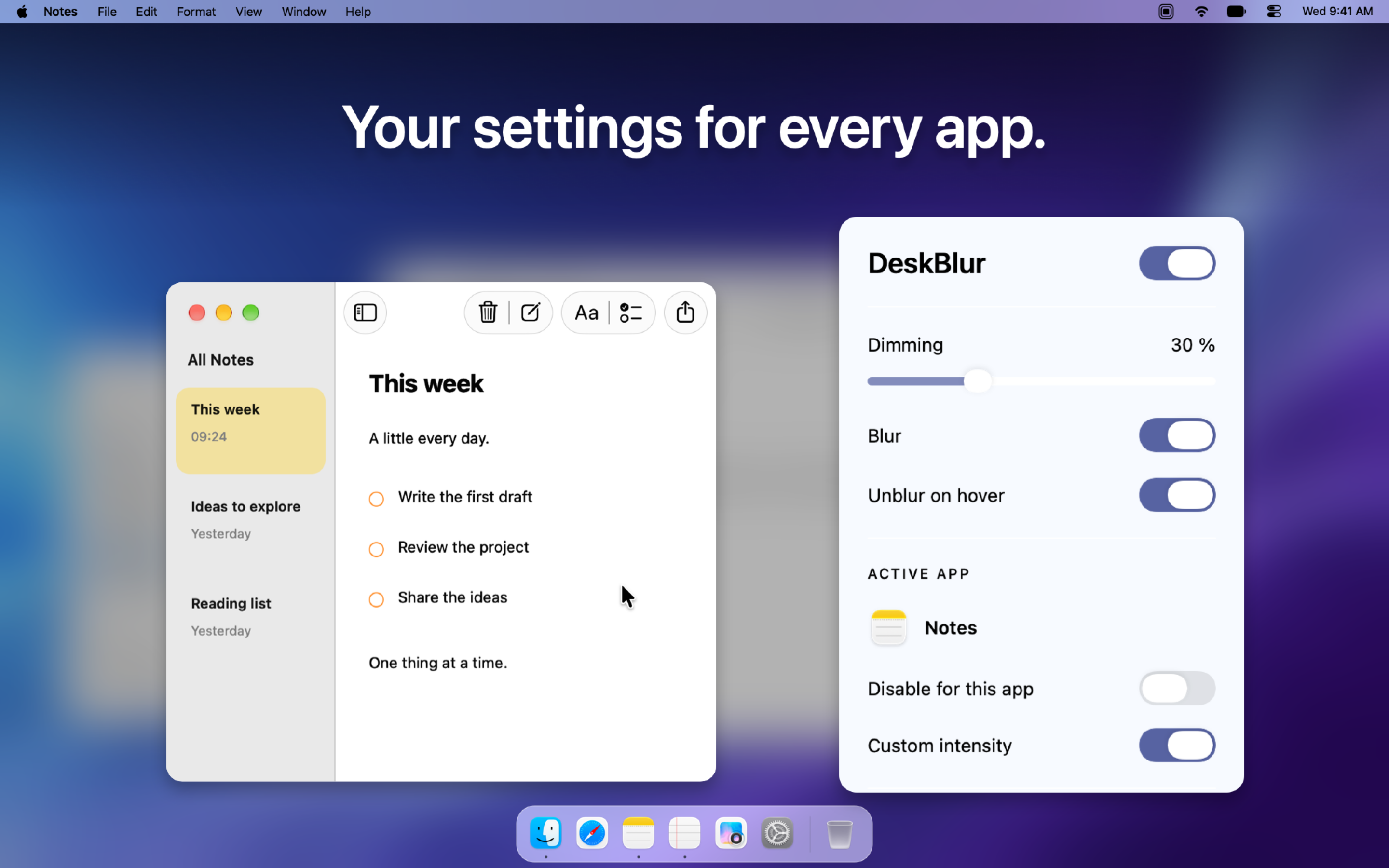
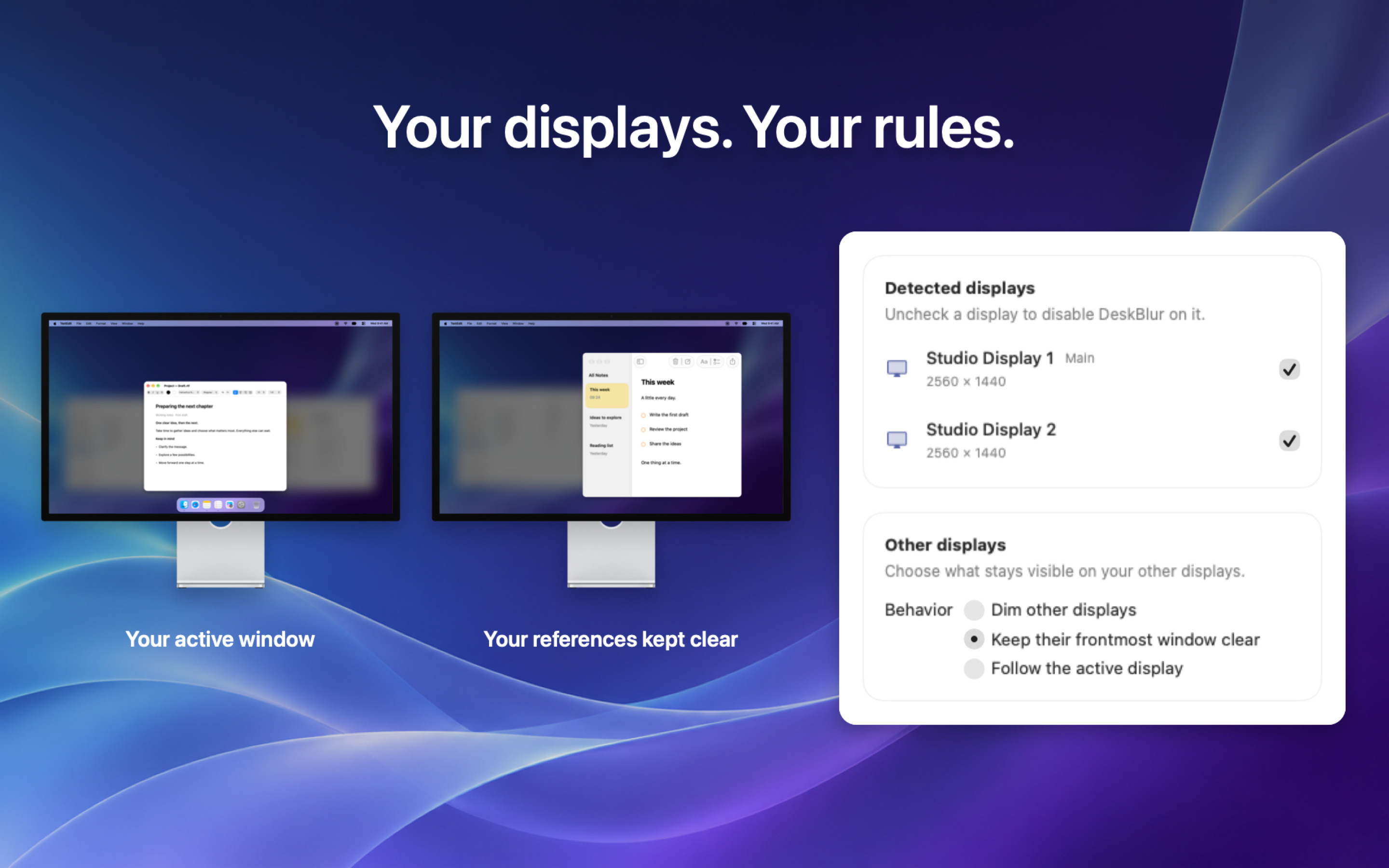
Adjust blur and dimming independently from the menu bar. Set a different intensity for each app or exclude apps altogether. If you work across two displays, you can apply DeskBlur to your main screen and keep reference material clear on the other.
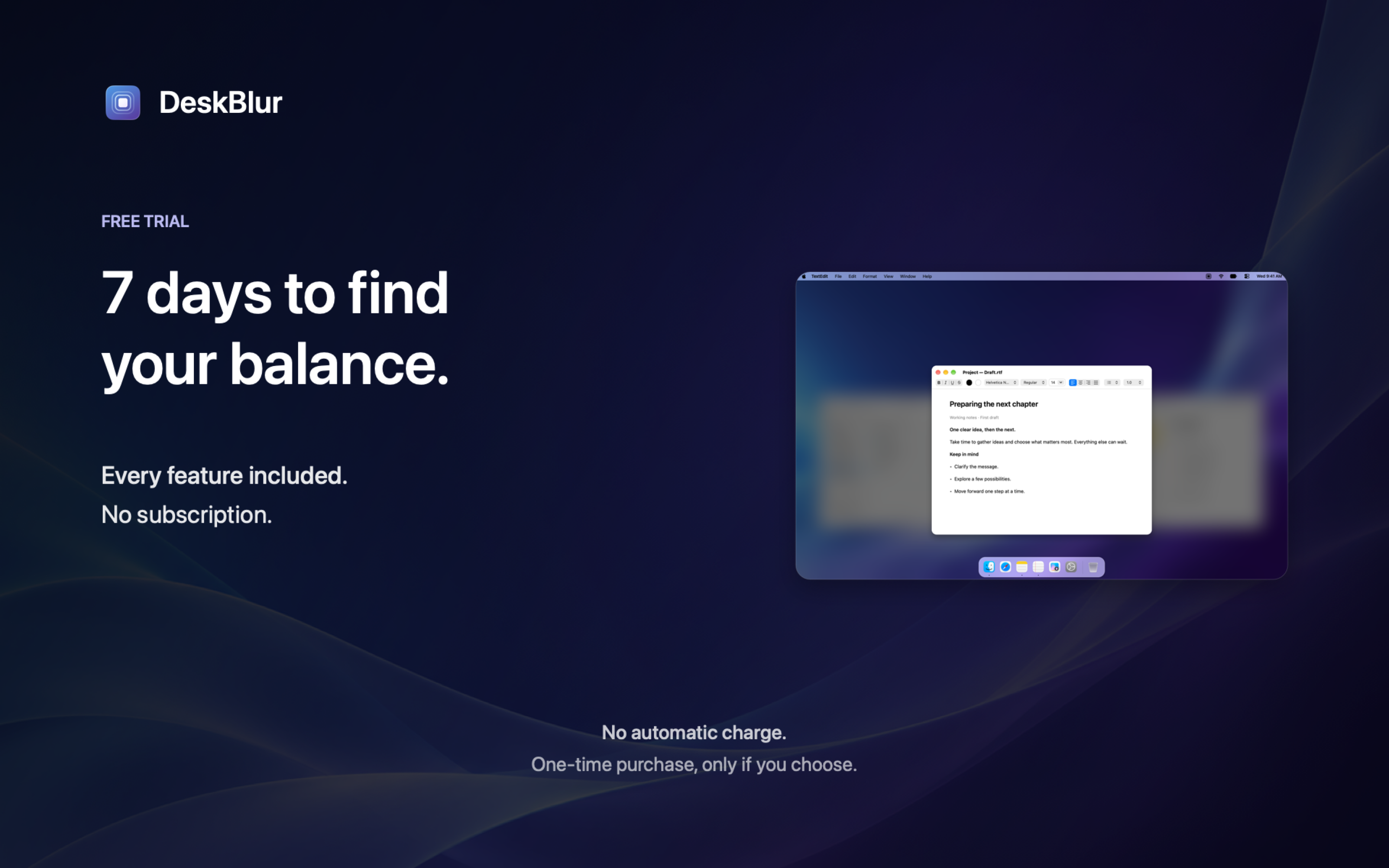
Developed in France, DeskBlur has no ads, requires no DeskBlur account, and sends no automatic telemetry. Your settings stay on your Mac. Try every feature free for 7 days. When the trial ends, the effects stop and your settings are saved. A one-time purchase unlocks continued use, with no subscription or automatic charge.
Free download. Full 7-day trial, followed by an optional one-time purchase of $2.99 on the US Mac App Store.
DeskBlur features
- Adjust background blur and dimming independently from the menu bar.
- Reveal background windows on hover without switching apps.
- Customize effects by app or display and keep reference material visible.
Who uses DeskBlur and for what
- Writing with a draft in focus while keeping notes open behind it.
- Working on one screen with documentation clear on a second display.
DeskBlur FAQ
What happens when the trial ends?
After seven days, the effects stop and your settings stay saved. A one-time purchase unlocks continued use, with no automatic charge or subscription.
Which Macs can use DeskBlur?
DeskBlur runs on Intel and Apple silicon Macs with macOS 26 or later.
Can I keep a reference screen clear?
Yes. Choose which displays receive the effects, and exclude individual apps when you want to keep them clear.
Comments (0)
No comments yet. Ask the maker a question or share how you would use it.
More Productivity launches
Infinite canvas OS for your apps, teammates and AI agents
Save every recipe. Plan every meal.
Fast, private voice dictation for Mac and Windows
Looks like a calculator. Opens like a vault.

Discover startups, launch products, and get noticed weekly
Free HEIC to JPG, PNG and PDF converter for iPhone photos