
Yap
Fast, private voice dictation for Mac and Windows
ProductivityFreemium#dictation-voice-typing
Launched Oct 16, 2026 · finished #4 of the day

What is Yap?
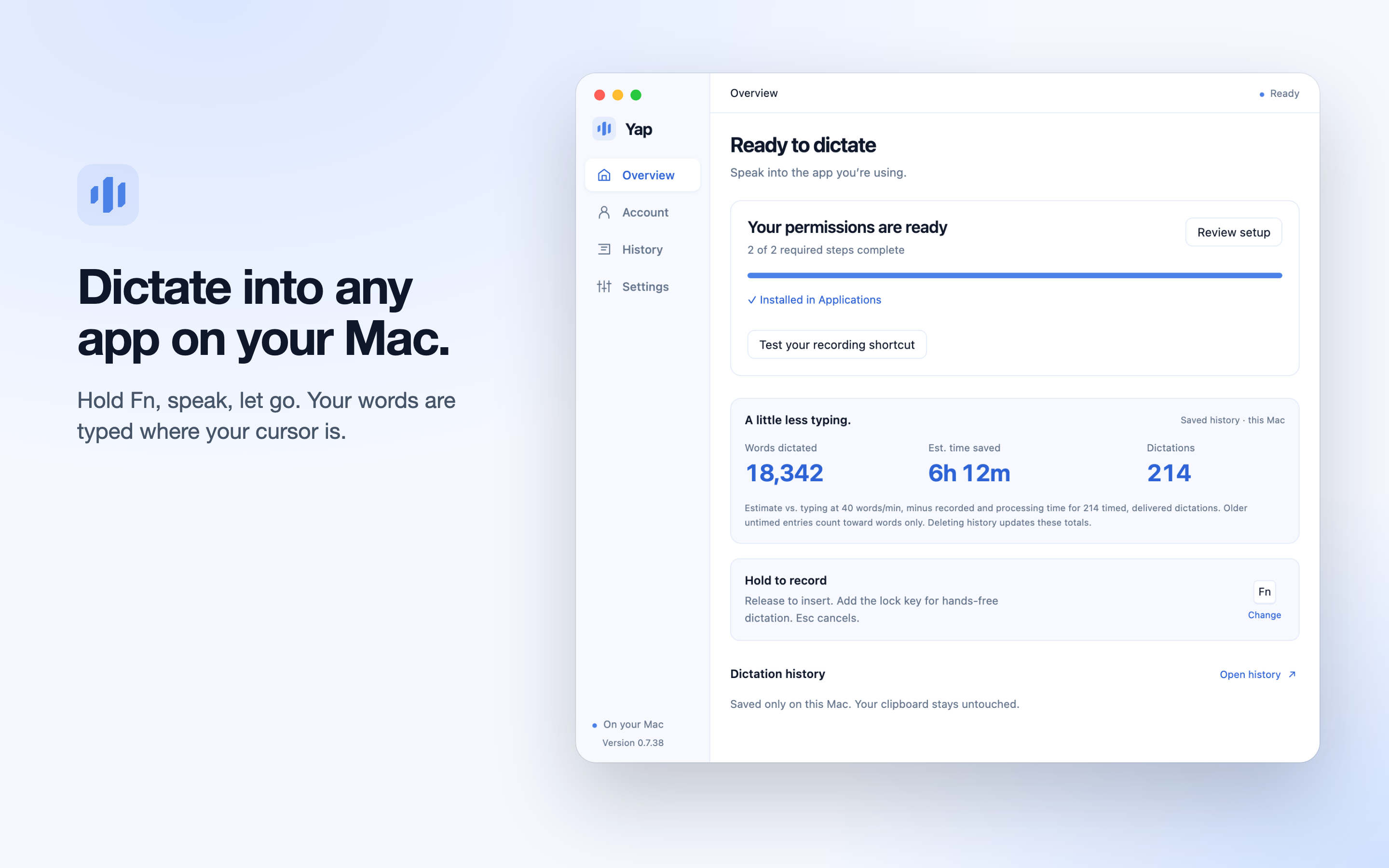
Hold a key, speak, and Yap types your words into any app. Speech recognition runs on your Mac or PC, so your audio is never uploaded. Works offline, 25 languages detected automatically, searchable local history.
Yap features
- Works offline on your computer
- 25 languages detected automatically
- Searchable local history
Who uses Yap and for what
- Dictating emails and documents
- Typing into chat and terminals
Yap FAQ
Is there a free plan?
Yes. Yap is free for the first 3 days with no account or card. After that a subscription is USD 6.90 a month or USD 69 a year.
Does it work offline?
Yes. Speech recognition runs on your Mac or PC, so your audio is never uploaded.
Which platforms does it support?
Mac with Apple Silicon on macOS 13 or later, and Windows 10 and 11 on x64 and Arm64.
Comments (1)
More Productivity launches
Infinite canvas OS for your apps, teammates and AI agents
Save every recipe. Plan every meal.
Cloud HR platform for Saudi businesses
Looks like a calculator. Opens like a vault.

Discover startups, launch products, and get noticed weekly
Free HEIC to JPG, PNG and PDF converter for iPhone photos




OriginForge Studio Oct 28, 2026
Running recognition locally so the audio never leaves the machine is a real selling point for dictating into terminals and chat, where people often say things they would not want uploaded. How does it cope with technical vocabulary, such as command names, file paths or product names, and can you add your own words? Also, with 25 languages auto-detected, what happens if you switch language halfway through a sentence?