GenComment
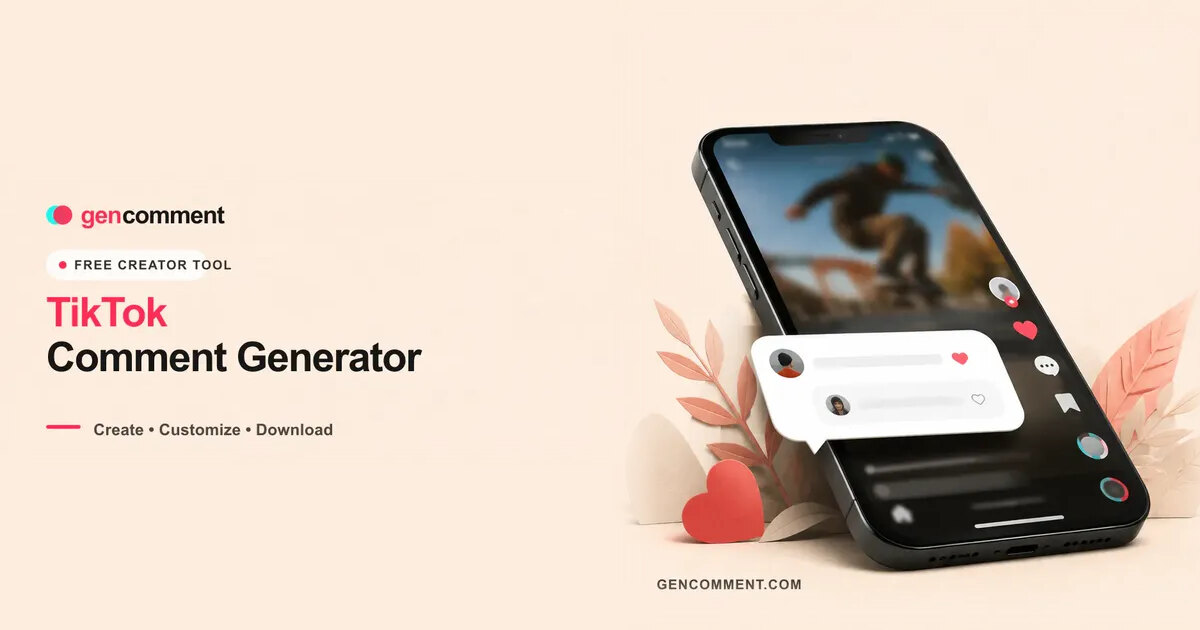
Generate TikTok comment screenshots for videos and mockups
DesignFree#tiktok#mockup#screenshot-generator
Launches Dec 10, 2026 at 00:00 UTC
What is GenComment?
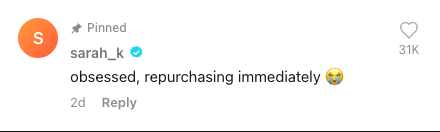
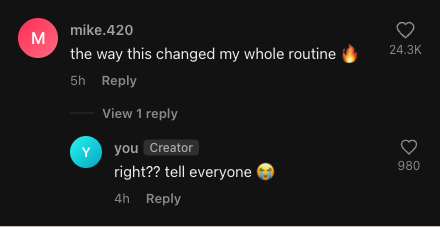
GenComment is a browser-based tool that generates realistic TikTok comment screenshots. Users can customize the username, profile picture, verified badge, like counts, and timestamps to match the actual app interface. The editor also supports adding nested reply threads, pinning comments, marking them as liked by the creator, and switching between light and dark themes.
Once the layout is complete, the tool exports a high-resolution PNG file without watermarks. The application runs entirely in the web browser, meaning the generated images never leave the user device and no account or login is required. An integrated AI writer can suggest comment text when needed.
The generator is designed for content creators, marketers, and designers who need authentic-looking social media visuals for storytime videos, ad creatives, UI mockups, or presentation slides. It operates as a standalone mockup utility and is not affiliated with TikTok.
GenComment features
- Customizable usernames, avatars, and verified badges
- Add nested reply threads and pin comments
- Toggle light and dark theme modes
- Export clean, watermark-free PNG files
- Runs entirely in the browser without login
- Built-in AI writer for comment suggestions
- Adjustable like counts and timestamp formatting
Who uses GenComment and for what
- Overlaying hook comments on short-form video edits
- Creating joke screenshots and meme threads for social media
- Building social proof mockups for advertising campaigns
- Placing authentic-looking comments in UI design presentations
- Generating tutorial slides that require realistic social media visuals
GenComment FAQ
Is GenComment free?
Yes. The website states the TikTok comment generator is completely free to use. You can customize details and download the image with no watermark and no account required.
Does GenComment require a TikTok account?
No. The tool runs directly in your web browser. You do not need a TikTok account, email address, or any signup to create and export comment images.
Can I add replies and a verified badge?
Yes. The generator allows you to toggle the blue verified badge on or off, upload custom avatars, and build nested reply threads under a main comment.
What format are the exported files?
The tool exports high-resolution PNG files with transparent backgrounds. The website confirms the downloads are clean and contain no watermarks.
Is GenComment open source?
The website does not state whether the source code is publicly available or open source.
Comments (0)
No comments yet. Ask the maker a question or share how you would use it.
More Design launches
Client photo galleries, video feedback and print sales
GPT Image 2 online — photoreal AI images with sharp text
Free AI image editor you can try without signing up
Give your photos a look you love
App Store screenshots, designed as one panorama
AI thumbnail art direction for YouTube creators