Google Maps Street View 360° Downloader
Save 360° Street View panoramas for personal and business
ProductivityFree#street-view#360-photo#downloader
Launches Nov 26, 2026 at 00:00 UTC
What is Google Maps Street View 360° Downloader?
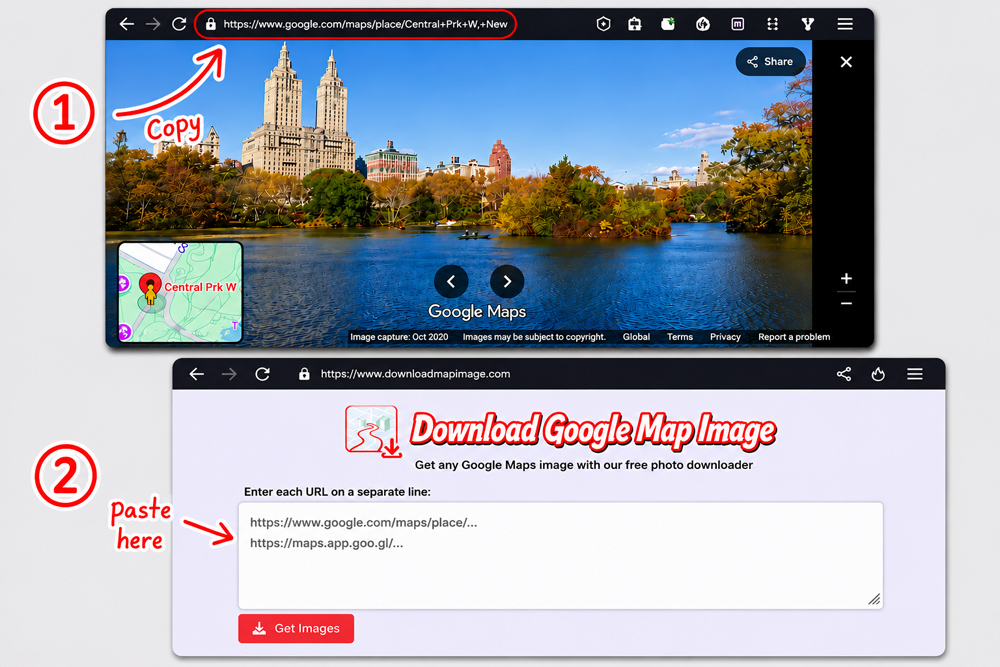
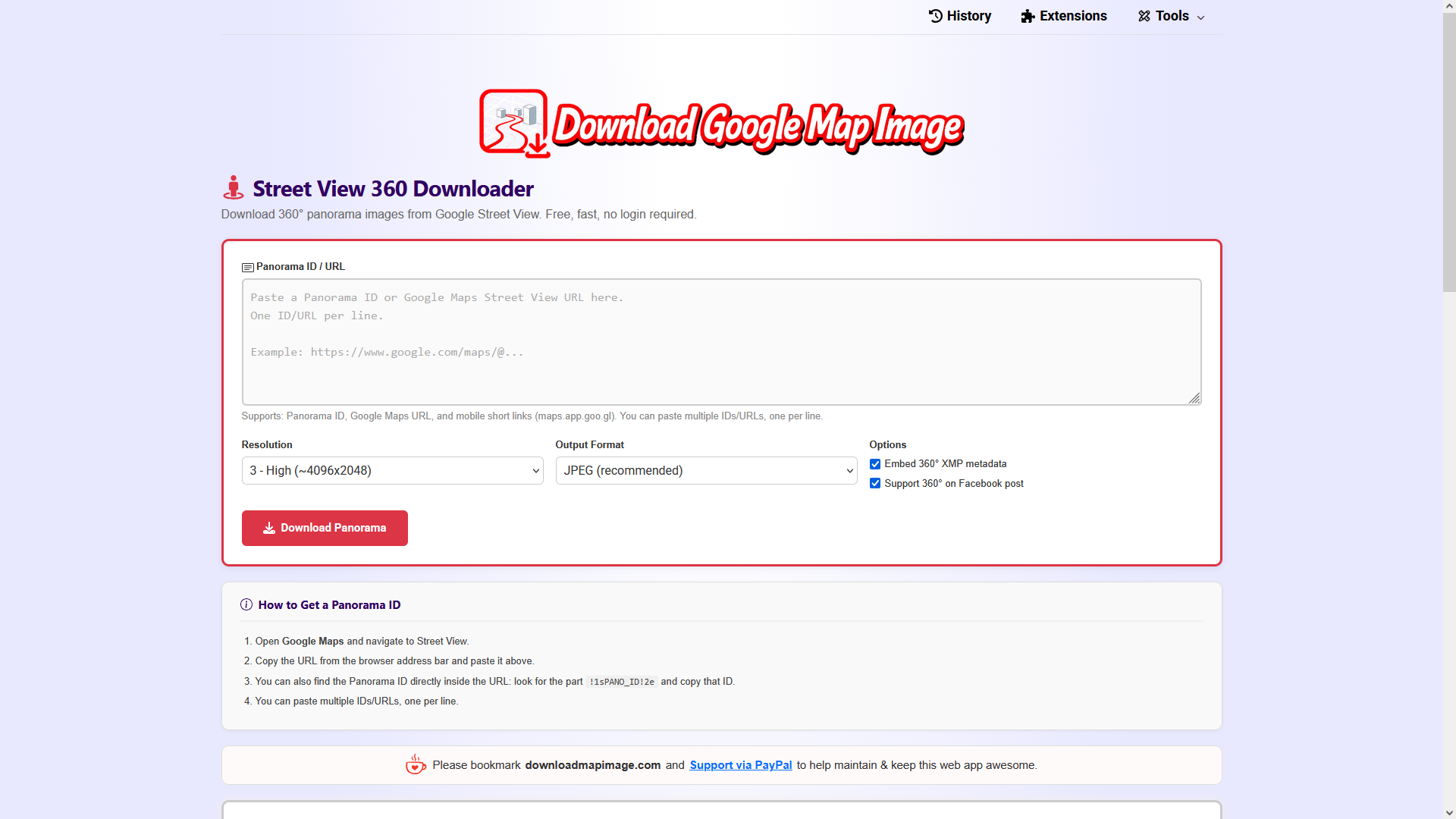
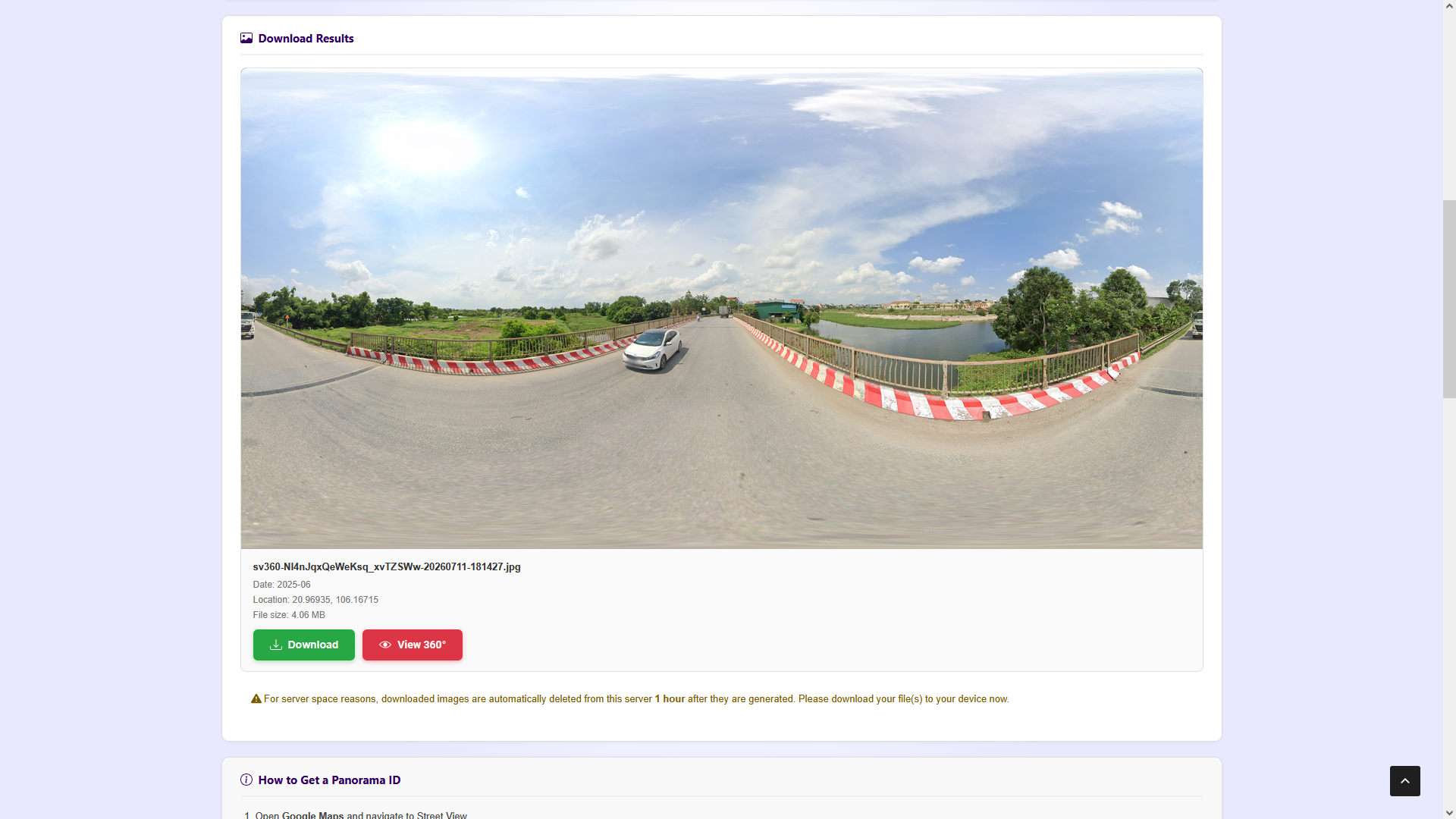
Street View 360 Downloader is a web-based utility that extracts high-resolution 360° panorama images directly from Google Street View. Users paste a Google Maps URL, a raw Panorama ID, or a mobile short link into the interface to begin the process. The tool automatically resolves the link, stitches the image tiles together, and delivers a complete equirectangular panorama file.
The application offers six resolution tiers, ranging from very low to maximum quality, allowing downloads up to 16384x8192 pixels depending on the source location. Files can be exported as JPEG, PNG, or WebP. An optional setting embeds GPano XMP metadata so the images are recognized by virtual reality viewers and social media platforms. The interface displays real-time progress during the stitching phase.
No registration, API keys, or technical setup is required to use the service. It runs entirely in the browser and supports batch processing for multiple URLs at once. To conserve server storage, generated images are automatically removed after one hour, prompting users to save the files locally immediately.
Google Maps Street View 360° Downloader features
- Download 360° panoramas from Google Street View
- Batch download multiple URLs or panorama IDs at once
- Six resolution levels up to 16384x8192 pixels
- Export as JPEG, PNG, or WebP files
- Embed GPano XMP metadata for VR and social platforms
- No account, API key, or registration required
- Real-time tile-by-tile stitching progress indicator
Who uses Google Maps Street View 360° Downloader and for what
- Save neighborhood or property views for personal archives
- Provide street-level references for remote insurance inspections
- Create virtual tour assets for real estate listings
- Illustrate travel articles with high-resolution destination photos
- Gather site imagery for urban planning and research comparisons
- Supply equirectangular textures for VR applications and demos
Google Maps Street View 360° Downloader FAQ
Is Street View 360 Downloader free?
Yes, the tool is completely free to use. No account, subscription, API key, or payment is required. Users can optionally support the project via PayPal.
What resolutions can I download?
You can choose from six quality levels. Level 3 provides around 4096x2048 pixels, while Level 5 fetches all available tiles for the maximum resolution the location offers, which can reach up to 16384x8192 pixels.
Does it work on mobile devices?
The website states it works on any device and any browser. You can copy links from the Google Maps app on your phone or tablet and paste them into this web tool to download the panoramas.
How do I get a panorama ID or URL?
Navigate to a Street View location in Google Maps, copy the full URL from your browser address bar, or extract the ID directly from the link. The tool also accepts mobile short links and automatically resolves them.
Are downloaded files stored permanently?
No. For server space reasons, generated images are automatically deleted from the hosting server one hour after they are created. Users are instructed to download the files to their own devices immediately.
Comments (0)
No comments yet. Ask the maker a question or share how you would use it.
More Productivity launches
Infinite canvas OS for your apps, teammates and AI agents
Save every recipe. Plan every meal.
Fast, private voice dictation for Mac and Windows
Looks like a calculator. Opens like a vault.

Discover startups, launch products, and get noticed weekly
Free HEIC to JPG, PNG and PDF converter for iPhone photos