ImgUpscaler
Upscale images 2x, 3x, or 4x with Natural or Extra Detail
DesignFreemium#image-upscaling#ai-tools#photo-editing
Launches Jan 4, 2027 at 00:00 UTC
What is ImgUpscaler?
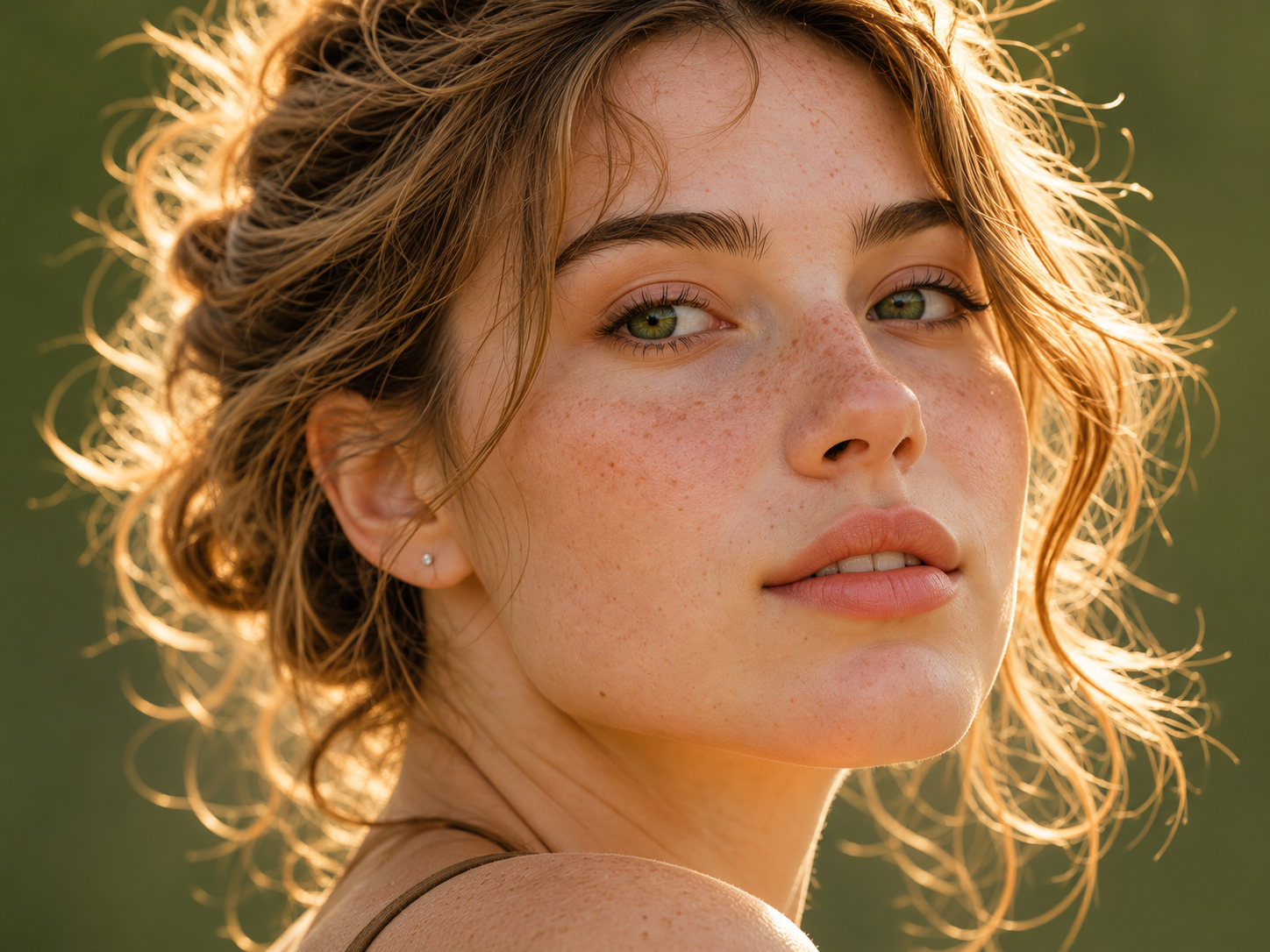
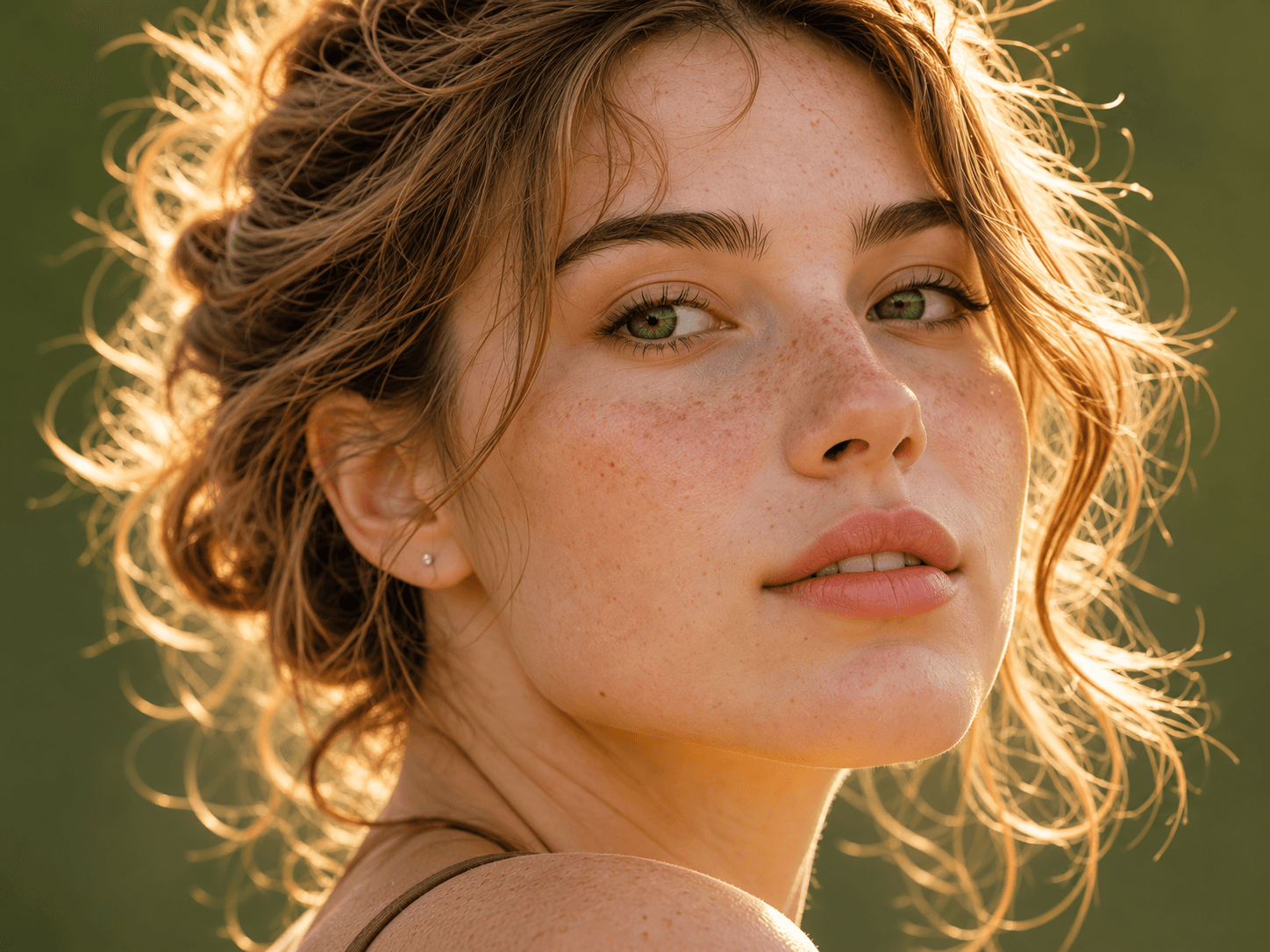
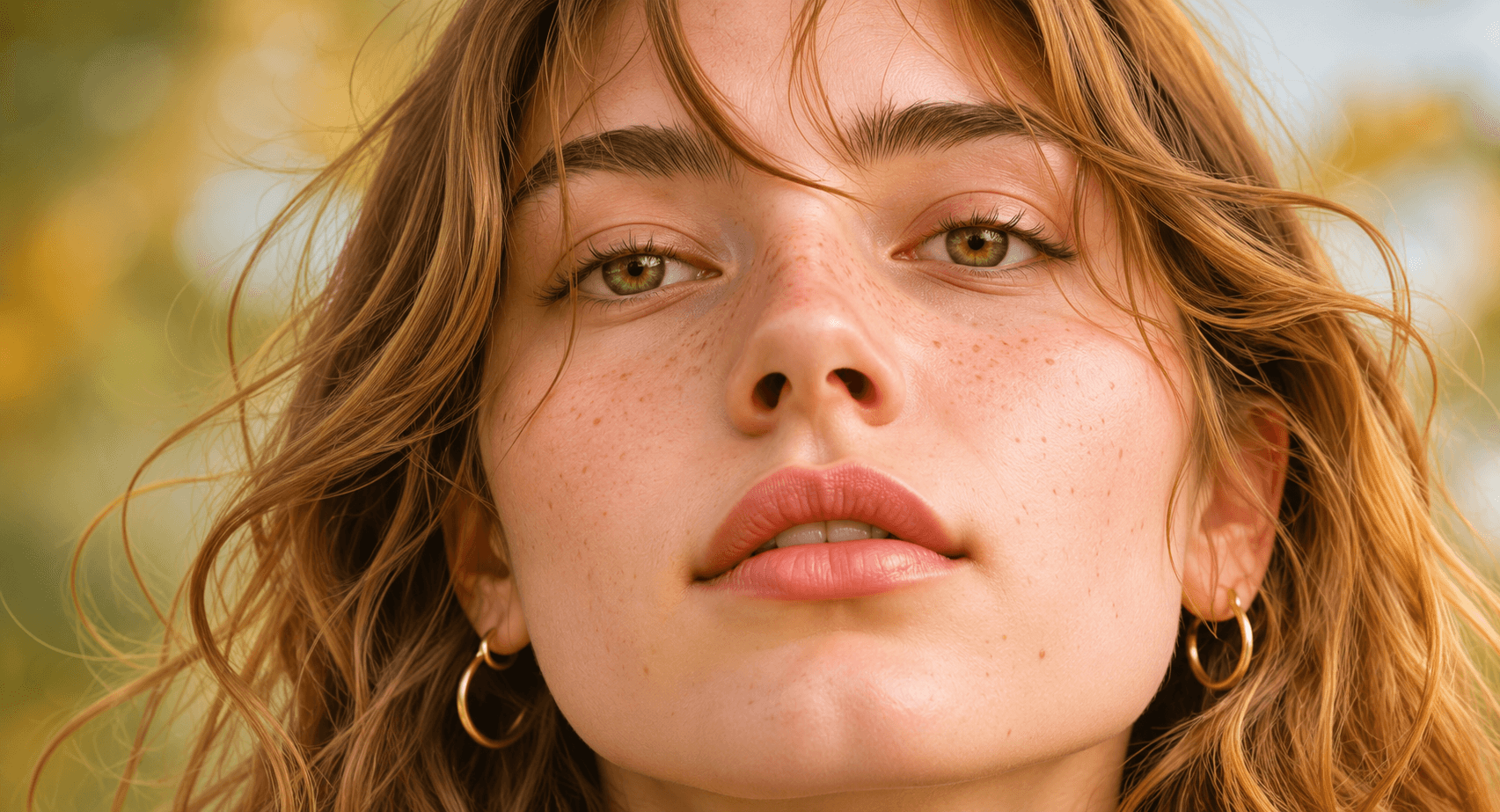
ImgUpscaler is a web-based tool that enlarges digital images using artificial intelligence. Users can upscale pictures by 2×, 3×, or 4× and choose Natural or Extra Detail mode. After uploading an image, users can view a side-by-side comparison slider to inspect the enhanced details before downloading. Results are delivered without watermarks.
The official free allowance is 2 images per day up to 8 MP, with no signup and no watermark. One-time credits unlock up to 32 MP. Uploaded files are processed privately and automatically deleted after twenty-four hours.
ImgUpscaler features
- Upscale images by 2x, 3x, or 4x resolution
- Natural and Extra Detail AI enhancement modes
- Interactive before-and-after comparison slider
- Supports JPG, PNG, WebP, and HEIC uploads
- No account signup required for basic use
- Files automatically deleted after 24 hours
Who uses ImgUpscaler and for what
- Enlarge low-resolution product photos for e-commerce listings
- Improve clarity and detail in portrait photographs
- Scale up digital artwork, illustrations, and anime graphics
- Restore and enlarge scanned old photographs for printing
ImgUpscaler FAQ
Is ImgUpscaler free to use?
Yes. ImgUpscaler offers 2 free images per day up to 8 MP, with no signup and no watermark. One-time credits unlock up to 32 MP.
What image formats does ImgUpscaler support?
You can upload JPG, PNG, WebP, or HEIC files up to ten megabytes. Processed results can be downloaded as PNG, JPG, or WebP. The maximum supported dimension per side is twelve thousand pixels.
Does ImgUpscaler add watermarks to upscaled images?
No, the website does not add watermarks to downloaded results. All enhanced images are delivered clean and ready for use.
How long are my uploaded images stored?
Original files and processed results are kept privately for twenty-four hours. You can manually delete a task earlier from your workspace if needed.
Can AI fix blurry images?
The tool may improve apparent clarity by estimating missing details, but it cannot guarantee perfect recovery. Users should carefully inspect faces, text, and logos before downloading.
Does ImgUpscaler work offline?
The website does not say whether the tool works offline.
Comments (0)
No comments yet. Ask the maker a question or share how you would use it.
More Design launches
Client photo galleries, video feedback and print sales
Merge PNGs and images privately in your browser
GPT Image 2 online — photoreal AI images with sharp text
Free AI image editor you can try without signing up
Give your photos a look you love
AI thumbnail art direction for YouTube creators