
Kilomill
Compress images in your browser without uploading files
DesignFree#image-compression#browser-tool#batch-processing
Launches Nov 13, 2026 at 00:00 UTC
What is Kilomill?
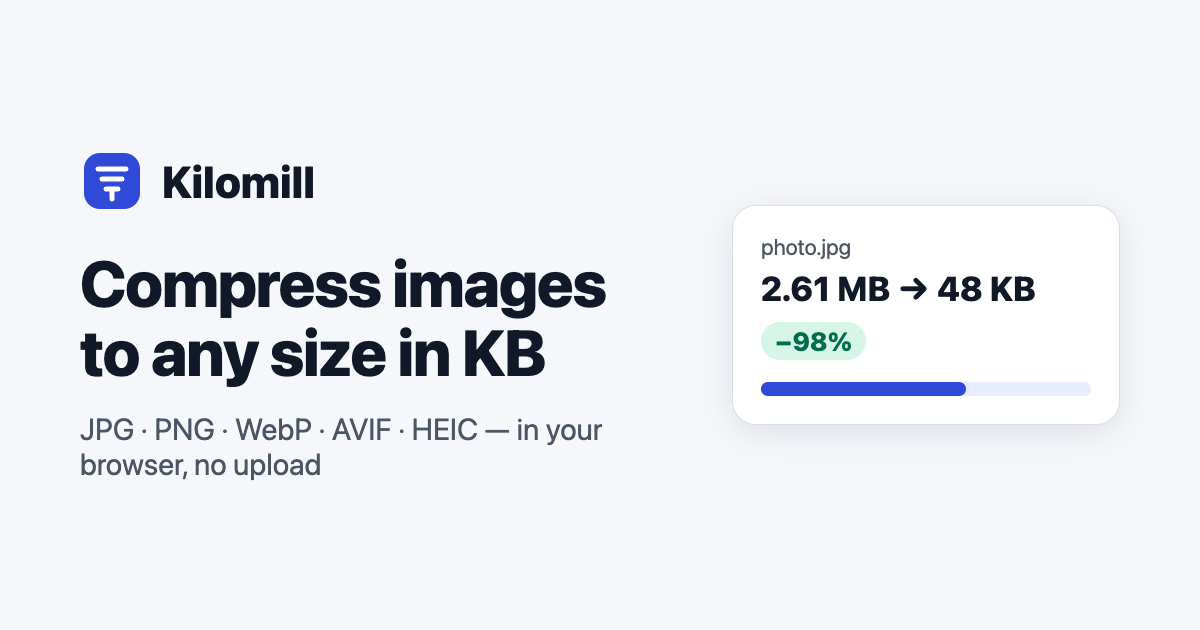
Kilomill is a web-based tool that reduces file sizes for JPG, PNG, WebP, AVIF, HEIC, and other image formats. It runs entirely inside the browser using JavaScript and WebAssembly, so images are never uploaded to a server. All processing happens locally in the device memory.
The tool uses professional encoding libraries like MozJPEG, OxiPNG, libwebp, and libavif instead of basic browser defaults. Users can set a target quality or specify an exact file size in kilobytes. It supports batch processing, before-and-after comparison, and exports results as individual files or a ZIP archive.
Additional controls allow resizing by dimensions or percentage, adjusting print resolution, and managing EXIF metadata including GPS location. If re-encoding would increase the file size, the original is kept automatically. The service requires no account, has no watermarks, and is free to use.
Kilomill features
- Runs entirely in the browser with no server uploads
- Uses MozJPEG, OxiPNG, libwebp, and libavif encoders
- Set exact target file size in kilobytes with min/max limits
- Batch compress multiple images and download as a ZIP
- Compare compressed results side by side at 100 percent zoom
- Control EXIF metadata and GPS location removal
- Resize images by pixels, percentage, or print dimensions
Who uses Kilomill and for what
- Reduce photo file sizes for faster email attachments or chat messages
- Convert iPhone HEIC photos to widely compatible JPG format
- Optimize website assets to meet strict upload size limits
- Prepare screenshots and diagrams for documentation or presentations
- Strip GPS location and camera metadata from shared images
Kilomill FAQ
Is Kilomill free to use?
Yes. The website states the tool is free, requires no sign-up, and adds no watermarks.
Does Kilomill upload my images to a server?
No. Images are processed locally in the browser tab using JavaScript and WebAssembly. The website confirms that no network requests carry the image files.
What image formats does Kilomill support?
It reads and compresses JPG, PNG, WebP, AVIF, HEIC, GIF, BMP, TIFF, PSD, SVG, and camera RAW files. Animated GIF and WebP retain animation when outputting to those formats.
Can I compress images to a specific file size in kilobytes?
Yes. Users can set a maximum target size in KB and optionally a minimum. The tool searches for the highest quality that fits within the limit.
Comments (0)
No comments yet. Ask the maker a question or share how you would use it.
More Design launches
AI thumbnail art direction for YouTube creators
Free AI image editor you can try without signing up
Give your photos a look you love
App Store screenshots, designed as one panorama
Turn your music into stunning visuals
EpoxyCalculators.comOpen source · verified
Calculate epoxy resin in gallons, fl oz & Part A/B grams.