Personal Planner
Time blocking and reviews for days that don't go to plan
ProductivityOpen sourceOpen source · verified#time-blocking#time-tracking#offline-first
Launches Nov 2, 2026 at 00:00 UTC
What is Personal Planner?
That 'quick 30-minute task' took an hour. Tomorrow's plan should probably account for that.
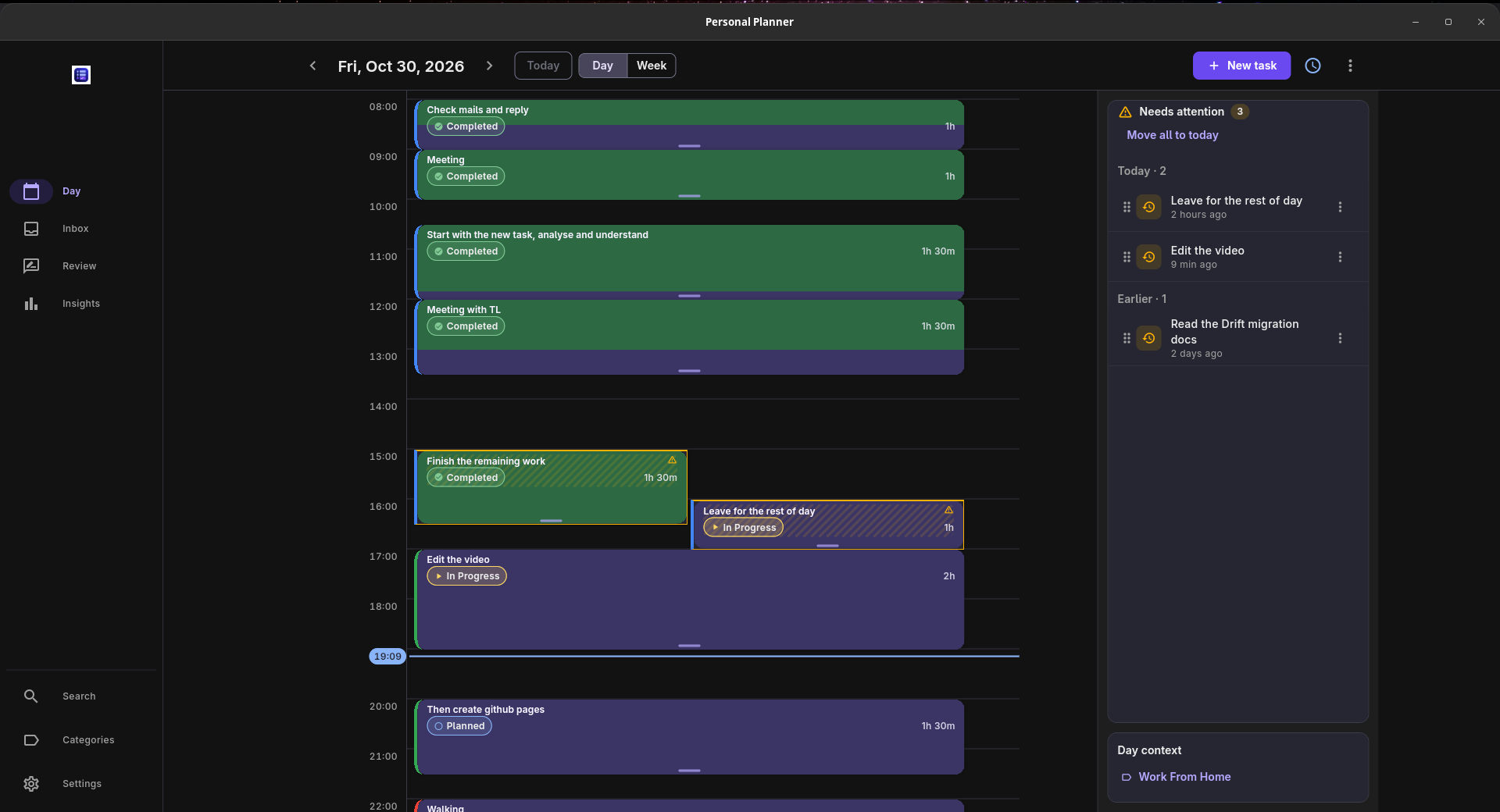
Personal Planner keeps the time you planned beside the time you actually spent. Put tasks on a day or week timeline, start a timer when you work, and come back later to see how the day went.
I built it because I was planning every day but making the same bad estimates. I wanted to keep the history and learn from it.
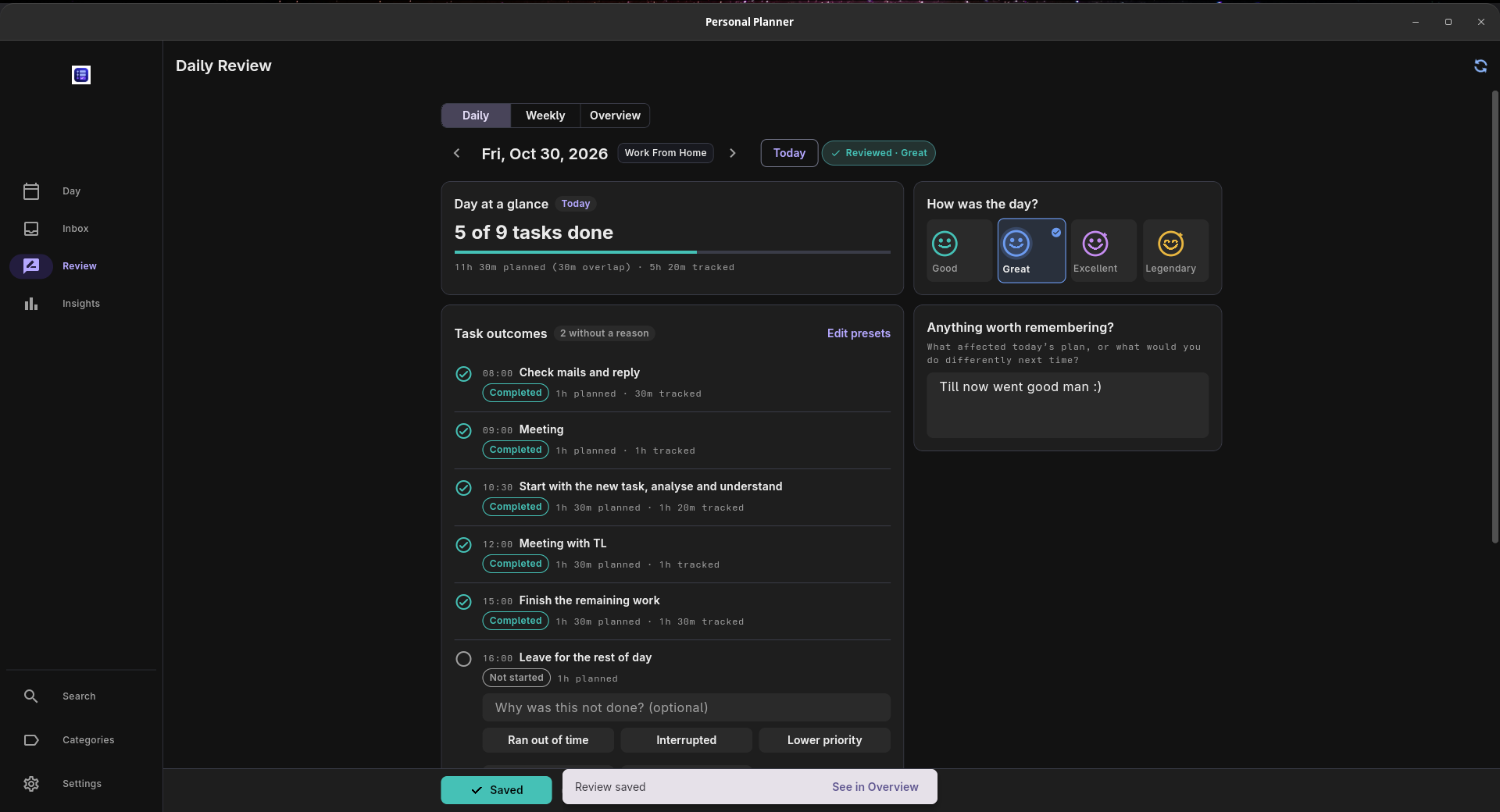
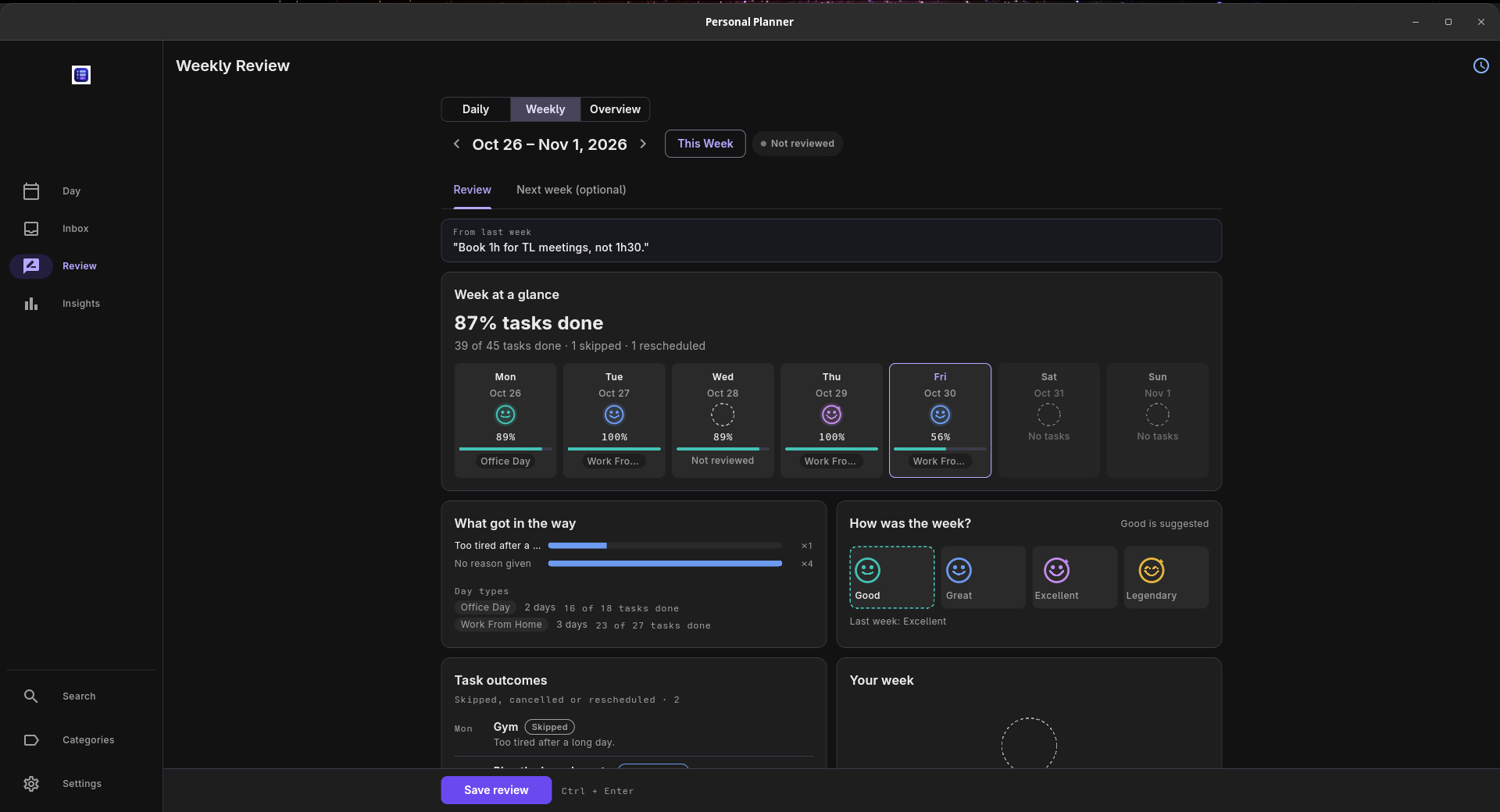
Daily and weekly reviews bring your tasks, tracked time and notes together. Write why something slipped, look back at an earlier week, and use what you find when making your next plan.
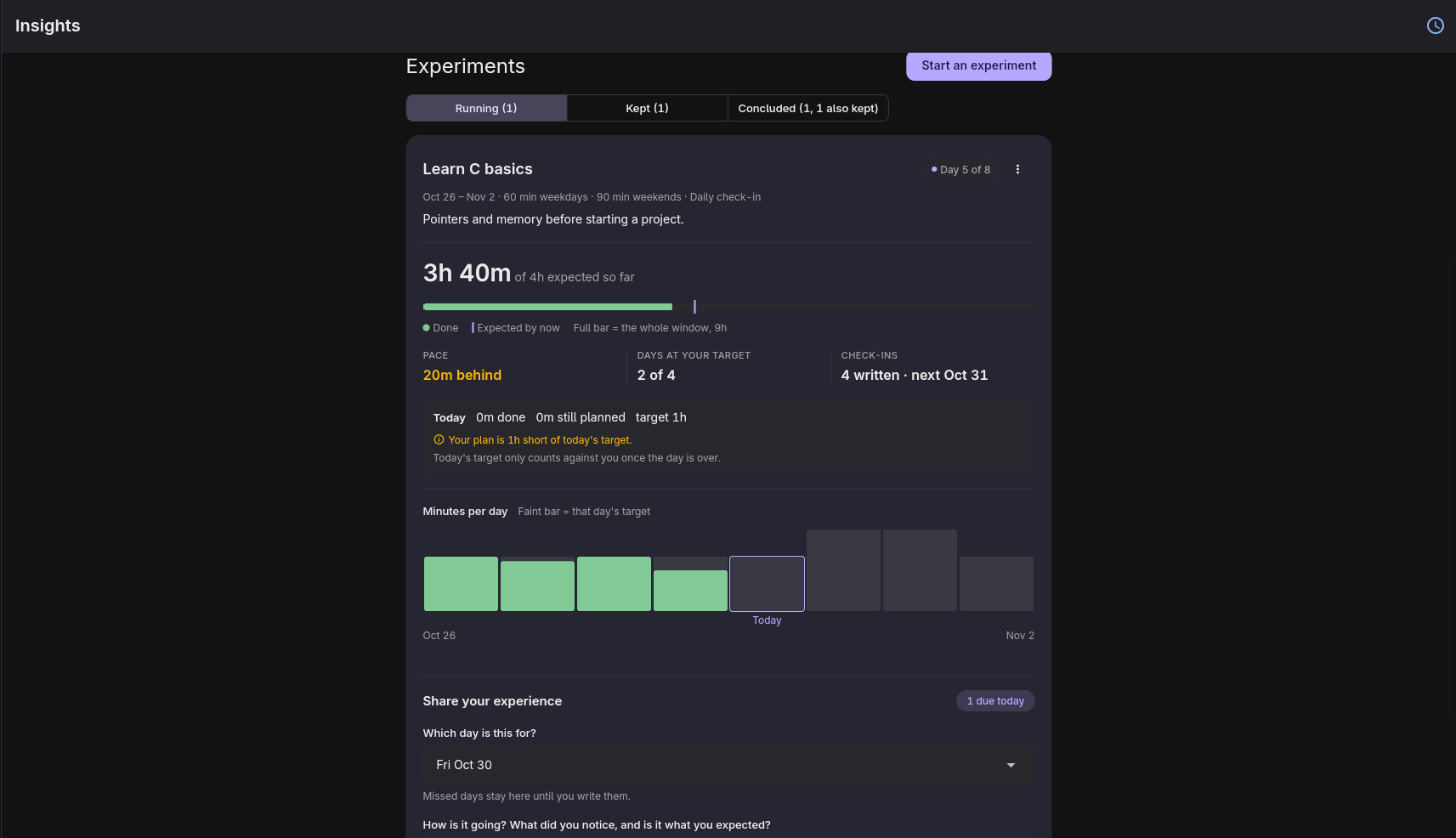
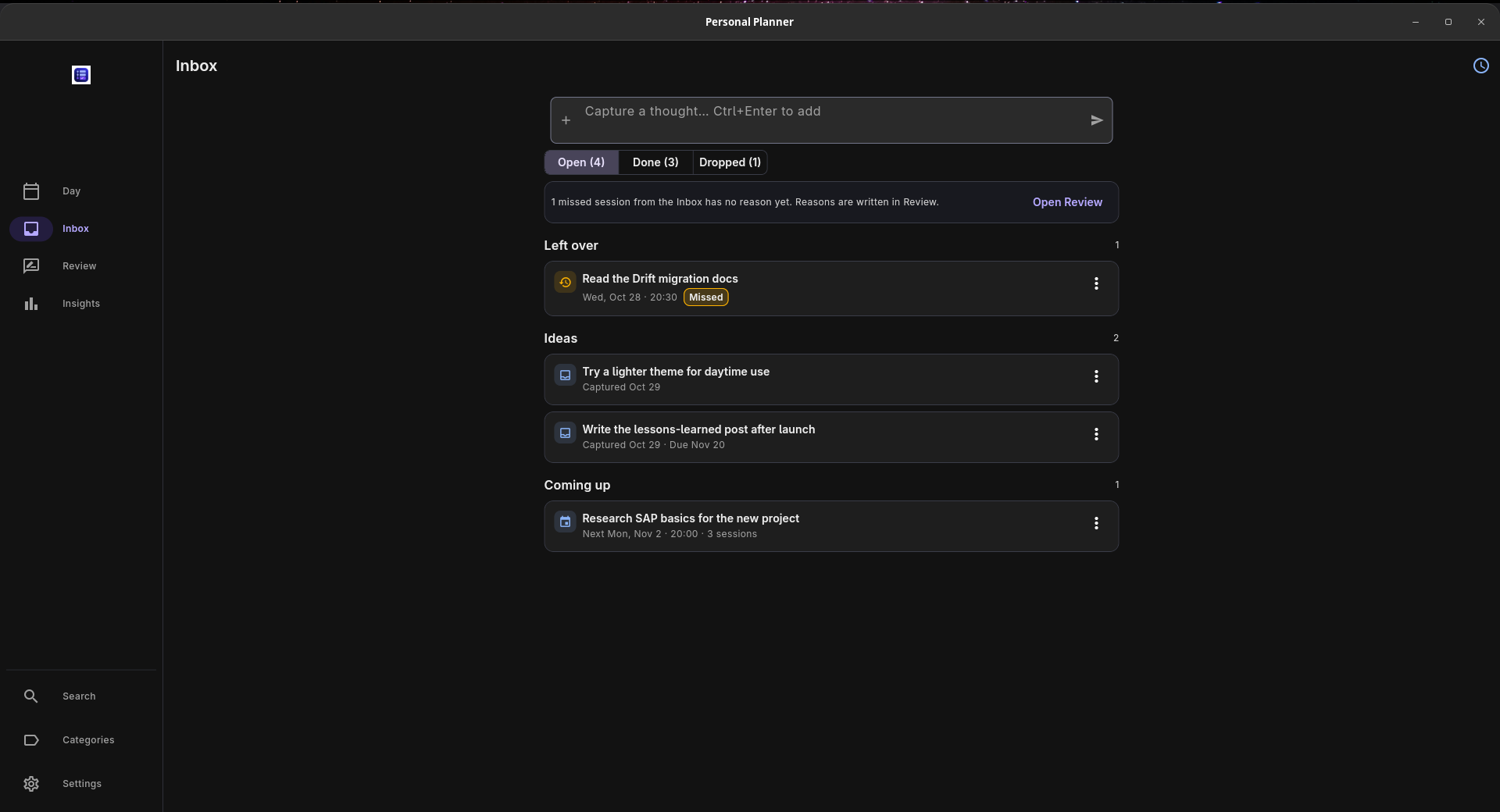
Recurring tasks and templates help with regular plans. An inbox holds ideas until you're ready to schedule them. Experiments let you try a routine for a few weeks and track it using time you've already recorded.
It runs on Windows, macOS, Linux and Android, and works offline without an account. Your data stays on your device unless you enable optional sync through your own Supabase project, which requires setup.
Free and open source. No subscriptions or paid feature tiers.
Personal Planner features
- Plan your day and week with draggable time blocks
- Track task time and compare planned vs actual minutes
- Review your days and weeks with personal notes and reasons for skipped tasks
- Reuse recurring tasks and templates, and keep later ideas in an inbox
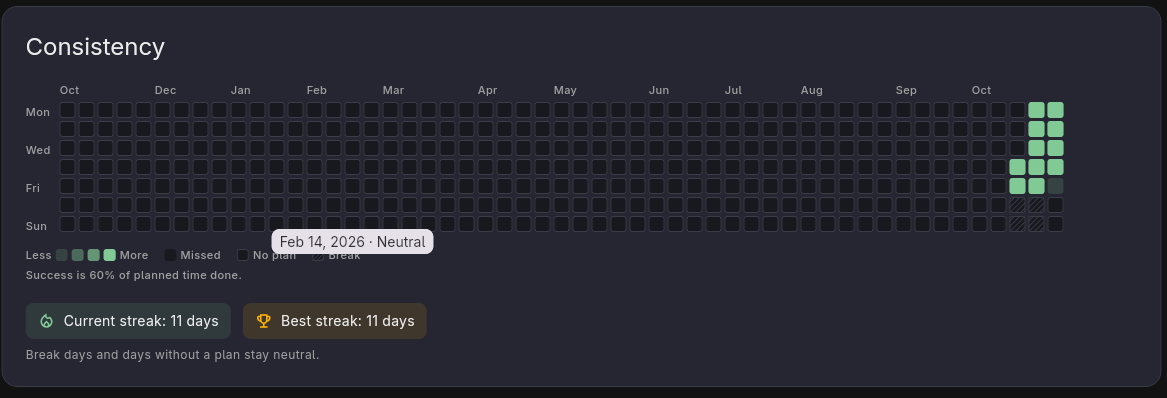
- Try routines as experiments and follow your consistency over time
- Work offline without an account, with built-in backup and restore
Who uses Personal Planner and for what
- Students planning study sessions and checking how much time each subject actually takes
- Developers and freelancers comparing task estimates with the time spent doing the work
- People reviewing their week and testing routines without keeping a separate planner, timer and journal
Personal Planner FAQ
Is Personal Planner completely free?
Yes. The app is free and open source under the MIT license. There are no subscriptions or paid feature tiers.
Does it work offline without an account?
Yes. Planning, timers, reviews and insights work offline, with your data stored on your device. You don't need an account for local use.
Which devices can I use it on?
Personal Planner runs on Windows, macOS, Linux and Android. Downloads are available through GitHub Releases and also you can visit the website to download them as well
Can I sync my planner between devices?
Yes. Optional sync uses your own Supabase project. It requires setup and sign-in; the app still keeps a local copy of your data on each device.
How does it help me make better time estimates?
How does it help me make better time estimates?
Comments (0)
No comments yet. Ask the maker a question or share how you would use it.
More Productivity launches
Fast, private voice dictation for Mac and Windows

Discover startups, launch products, and get noticed weekly
Discover experiences worth adding to your bucket list.
Auto-sync dual-system audio to cameras via XML
Free music discovery and in-browser audio tools.
Infinite canvas OS for your apps, teammates and AI agents