
QuickVector
PNG/JPG to Cricut SVG & LightBurn DXF in browser
DesignFreemium#svg#cricut#dxf
Launches Nov 4, 2026 at 00:00 UTC
What is QuickVector?
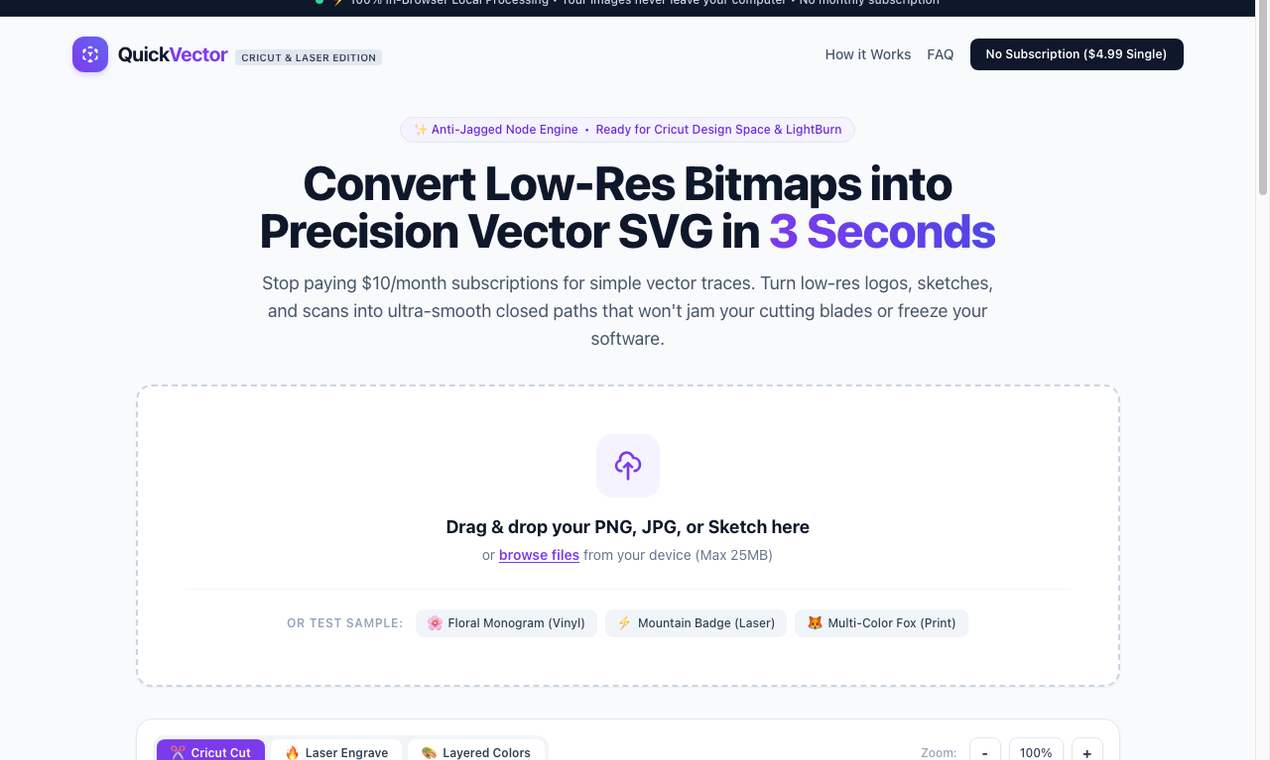
QuickVector converts PNG and JPG images into Cricut-ready SVG and LightBurn DXF in the browser. It is a maker tool for people cutting vinyl in Cricut Design Space or Silhouette, and for people preparing laser files in LightBurn.
Tracing runs locally in the browser, so the image is not uploaded to a server. A free preview is watermarked. A one-time $4.99 unlock downloads a clean SVG and DXF ZIP. There is no monthly subscription.
Use it when a raster logo needs to become a cut file without a desktop trace fight or another vectorizer subscription.
QuickVector features
- Converts PNG and JPG into Cricut-ready SVG in the browser
- Exports DXF for LightBurn laser workflows
- Runs locally so images are not uploaded to a server
Who uses QuickVector and for what
- Vinyl makers preparing a logo for Cricut Design Space or Silhouette
- Laser users turning a raster image into a LightBurn DXF
QuickVector FAQ
Is there a free plan?
Yes. You can preview a watermarked result for free. A one-time $4.99 unlock downloads a clean SVG and DXF ZIP. There is no monthly subscription.
Are my images uploaded to a server?
No. Tracing runs locally in the browser, so files stay on your device.
Which cutters is QuickVector made for?
Cricut Design Space, Silhouette, and LightBurn workflows.
Comments (0)
No comments yet. Ask the maker a question or share how you would use it.
More Design launches
AI thumbnail art direction for YouTube creators
Free AI image editor you can try without signing up
Give your photos a look you love
App Store screenshots, designed as one panorama
Turn your music into stunning visuals
EpoxyCalculators.comOpen source · verified
Calculate epoxy resin in gallons, fl oz & Part A/B grams.