RMBG PRO
AI background removal and image editing tools for creators
DesignFreemium#image-editing#background-removal#pdf-tools
Launches Dec 28, 2026 at 00:00 UTC


What is RMBG PRO?
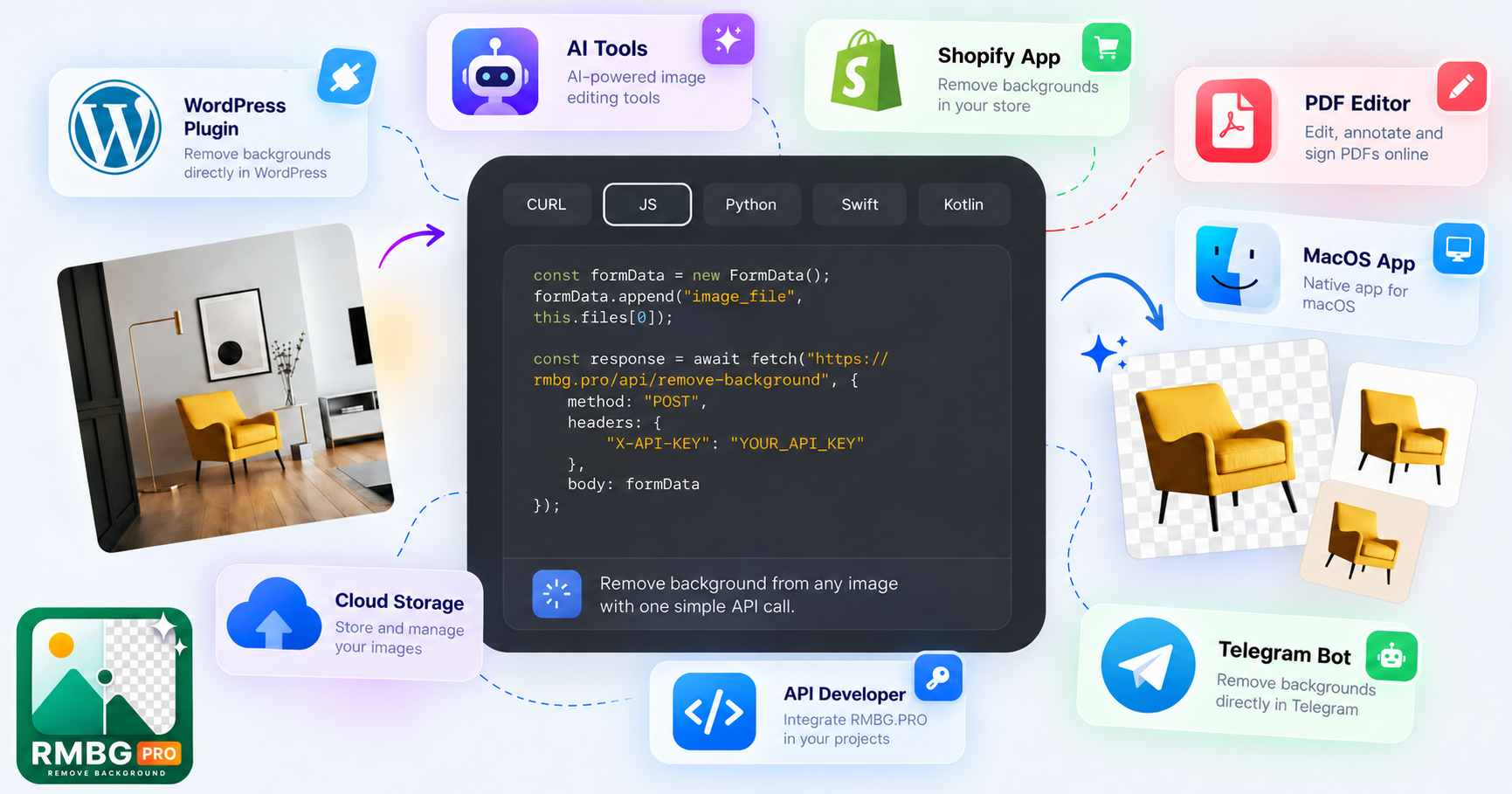
RMBG PRO is a web-based creative toolkit focused on AI-powered image processing. It provides tools to remove backgrounds, generate images from text prompts, edit photos, and add watermarks. The platform also includes utilities for working with PDFs, converting videos, and managing text strings.
Users can organize their projects in cloud collections and share public portfolios. The service integrates with WordPress and offers a REST API for developers. Processing operates on a credit system, where different tools consume varying amounts per operation. New accounts receive starting credits to test the platform.
Additional features include license plate anonymization for privacy, image-to-layer segmentation for Photoshop workflows, and an AI chat assistant. All tools run directly in the browser without requiring software installation.
RMBG PRO features
- AI background removal with bulk processing support
- Text-to-image generation using multiple AI models
- PDF compression, splitting, merging, and text extraction
- Cloud storage for organizing images into public or private collections
- REST API for automated background removal and image processing
- License plate anonymization tool for vehicle photography privacy
- Image layer separation for exporting editable PSD files
Who uses RMBG PRO and for what
- E-commerce sellers removing product backgrounds for online store listings
- Content creators generating custom thumbnails for YouTube videos
- Photographers protecting customer privacy by blurring license plates
- Designers extracting transparent layers from photos for compositing work
- Marketers adding branded watermarks to promotional images before publishing
RMBG PRO FAQ
Is RMBG PRO free to use?
Yes, new accounts start with ten free credits. Each tool consumes a set number of credits per operation, and additional credits can be purchased through Stripe. The website does not say how long the free credits last or if they renew.
Does RMBG PRO work on Mac or Windows?
The service runs entirely in a web browser, so it works on Mac, Windows, and Linux computers. The website does not say if there are native desktop applications available.
Can I use RMBG PRO to remove backgrounds from many images at once?
Yes, the platform supports batch processing for background removal and other tools. Credits are deducted based on the number of images processed. The website does not say if there is a maximum file size limit for batch uploads.
Is RMBG PRO open source?
No, the website does not list the project as open source, and no public repository link is provided. The codebase is proprietary.
What formats does RMBG PRO support for input and output?
The tool accepts common image formats like PNG, JPG, and WebP, and handles HEIC files. Outputs include transparent PNGs, solid-color backgrounds, and layered PSD files. The website does not say which exact video or PDF formats are supported beyond standard MP4, WebM, and PDF.
Comments (0)
No comments yet. Ask the maker a question or share how you would use it.
More Design launches
Client photo galleries, video feedback and print sales
GPT Image 2 online — photoreal AI images with sharp text
Free AI image editor you can try without signing up
Give your photos a look you love
App Store screenshots, designed as one panorama
AI thumbnail art direction for YouTube creators