Save Gmail Emails as PDF in Bulk
Bulk export Gmail to PDF and print, 100% in your browser
ProductivityFreemium
Launches Dec 11, 2026 at 00:00 UTC
What is Save Gmail Emails as PDF in Bulk?
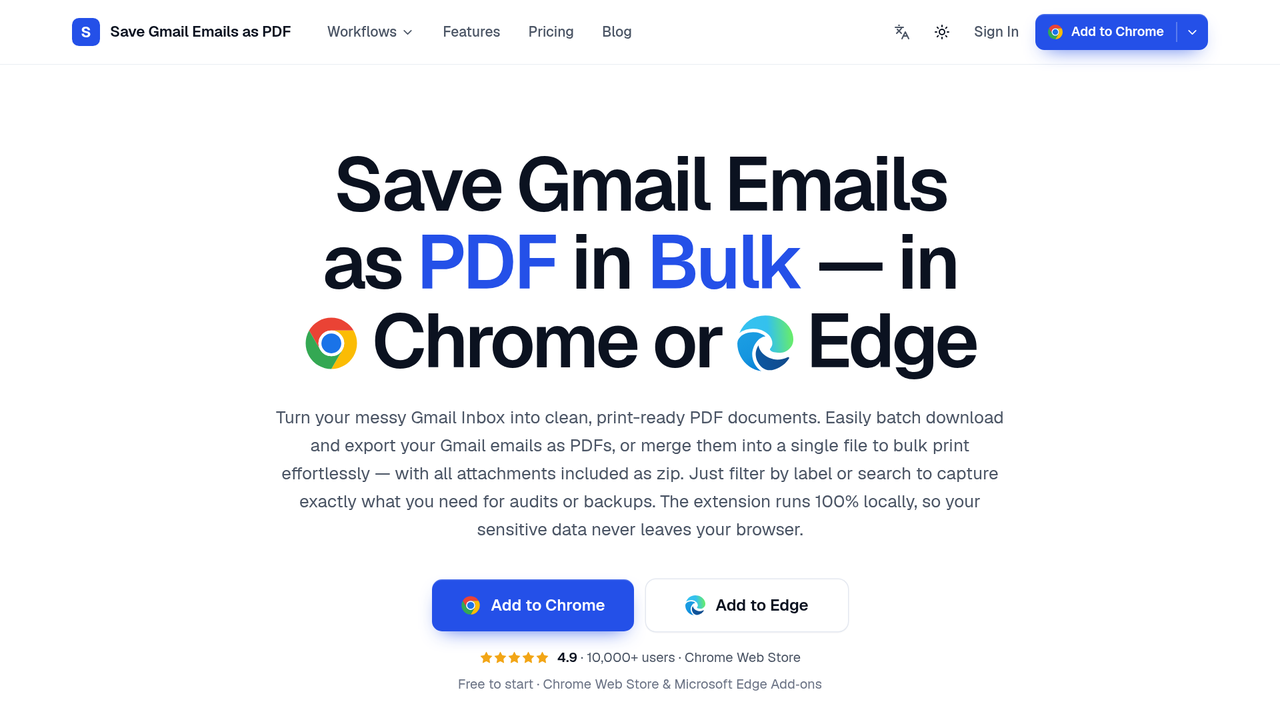
Save Gmail Emails as PDF in Bulk is a Chrome and Edge extension that adds PDF and Print buttons to Gmail's own toolbar. Select emails, a whole label or a search result and save every conversation as its own PDF with attachments zipped alongside, or merge up to 50 conversations into one PDF to save or print. PDFs are generated locally in your browser, so no email is ever uploaded.
Bulk export: tick the emails you want, or select a label, a sender or any Gmail search result, then click PDF. Each conversation becomes a separate PDF, named by a filename template you build from date, sender and subject (the default gives names like 2026-01-15_Acme_Invoice.pdf), and attachments are saved next to each PDF in a zip with the original files intact. A progress panel shows which emails are saved, converting or waiting, and a run can be cancelled midway without losing the files already written.
Merge and print: click Print instead and the selection is merged into a single PDF, one email per page, in the order you picked them. A short summary lists what went in, then Save PDF downloads the merged file or Print now sends it to the printer as one job. Gmail itself can only print one conversation at a time. A whole thread can also be saved as one PDF with every reply in order.
Page setup: portrait or landscape, and eight paper sizes (A3, A4, A5, B4, B5, Letter, Legal and Tabloid), set once and applied to every export. Layout, fonts, inline images, headers and timestamps come through as Gmail shows them.
Privacy: the PDF is built inside the Gmail tab that is already open, on your own device. Emails and attachments never pass through our servers or anyone else's.
It works with personal Gmail and Google Workspace accounts, in Chrome (Chrome Web Store) and Microsoft Edge (Edge Add-ons) with identical features. There is no setup: after installing, the PDF and Print buttons appear the next time Gmail is opened.
Save Gmail Emails as PDF in Bulk features
- Bulk export selected emails, labels or search results to individual PDFs with attachments zipped
- Merge up to 50 conversations into one PDF to save or print as a single job
- PDFs generated locally in the browser, so no email or attachment is ever uploaded
Who uses Save Gmail Emails as PDF in Bulk and for what
- Lawyers saving client files, discovery and evidence as PDFs
- Accountants archiving invoices and receipts for audits
Save Gmail Emails as PDF in Bulk FAQ
What does it do?
It is a Chrome and Edge extension that adds PDF and Print buttons to Gmail, letting you save emails in bulk as PDFs with attachments or merge up to 50 into one PDF. Everything is generated locally in your browser, so nothing is uploaded.
Who is it for?
It is for anyone who needs Gmail records as files: legal teams, accountants, HR, freelancers, real estate and insurance professionals, and people backing up a mailbox before an account closes.
How much does it cost?
The free trial includes every feature and 20 conversions. Pro costs $4.99/month or $49.9/year for unlimited conversions, with a 7-day money-back guarantee.
Comments (0)
No comments yet. Ask the maker a question or share how you would use it.
More Productivity launches
Infinite canvas OS for your apps, teammates and AI agents
Save every recipe. Plan every meal.
Fast, private voice dictation for Mac and Windows
Looks like a calculator. Opens like a vault.

Discover startups, launch products, and get noticed weekly
Free HEIC to JPG, PNG and PDF converter for iPhone photos