
SkyCiv CloudCAD
Online 2D CAD software for engineers and architects
DesignFreemium#cad#structural-engineering#cloud-software
Launches Jan 13, 2027 at 00:00 UTC
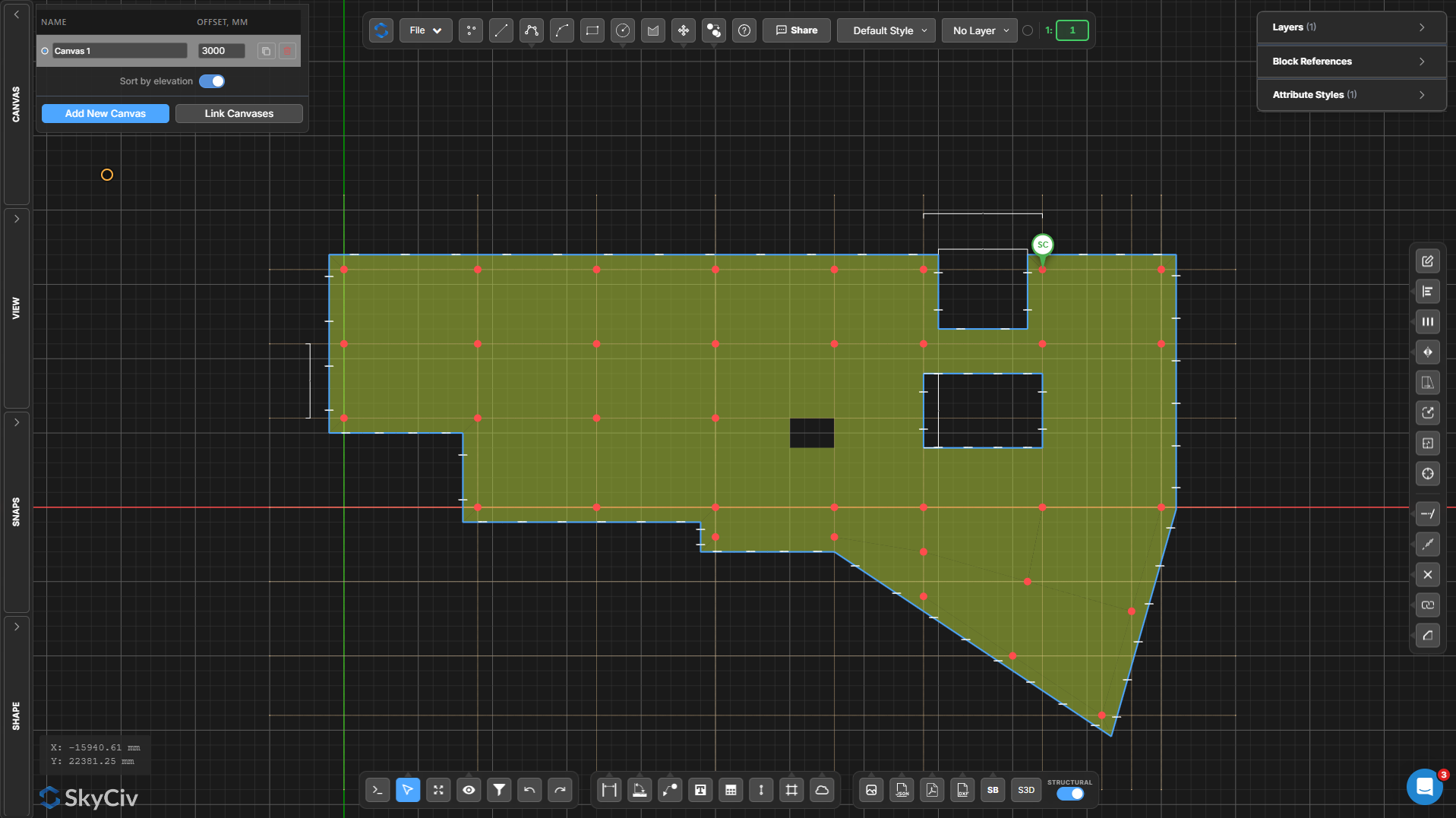
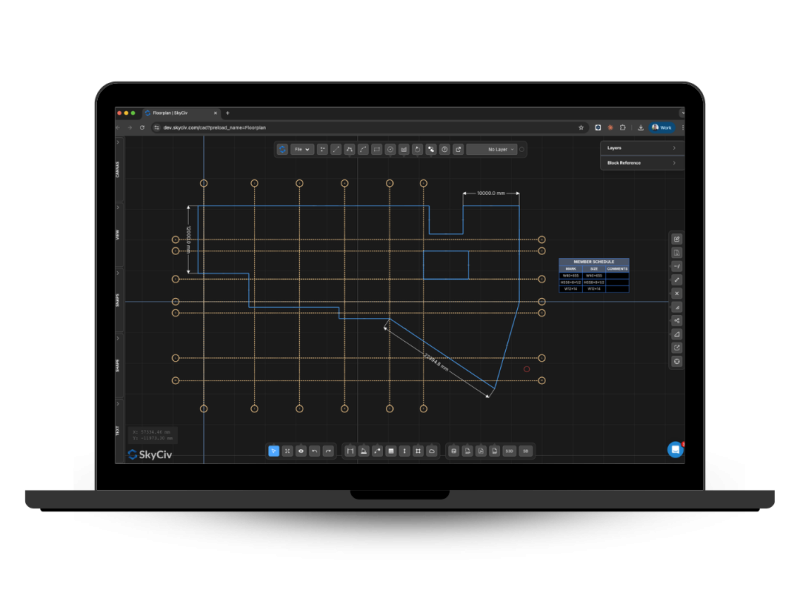
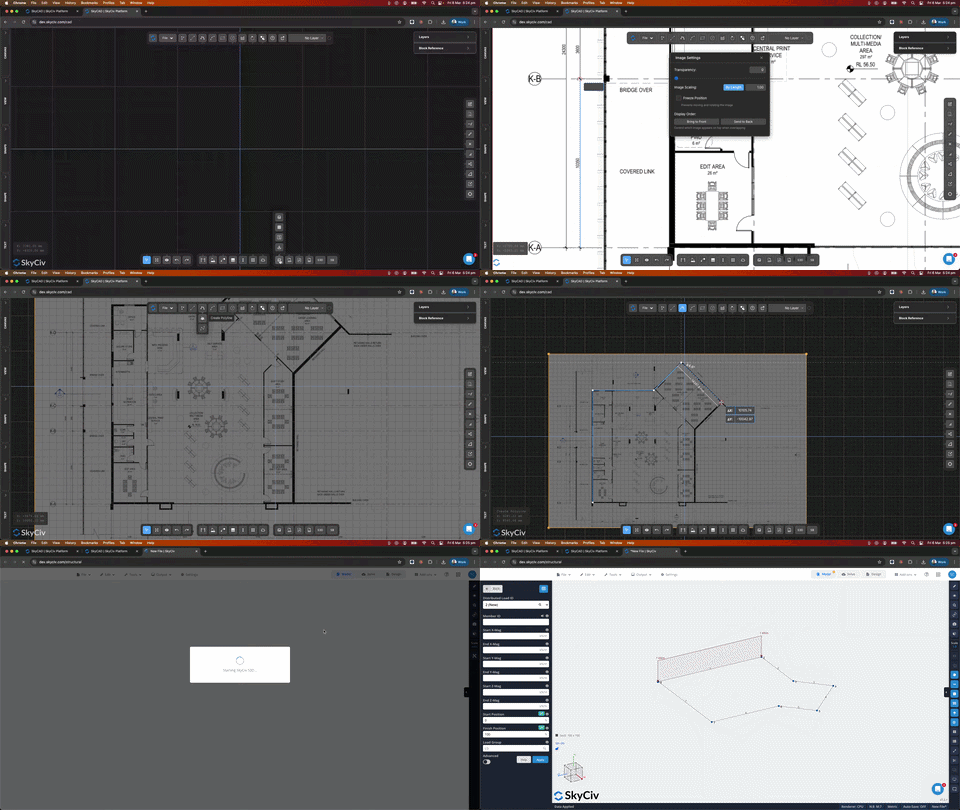
What is SkyCiv CloudCAD?
SkyCiv CloudCAD is a cloud-based 2D CAD tool from SkyCiv, the structural engineering software company. It runs entirely in the web browser, so engineers, architects and drafters can create, edit and dimension 2D drawings from any device without installing anything. It supports DWG and DXF import and export, layers, blocks and precise drafting tools, and includes an AI assistant that speeds up drafting. It is a lightweight online alternative to AutoCAD LT and other desktop CAD packages.
SkyCiv CloudCAD features
- Cloud-based 2D drafting with no installation required
- One-click conversion of 2D drawings to 3D structural models
- Automated design checks for steel, concrete, and timber
- Built-in AI assistant for rapid drawing modifications
- Export 3D analysis models to 2D floorplans and elevations
- Live project sharing via URL for real-time collaboration
- Customizable keyboard shortcuts and layer management tools
Who uses SkyCiv CloudCAD and for what
- Structural engineers converting architect floor plans into load-bearing 3D models for analysis
- Drafters generating scaled construction drawings and member schedules from completed designs
- Engineering teams collaborating on live drawing projects without managing PDF revision versions
- Students and educators running linear and buckling structural analysis directly in the browser
- Architects updating structural layouts and syncing changes automatically to existing analysis files
SkyCiv CloudCAD FAQ
Is SkyCiv CloudCAD free to use?
The website offers a free tier and allows users to get started for free. Paid plans are listed at twenty-nine dollars per month or two hundred ninety dollars per year. The website does not specify the exact limits of the free plan.
Does SkyCiv CloudCAD work on Mac and Windows?
Yes, the software runs entirely in a web browser and works on Mac, Windows, Chromebook, and tablets. No desktop installation is required.
What file formats does SkyCiv CloudCAD support?
Users can import DXF, DWG, and PDF files to create 2D drawings. The software exports finished models and drawings as DXF and PDF files. It also uses its own S3D format for structural analysis models.
Is SkyCiv CloudCAD open source?
The website does not say whether the software is open source. All product pages and documentation indicate it is a proprietary cloud service.
Can I use SkyCiv CloudCAD for structural analysis?
Yes, the platform converts 2D drawings into 3D models and includes built-in finite element analysis. It supports linear, non-linear, buckling, and dynamic analysis along with automated design checks and calculation reports.
Comments (0)
No comments yet. Ask the maker a question or share how you would use it.
More Design launches
Client photo galleries, video feedback and print sales
Merge PNGs and images privately in your browser
GPT Image 2 online — photoreal AI images with sharp text
Free AI image editor you can try without signing up
Give your photos a look you love
AI thumbnail art direction for YouTube creators