
UsefulBasis
Free in-browser tools: image compressor, timers, calculators
ProductivityFree#productivity#image-compression#privacy
Launches Nov 17, 2026 at 00:00 UTC
What is UsefulBasis?
Disclosure first: I'm the person who runs UsefulBasis, and I wrote this listing with help from an AI assistant, then checked every claim against the live site.
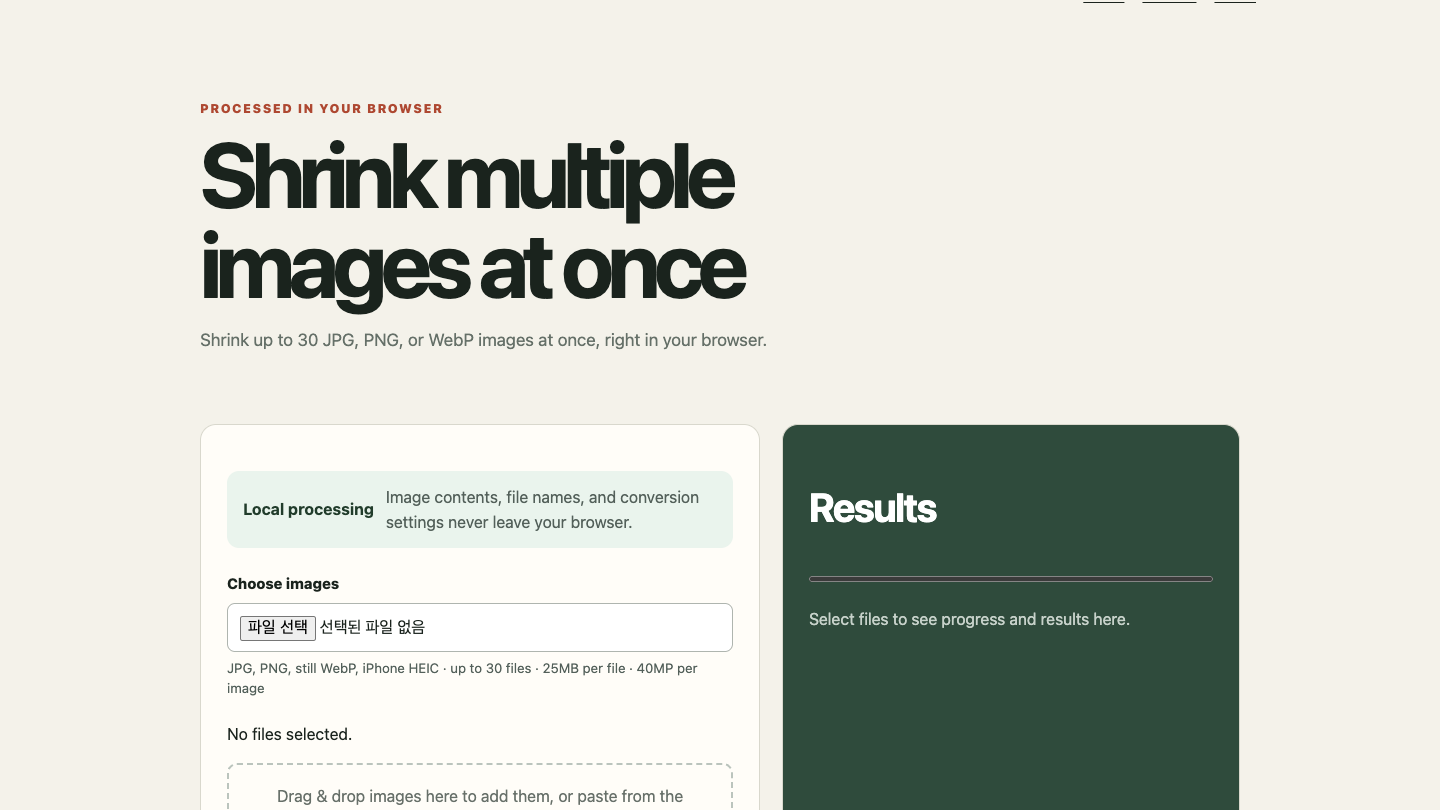
UsefulBasis is a small set of free tools that run in your browser. No account, no install, and for the image tool your files are processed on your own device instead of being uploaded.
The main tool is a batch image compressor. You drop in up to 30 JPG, PNG, still WebP or iPhone HEIC photos, set a max width/height and a quality between 40 and 95 (or a target size in KB), and download the results one by one or as a ZIP. In my own test, 12 phone photos totalling 57.0 MB came out at 3.4 MB with a 1920 px long side and quality 82.
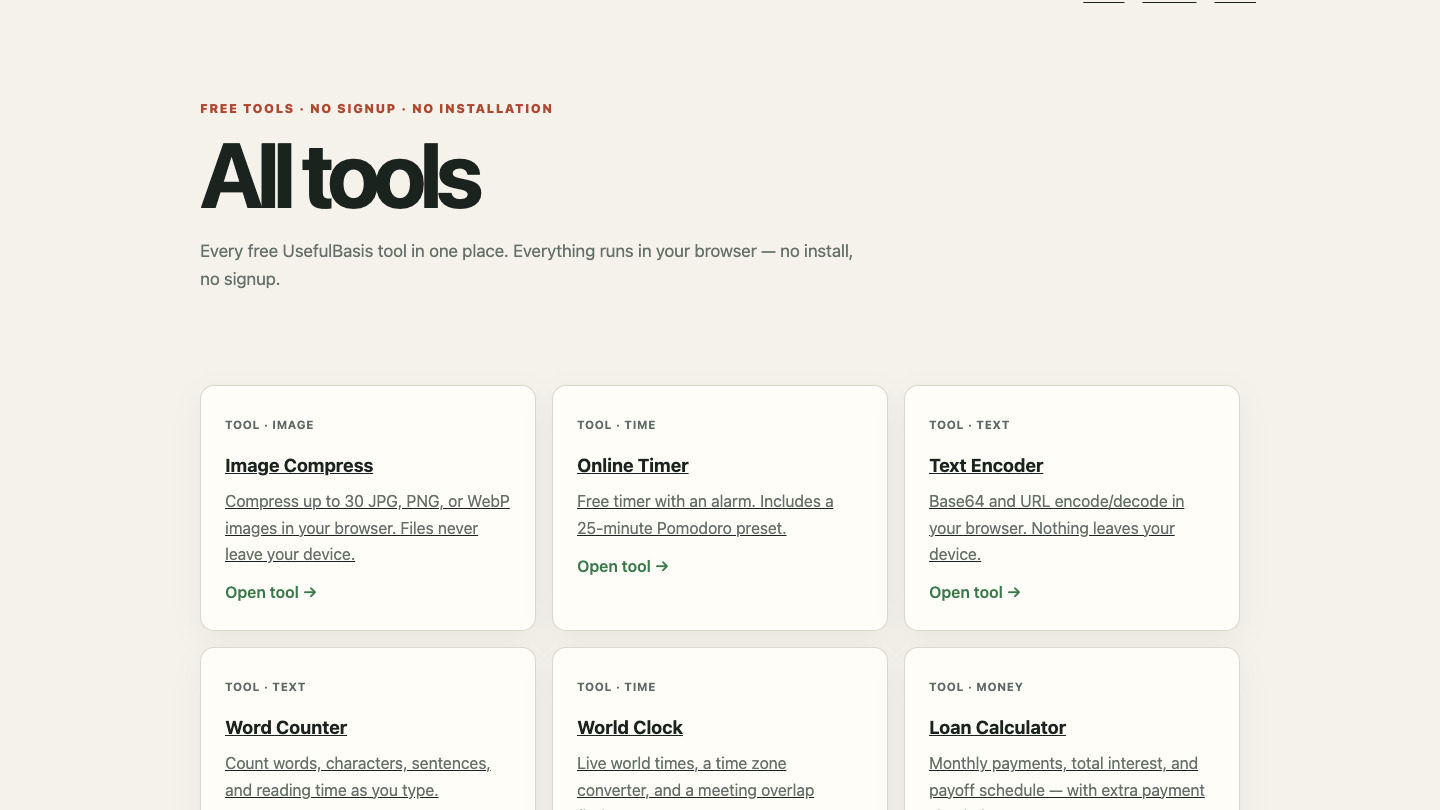
The rest are everyday helpers: an online timer with 10, 25 and 50 minute presets, a word and character counter, Base64/URL encoder, a world clock with a meeting-overlap finder, a loan calculator with extra-payment simulation, a compound interest calculator, a metronome and a microphone guitar tuner.
Who it's for: people who need to get a photo under an upload limit for a form or email, students and remote workers who want a plain timer, and anyone who'd rather not sign up for a one-off task.
Honest limits: GIF and animated WebP are not supported, the KB target works as a ceiling (it won't pad a file up to a minimum), and very large batches depend on your device's memory. The meeting-overlap finder currently works for today's date only. There are no accounts, so nothing is saved between visits.
UsefulBasis features
- Compresses up to 30 JPG, PNG, still WebP or HEIC images at once, in the browser
- Quality slider (40-95), max width/height, or a target size in KB
- Download files one by one or as a single ZIP
- Online timer with 10, 25 and 50 minute presets
- Word counter, Base64/URL encoder and world clock
- Loan and compound interest calculators
Who uses UsefulBasis and for what
- Getting an ID or application photo under a form's upload size limit
- Shrinking a batch of phone photos before emailing them
- Running a 25-minute focus session without installing an app
UsefulBasis FAQ
Is UsefulBasis free?
Yes. All tools are free to use, with no account and no paid plan.
Are my images uploaded to a server?
No. The image compressor processes files in your browser on your own device.
Can it shrink a photo to an exact size like 50 KB?
You can set a target size in KB and it will try to stay under it. It works as a ceiling, so a file can end up smaller than the target.
Which image formats does it support?
JPG, PNG, still WebP and iPhone HEIC. GIF and animated WebP are not supported.
Comments (0)
No comments yet. Ask the maker a question or share how you would use it.
More Productivity launches
Fast, private voice dictation for Mac and Windows

Discover startups, launch products, and get noticed weekly
Discover experiences worth adding to your bucket list.
Auto-sync dual-system audio to cameras via XML
Free music discovery and in-browser audio tools.
Infinite canvas OS for your apps, teammates and AI agents