VidEraser
AI watermark, logo and subtitle removal for videos you own
ProductivityFreemium#watermark-removal#video-editing#photo-editing
Launches Dec 4, 2026 at 00:00 UTC



What is VidEraser?
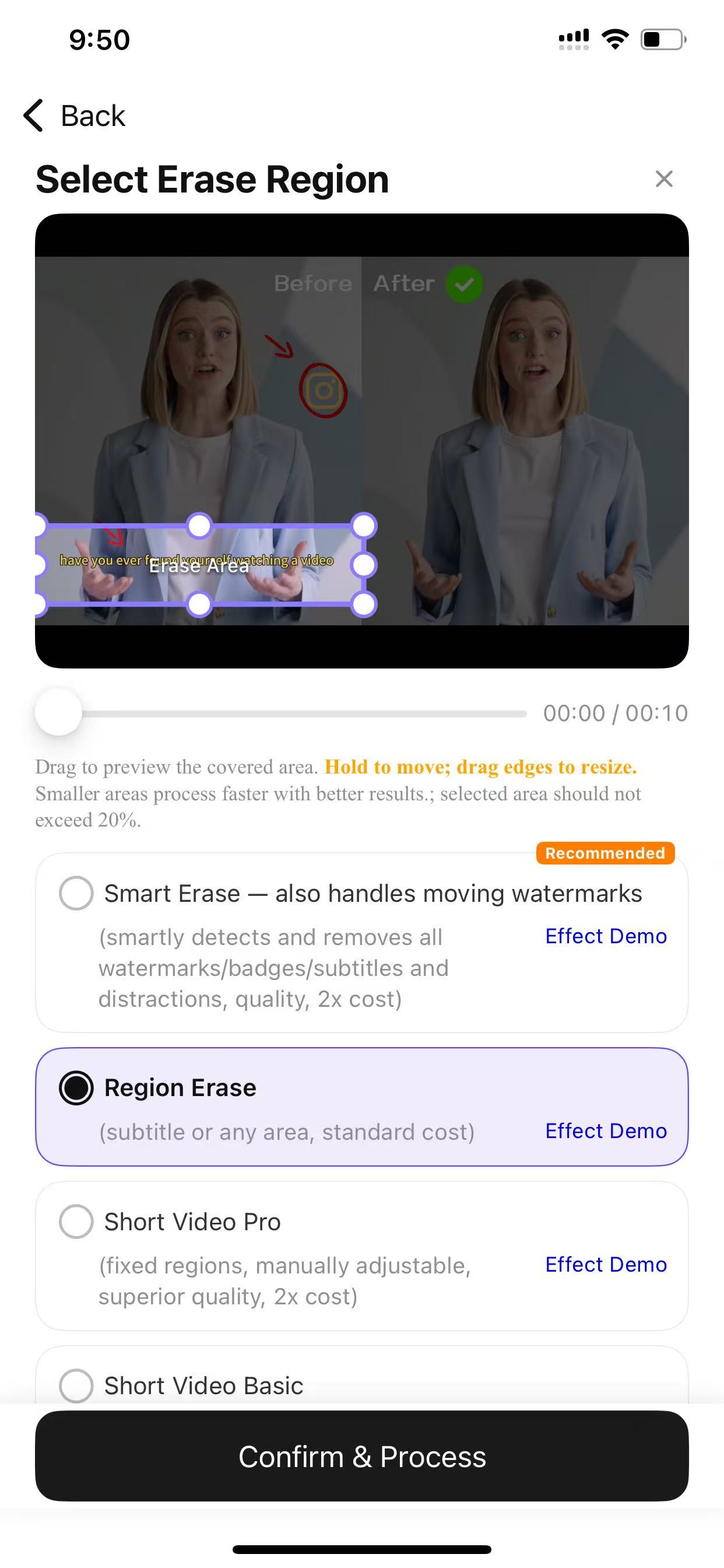
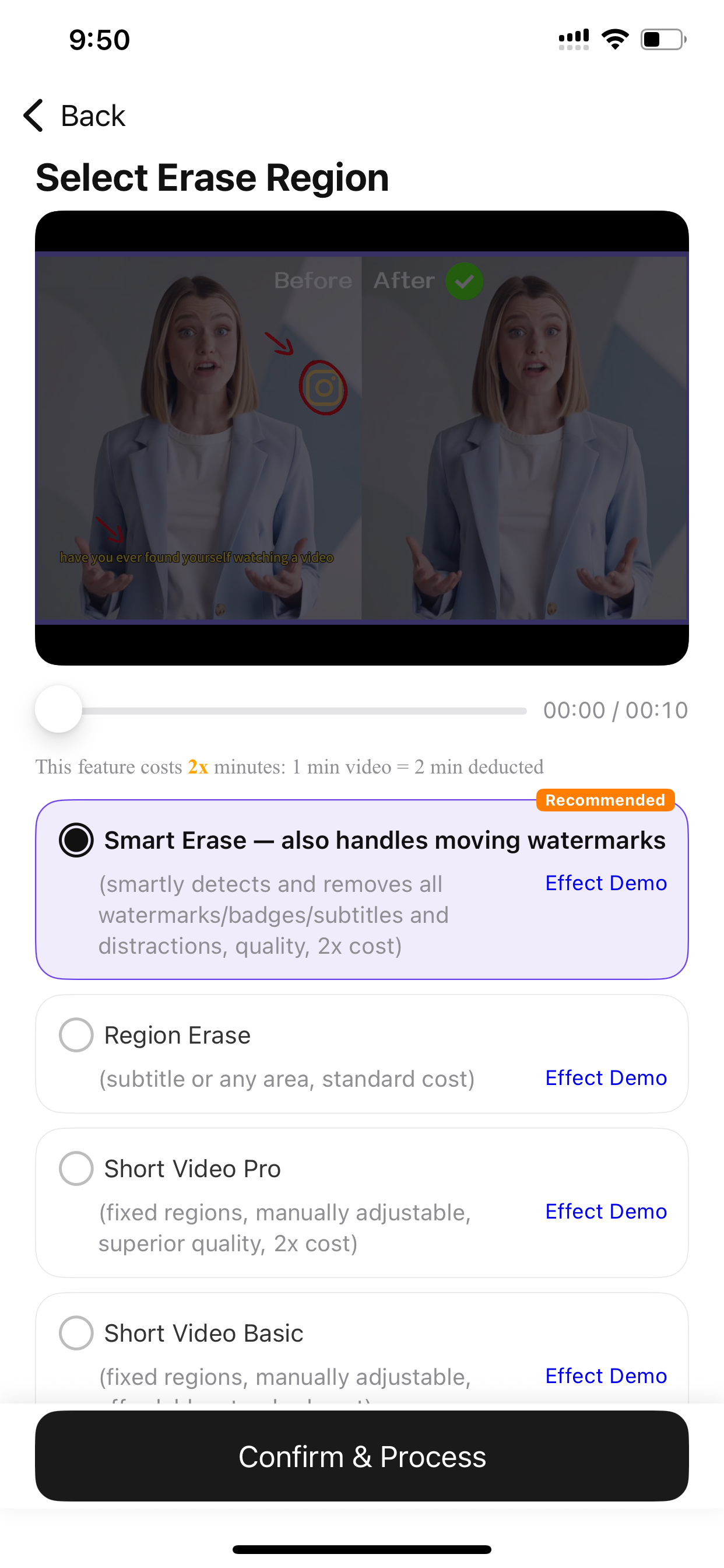
VidEraser uses AI to remove watermarks, logos, hard subtitles and text from videos and photos you own. Photos can also erase objects or people. Export keeps original resolution.
VidEraser features
- Removes static and moving watermarks from video clips
- Erases burned-in subtitles, timestamps, and on-screen text
- Deletes logos and corner badges from photos and videos
- Photo-only object and passerby removal with auto or manual brush
- Exports files at the original resolution without quality loss
- Supports batch uploading of up to ten videos simultaneously
- Shares a single account and credit balance across web and mobile apps
Who uses VidEraser and for what
- Creators removing watermarks, logos and hard subtitles from videos they own
- E-commerce sellers cleaning logos and date stamps from their own product photos and videos
- Travel vloggers removing logos or background text from footage they own
- Photographers erasing objects or people from photos they own
- Course instructors erasing old captions or watermarks from their own screen recordings
VidEraser FAQ
Is VidEraser free to use?
VidEraser is freemium. A preview may be available, but full exports use credits. Current plans are listed at https://videraserapp.com/en/pricing
Does VidEraser work on Mac?
VidEraser works in a web browser and on iOS and Android. There is no native macOS app, but you can use the web app on a Mac.
What kinds of watermarks can VidEraser remove?
VidEraser removes watermarks, logos, hard subtitles and text from videos and photos you own. On photos, it can also erase objects or people.
How does the pricing work for video edits?
Video and photo exports use a credit system. See https://videraserapp.com/en/pricing for current packs and plans.
Can I upload multiple videos at once?
Yes. The web app supports batch upload of up to ten videos at a time. Images are uploaded one at a time.
Comments (0)
No comments yet. Ask the maker a question or share how you would use it.
More Productivity launches
Infinite canvas OS for your apps, teammates and AI agents
Save every recipe. Plan every meal.
Fast, private voice dictation for Mac and Windows
Looks like a calculator. Opens like a vault.

Discover startups, launch products, and get noticed weekly
Free HEIC to JPG, PNG and PDF converter for iPhone photos