Bakodo Barcode Generator
Free browser tool for generating and printing barcodes
ProductivityFree#barcode#label-printing#inventory
Launches Jan 25, 2027 at 00:00 UTC
What is Bakodo Barcode Generator?
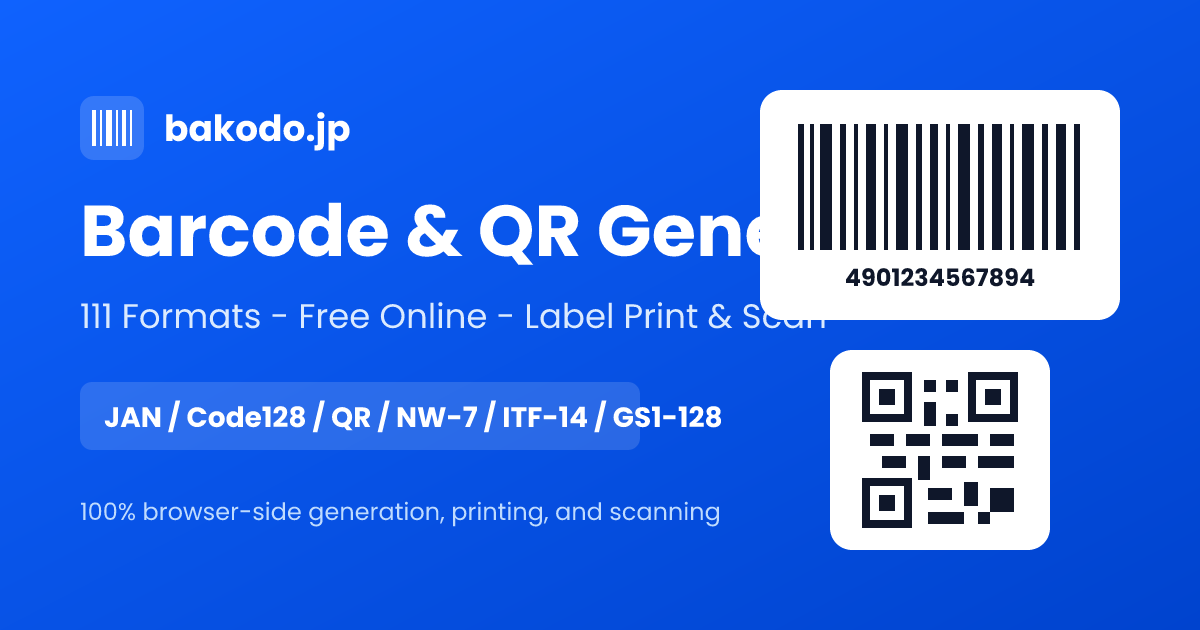
Bakodo is a web-based utility for creating barcodes and QR codes without registration or software installation. It supports 111 formats, including JAN, Code128, Code39, NW-7, ITF-14, GS1-128, Data Matrix, and QR variants. Users select a format, enter data, and receive a real-time preview. The tool automatically calculates check digits and allows precise control over module width, height, colors, rotation, and quiet zones.
Output options include high-resolution images in PNG, JPEG, WebP, SVG, and EPS. Users can adjust print resolution up to 1200 dpi and set exact dimensions in millimeters. The interface supports batch generation, allowing users to create serial numbers or paste Excel lists to produce up to 10,000 codes at once. Results can be saved individually, exported as a ZIP file, or printed directly onto standard A4 label sheets with customizable layouts.
For industrial workflows, Bakodo generates native printer commands in ZPL II, TSPL, and EPL2 formats. These commands can be saved or sent directly to Zebra and TSC label printers via USB or serial connections. All processing occurs locally in the browser, ensuring input data is never transmitted to external servers. The site also includes companion tools for scanning barcodes and reading QR codes using a camera or uploaded images.
Bakodo Barcode Generator features
- Supports 111 barcode and 2D code formats including JAN, QR, and Code128
- Generates high-resolution images in PNG, SVG, JPEG, WebP, and EPS formats
- Creates batch serial numbers and exports them as ZIP files for bulk labeling
- Prints directly to A4 label sheets or thermal printers using ZPL, TSPL, and EPL2
- Calculates check digits automatically for JAN and other supported standards
- Processes all data locally in the browser without uploading to any server
Who uses Bakodo Barcode Generator and for what
- Create JAN codes for retail products or internal inventory tracking
- Generate QR codes with logos or Wi-Fi details for marketing materials
- Print shelf labels and warehouse tags on standard A4 adhesive sheets
- Export ZPL commands for direct printing on Zebra or TSC industrial label printers
- Scan and verify printed barcodes using the built-in camera or image reader
- Produce serial number lists for equipment tagging with zero-padded formatting
Bakodo Barcode Generator FAQ
Is Bakodo free?
Yes, it is completely free with no registration required. There are no usage limits or watermarks for personal or commercial use.
Does Bakodo work on Mac?
The website does not specify platform restrictions, but it runs entirely in a web browser that requires JavaScript, so it works on any device with a compatible browser.
What is Bakodo used for?
It is used to generate and print barcodes and QR codes. It supports 111 formats like JAN, Code128, and Data Matrix, and handles batch creation, label printing, and printer command output.
Is Bakodo open source?
The website does not state whether the tool itself is open source. It mentions using a BWIPP rendering engine, but the application source code is not provided.
Does Bakodo save my data?
No, all generation and processing happen locally within your browser. Data is never sent to or stored on external servers.
Can I use Bakodo for commercial products?
You can generate barcodes freely, but selling products in stores or e-commerce requires a GS1 company code. Internal inventory or equipment management can use any number you choose.
Comments (0)
No comments yet. Ask the maker a question or share how you would use it.
More Productivity launches
Infinite canvas OS for your apps, teammates and AI agents
Save every recipe. Plan every meal.
Fast, private voice dictation for Mac and Windows
Cloud HR platform for Saudi businesses
Looks like a calculator. Opens like a vault.
Free HEIC to JPG, PNG and PDF converter for iPhone photos