ConvertPicto
Free browser-based image converter and compressor
DesignFreeOpen source · verified#image-conversion#compression#privacy
Launched Nov 27, 2026 · finished #9 of the day
What is ConvertPicto?
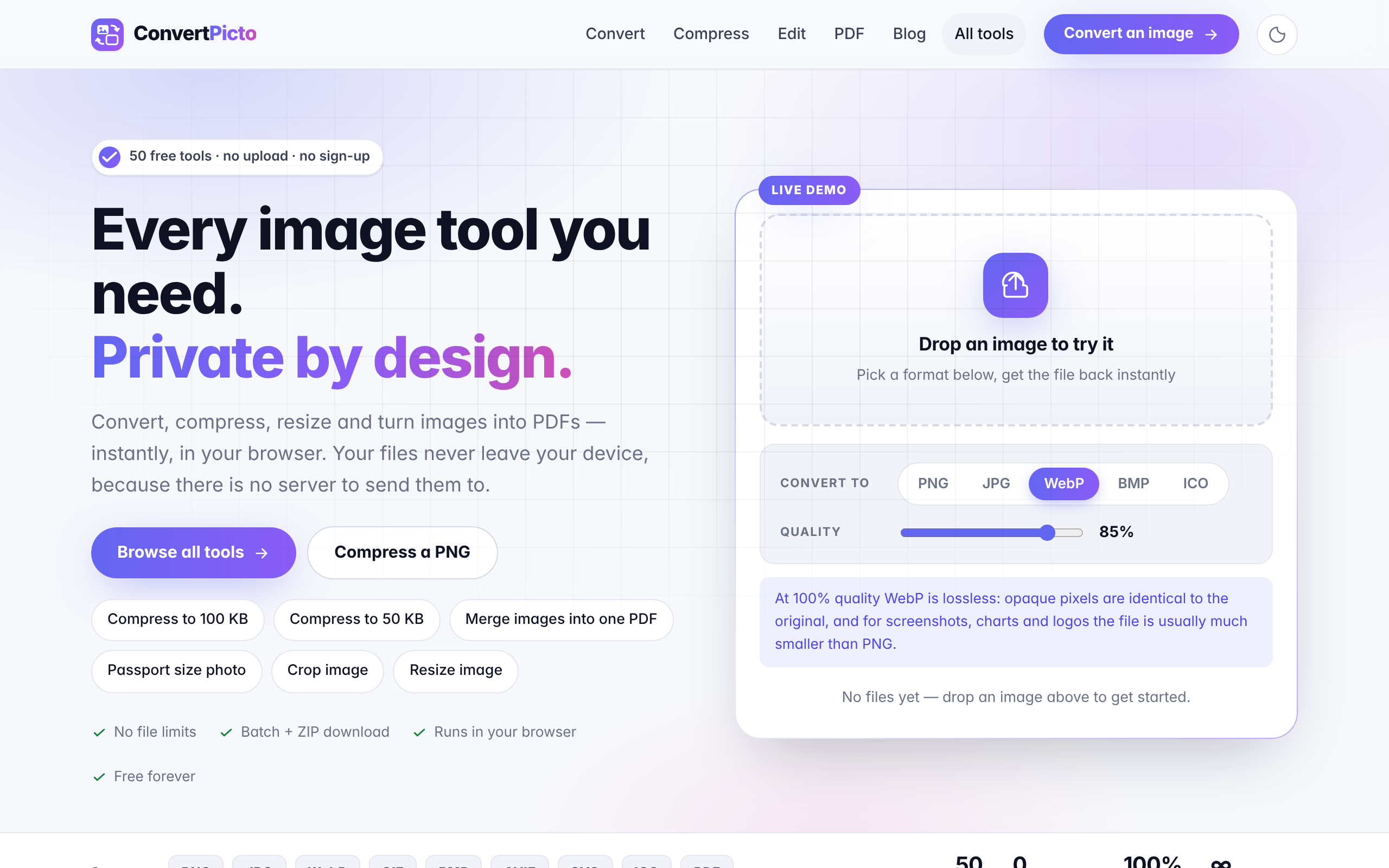
ConvertPicto is a free, open-source collection of 50 image tools that work entirely inside your browser. Your files are never uploaded, because there is no server to send them to.
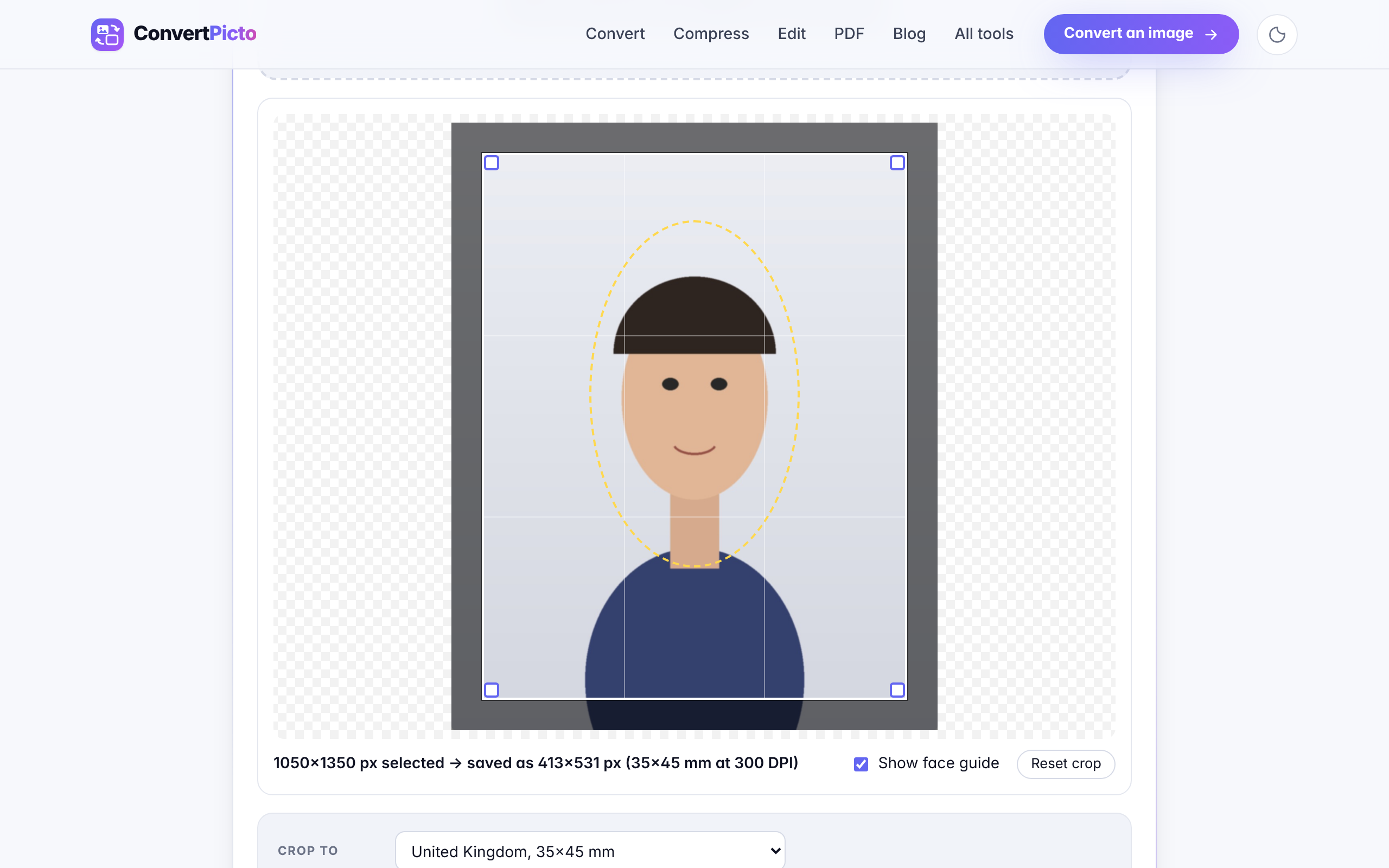
You can convert between PNG, JPG, WebP, AVIF, GIF, BMP, SVG and ICO, compress a photo to a target size such as 100 KB for upload forms, crop images or make passport photos in the right size for your country, reduce grain, and combine several images into one PDF with the pages in your order. There are also favicon and Base64 tools for web developers.
It is for anyone who needs to get an image into the right format, size or shape quickly, including people filling in online application forms who don't want to upload ID photos to an unknown server. It handles batches with ZIP download, works on phones, needs no account and adds no watermark. The code is open source (MIT) on GitHub.
ConvertPicto features
- 50 browser-based image tools with zero server uploads
- Convert between PNG, JPG, WebP, GIF, BMP, AVIF, SVG, and ICO
- Compress files to exact targets like 20 KB, 50 KB, or 100 KB
- Resize, crop, rotate, flip, and convert to grayscale locally
- Merge multiple images into a single print-ready PDF
- Generate multi-size favicons and Base64 data URIs
- Batch processing with instant ZIP downloads
Who uses ConvertPicto and for what
- Converting website assets from PNG to WebP for faster page loading
- Shrinking profile pictures to meet strict form upload limits
- Creating passport-sized photos for official applications
- Generating favicons and Base64 strings for front-end development
- Merging scanned documents or screenshots into a single PDF
- Optimizing PNG graphics without losing transparency or quality
ConvertPicto FAQ
Is ConvertPicto free?
Yes. The website states the service is completely free forever with no account required, no premium tier, and no watermarks. It is funded by standard analytics and unobtrusive advertising cookies.
Does ConvertPicto upload my images to a server?
No. All processing runs locally in your browser using JavaScript and a WebAssembly encoder. Your files never leave your device, and the tools continue working even if you disconnect from the internet.
What image formats does ConvertPicto support?
Inputs include PNG, JPG, WebP, GIF, BMP, AVIF, SVG, and ICO. Outputs cover PNG, JPG, WebP, BMP, ICO, and PDF. HEIC is not supported because browsers cannot decode it.
Can I convert multiple images at once?
Yes. You can drop several files at once for batch processing and download all results together as a ZIP file. The site lists no limits on how many files you can process per batch.
Will converting images reduce their quality?
Lossless formats like PNG, BMP, and ICO retain full quality. JPG and WebP conversions are lossy but default to 85 percent quality where differences are usually invisible. The site notes that converting a JPG to PNG cannot restore previously lost detail.
Comments (0)
No comments yet. Ask the maker a question or share how you would use it.
More Design launches
Client photo galleries, video feedback and print sales
Merge PNGs and images privately in your browser
Browser-based BIM for building design and drawings
Custom Tesla wraps, made for your screen — AI designer
GPT Image 2 online — photoreal AI images with sharp text
AI thumbnail art direction for YouTube creators