ConvertWarp
Free browser-based file converter for PDFs, images, and
ProductivityFree#file-conversion#pdf-tools#privacy
Launches Jan 25, 2027 at 00:00 UTC
What is ConvertWarp?
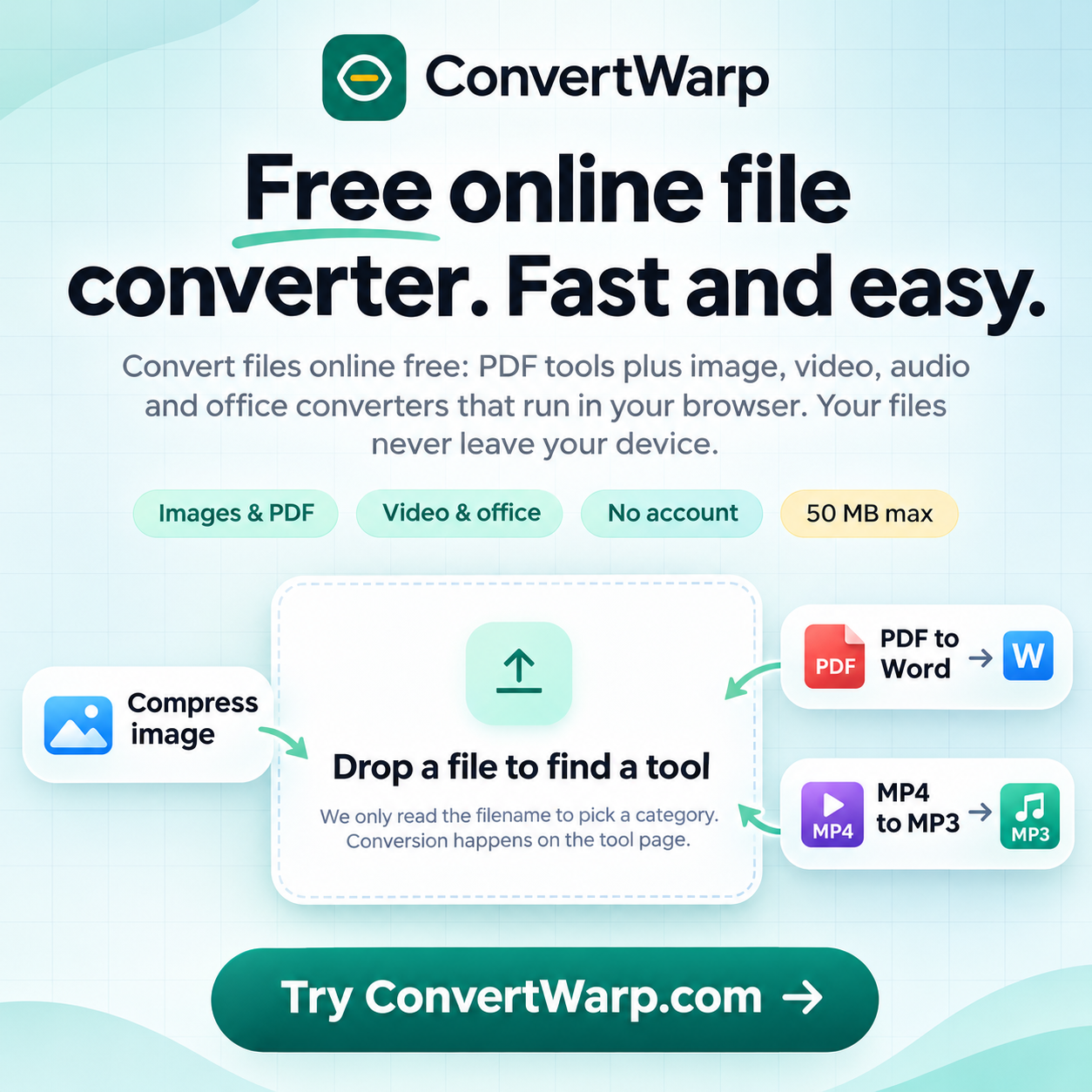
ConvertWarp is a free online file converter that runs entirely in your web browser. It handles more than seventy tools for converting PDFs, images, videos, audio files, and office documents. The service processes every file locally on your device using WebAssembly technology, which means your data never leaves your computer or phone.
Users can convert between common formats without creating an account or paying fees. The interface lets you drop a file into a tool, wait for the conversion to finish, and download the result. A maximum file size of fifty megabytes applies across the platform. After the initial page load, the site works offline.
Because all processing happens client-side, ConvertWarp is designed for users who need to handle private documents like contracts or financial records without uploading them to third-party servers. The site also includes utilities for OCR, QR code generation, and metadata removal.
ConvertWarp features
- Runs entirely in the browser using WebAssembly
- Files are processed locally and never uploaded
- Supports over seventy conversion tools
- Handles PDF, image, video, audio, and office formats
- Requires no account creation or payment
- Works offline after the initial page load
- Includes OCR, QR code generation, and metadata stripping
Who uses ConvertWarp and for what
- Convert iPhone HEIC photos to JPG format for wider compatibility
- Merge multiple PDF pages into a single document without sending files to a server
- Extract audio tracks from MP4 video files and save them as MP3
- Compress large PDF files to reduce storage space while maintaining readability
- Turn scanned documents into editable text using built-in optical character recognition
- Generate QR codes for Wi-Fi networks, email addresses, or plain text links
ConvertWarp FAQ
Is ConvertWarp free to use?
Yes. The website states that ConvertWarp is completely free with no paid tiers, trials, or required accounts. There are no watermarks added to converted files.
Does ConvertWarp upload my files to a server?
No. All conversions run directly in your web browser using WebAssembly. Your files stay on your device and are never sent to external servers.
What file types does ConvertWarp support?
The site offers tools for PDF, images, video, audio, office documents, and data formats. Popular conversions include PNG to JPG, PDF to Word, MP4 to MP3, and CSV to JSON.
Can I use ConvertWarp offline?
Yes. After loading the website once, the application works offline because all processing happens locally in your browser.
Is there a limit on file size?
The website specifies a maximum file size of fifty megabytes per conversion.
Does ConvertWarp work on Mac or Windows?
The website does not say. It only mentions that the tool runs in any modern web browser that requires JavaScript.
Comments (0)
No comments yet. Ask the maker a question or share how you would use it.
More Productivity launches
Infinite canvas OS for your apps, teammates and AI agents
Save every recipe. Plan every meal.
Fast, private voice dictation for Mac and Windows
Cloud HR platform for Saudi businesses
Looks like a calculator. Opens like a vault.
Free HEIC to JPG, PNG and PDF converter for iPhone photos