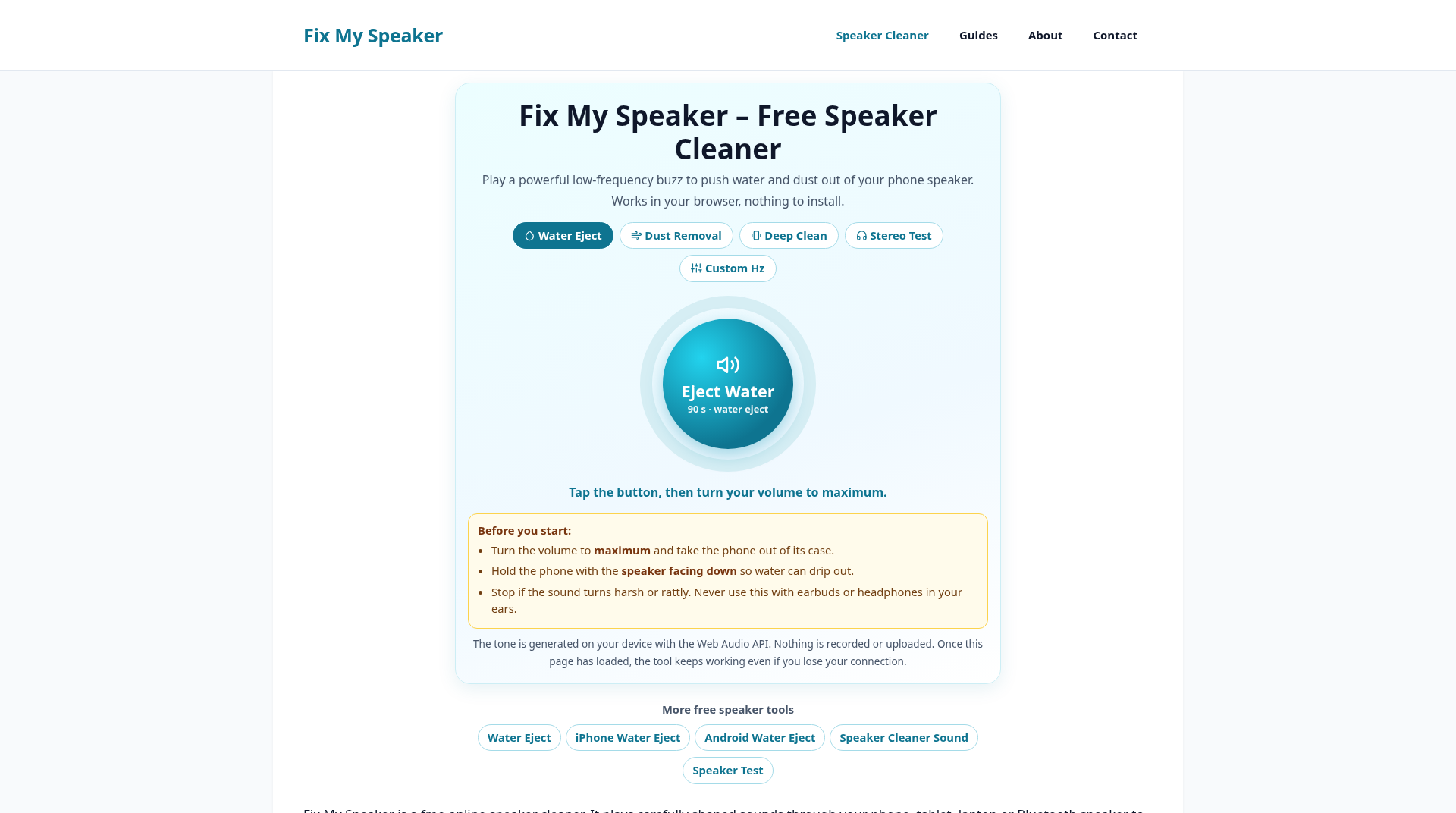
Fix My Speaker
Free browser tool to clear wet, muffled speakers
ProductivityFree#speaker-cleaner#water-eject#muffled-speaker
Launches Dec 27, 2026 at 00:00 UTC
What is Fix My Speaker?
Fix My Speaker is a free website that helps people clear water, dust, and muffled sound from phone, tablet, and Bluetooth speakers without installing an app. The homepage tools play carefully chosen tones in the browser, including a water-eject sound often used around 165 Hz, plus speaker-test and speaker-cleaner tones. You open the page, play the sound with the speaker pointed down, and give the grille time to drain and dry. The site also has step-by-step guides for common problems: water in an iPhone or Samsung speaker, crackling or low volume, a phone stuck in headphone mode, and Bluetooth speakers that will not pair, cut out, or lag. The tools and articles are free and work in a normal phone browser.
Fix My Speaker features
- Browser-based water-eject tones, including a tone often used around 165 Hz
- Speaker-test and speaker-cleaner tones play directly in a browser
- Free step-by-step guides for phone and Bluetooth speaker troubleshooting
Who uses Fix My Speaker and for what
- Help clear water, dust or muffled sound from phone, tablet and Bluetooth speakers
- Troubleshoot crackling, low volume, headphone mode, Bluetooth pairing, cutouts or lag
Fix My Speaker FAQ
Is Fix My Speaker free?
Yes. The browser tools and guides are free.
Do I need to install an app?
No. The tools work in a normal phone browser.
How do I use a water-eject tone?
Point the speaker down, play the tone, and give the grille time to drain and dry.
Comments (0)
No comments yet. Ask the maker a question or share how you would use it.
More Productivity launches
Infinite canvas OS for your apps, teammates and AI agents
Save every recipe. Plan every meal.
Fast, private voice dictation for Mac and Windows
Cloud HR platform for Saudi businesses
Looks like a calculator. Opens like a vault.
Free HEIC to JPG, PNG and PDF converter for iPhone photos