ImagineHero
Free, private Photopea alternative with layers and PSD
DesignFree#photo-editor#photoshop-alternative#photopea
Launches Feb 8, 2027 at 00:00 UTC

What is ImagineHero?
ImagineHero is a free Photopea and Photoshop alternative that runs entirely in your browser. Its Pro editor supports layers and real PSD files, along with background removal, crop and resize, PNG/JPEG/WebP conversion, text and markup, effects, compression, and batch export. Images are processed on your device with no upload required, so editing stays private.
ImagineHero features
- Client-side image editing keeps files on your device
- Full-featured Pro editor with layer support and PSD import
- Batch export to resize and convert multiple images at once
- Background removal and subject replacement tools
- Image redaction and face blurring for privacy protection
- Format conversion between PNG, JPEG, and WebP
- Local project library to save and resume designs
Who uses ImagineHero and for what
- Quickly crop and resize photos for social media posts without leaving the browser
- Convert a batch of high-resolution PNGs to compressed JPEGs for faster web loading
- Annotate team screenshots with arrows and text before sharing them internally
- Remove distracting backgrounds from product photos for online listings
- Blur sensitive information or faces in shared documents to protect privacy
ImagineHero FAQ
Is ImagineHero free to use?
Yes. ImagineHero is a free Photopea and Photoshop alternative that runs in your browser.
Does ImagineHero upload my photos to a server?
No. The tool runs entirely in your browser using client-side processing. Your images stay on your device and are never uploaded to external servers during editing.
Can I open Photoshop files in ImagineHero?
Yes. The Pro editor supports opening and working with PSD files directly in the browser without requiring Photoshop installed on your computer.
Is the source code available?
Yes. The website links to a public GitHub repository for PhotoCraft, indicating the underlying code is open source.
What image formats does ImagineHero support?
The platform handles PNG, JPEG, and WebP files. You can convert between these formats and export compressed versions with adjustable quality settings.
Comments (0)
No comments yet. Ask the maker a question or share how you would use it.
More Design launches
Client photo galleries, video feedback and print sales
ConvertPictoOpen source · verified
Free browser-based image converter and compressor
Merge PNGs and images privately in your browser
Browser-based BIM for building design and drawings
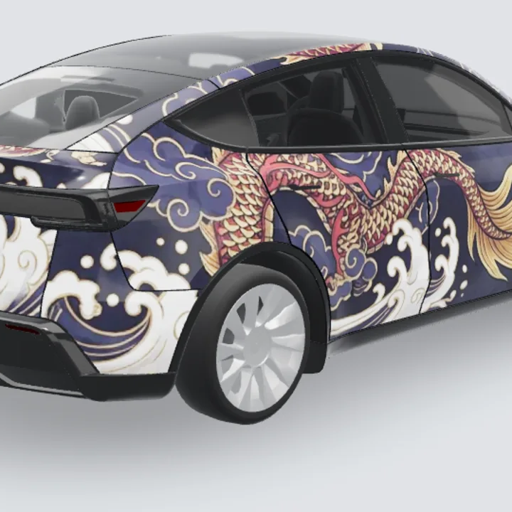
Custom Tesla wraps, made for your screen — AI designer
AI thumbnail art direction for YouTube creators