iSave
Download public TikTok videos as HD MP4 files
ProductivityFree#tiktok#video-downloader#utility
Launches Jan 22, 2027 at 00:00 UTC

What is iSave?
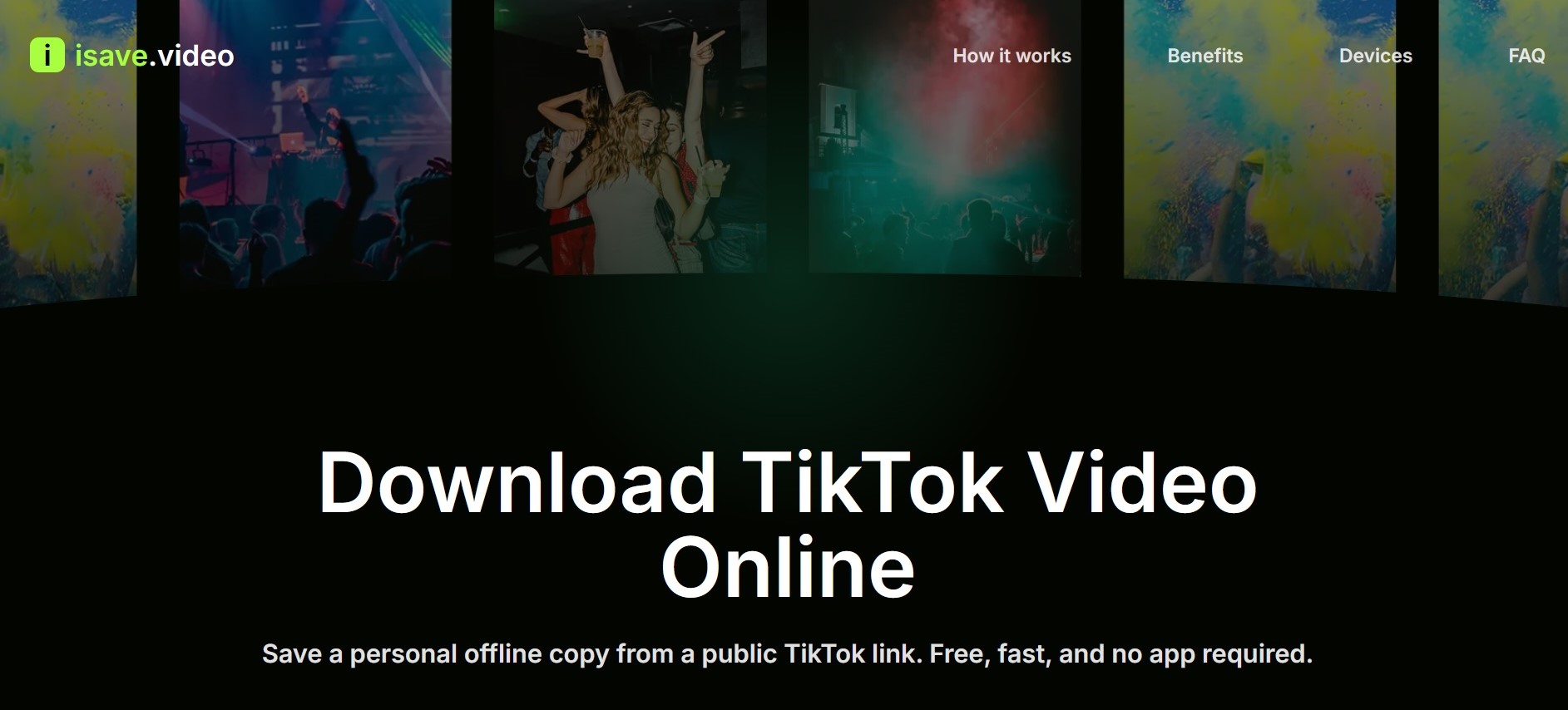
iSave is a web-based tool that lets users download public TikTok videos directly from their browser. You paste a public TikTok link into the site, and it processes the video to provide a downloadable MP4 file. No account, subscription, or software installation is required.
The service offers videos in high definition when available and removes the TikTok watermark during the download process. It supports all major modern browsers and works across iOS, Android, Windows, and macOS devices. Files are saved locally for personal offline viewing.
iSave uses HTTPS encryption and does not store user links or downloaded content. The tool is strictly for publicly accessible videos and reminds users to respect copyright laws and TikTok's terms of service. Commercial use requires ownership or permission from the rights holder.
iSave features
- Downloads public TikTok videos as MP4 files
- Removes TikTok watermark when available
- Provides high-definition video quality
- Requires no account, login, or app installation
- Works in any modern web browser
- Uses HTTPS encryption for secure browsing
Who uses iSave and for what
- Saving dance tutorials or educational clips for offline study
- Archiving public creator content for personal reference
- Collecting video assets for non-commercial editing projects
- Sharing downloaded clips via local messaging or email
- Preserving trending videos before they are deleted by creators
iSave FAQ
Is iSave free to use?
Yes, iSave is completely free and does not require a subscription, account, or payment. The website does not say anything about premium tiers.
Can I download TikTok videos on my iPhone or Android phone?
Yes, iSave works directly in mobile browsers like Safari and Chrome on iOS and Android devices. No app installation is needed.
Does iSave work with private TikTok accounts?
No, iSave only supports publicly accessible TikTok links. The website does not say it can access restricted or private content.
What file format will I get after downloading?
iSave provides videos as MP4 files, which play on most phones, tablets, and computers. The website does not say it supports other formats like AVI or MOV.
Is it safe to use iSave for downloading videos?
The site uses HTTPS encryption and states it does not store your links or downloaded files. The website does not say whether it collects cookies or shares data with third parties.
Comments (0)
No comments yet. Ask the maker a question or share how you would use it.
More Productivity launches
Infinite canvas OS for your apps, teammates and AI agents
Save every recipe. Plan every meal.
Fast, private voice dictation for Mac and Windows
Cloud HR platform for Saudi businesses
Looks like a calculator. Opens like a vault.
Free HEIC to JPG, PNG and PDF converter for iPhone photos