
Speakey for Mac
What is Speakey for Mac?
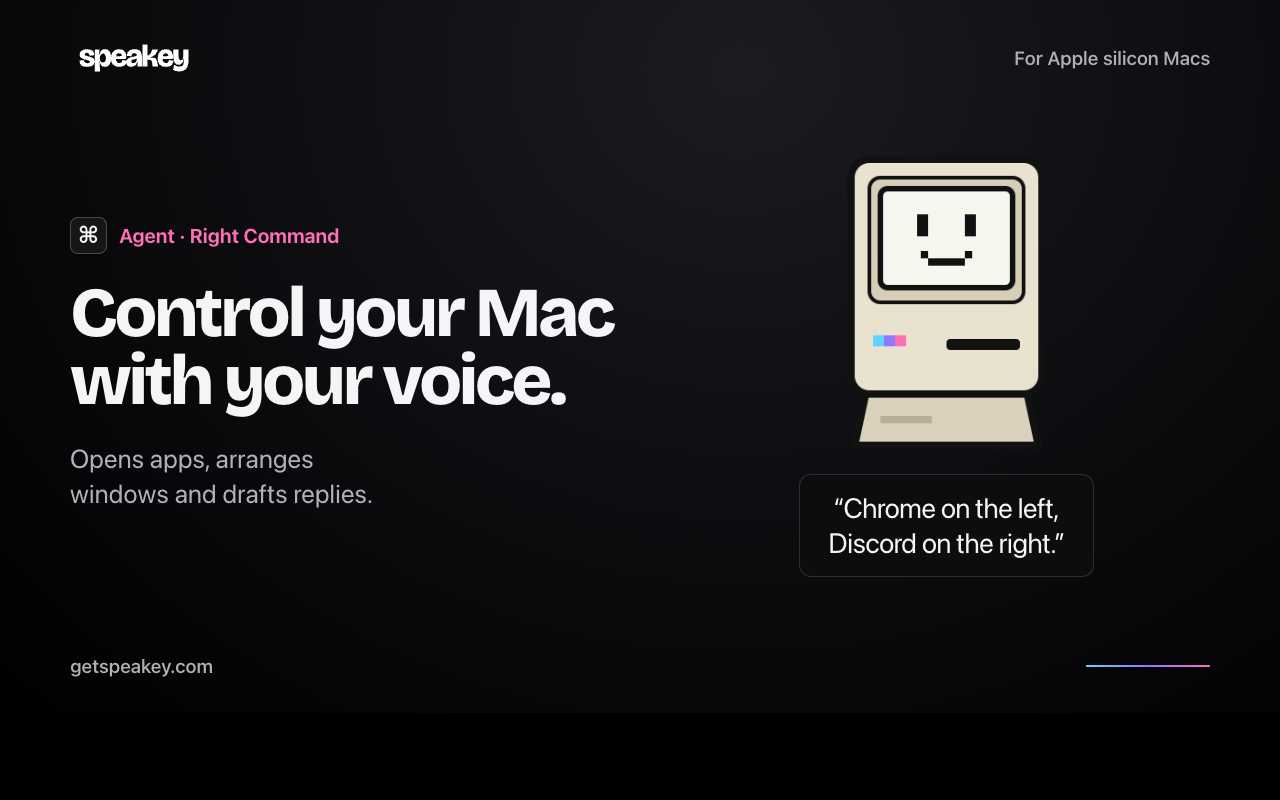
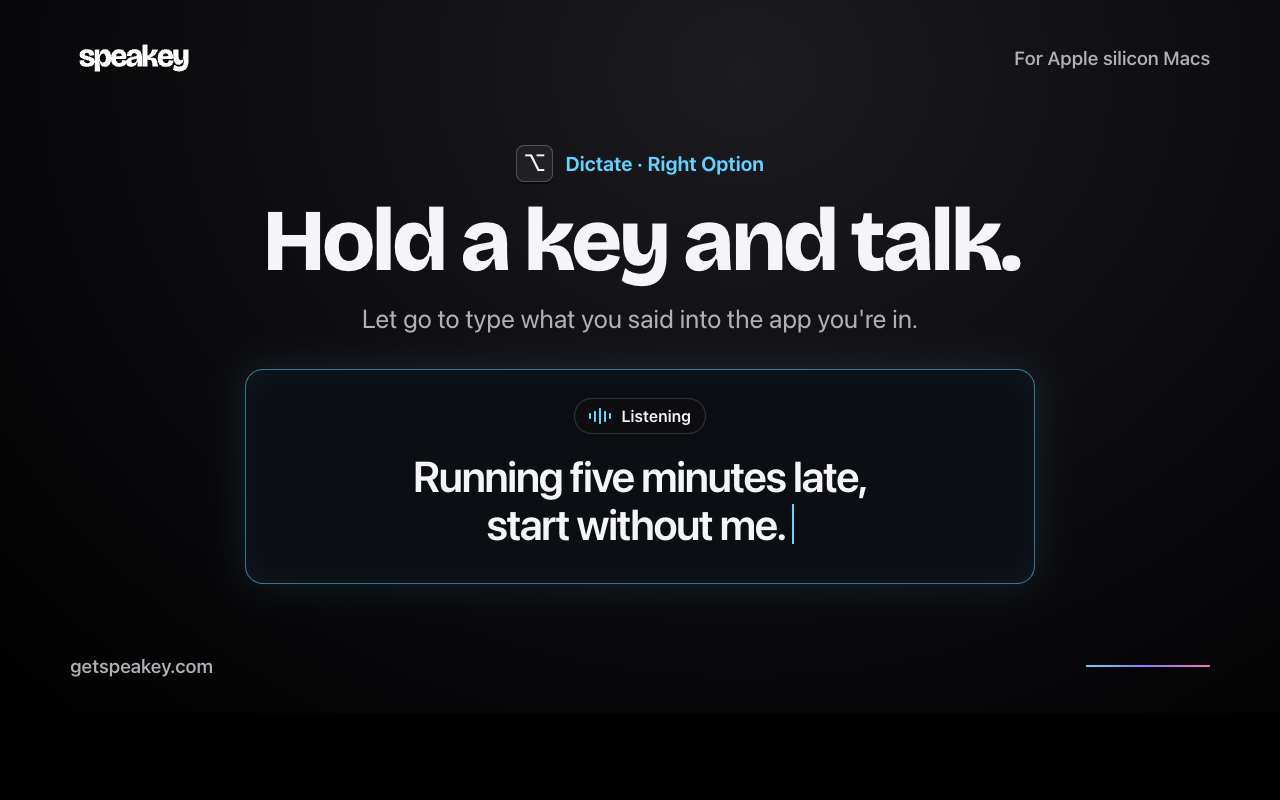
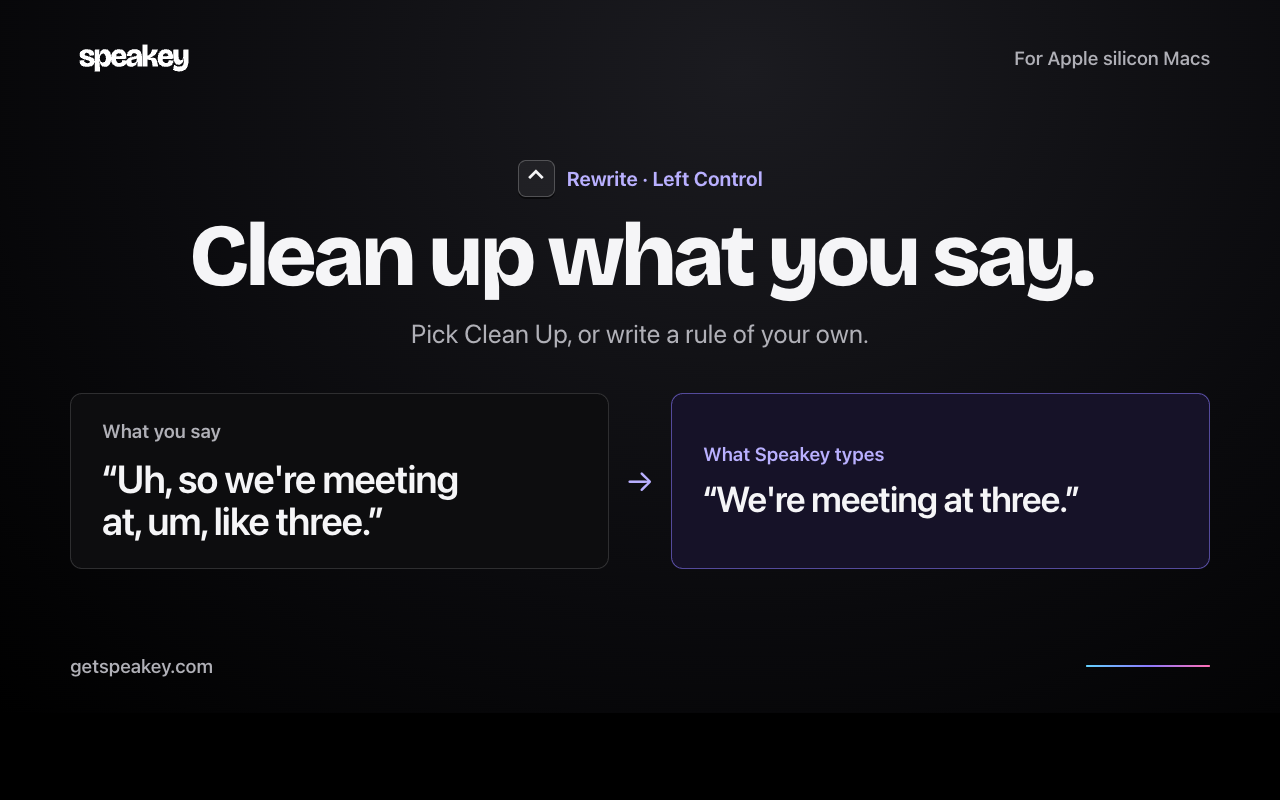
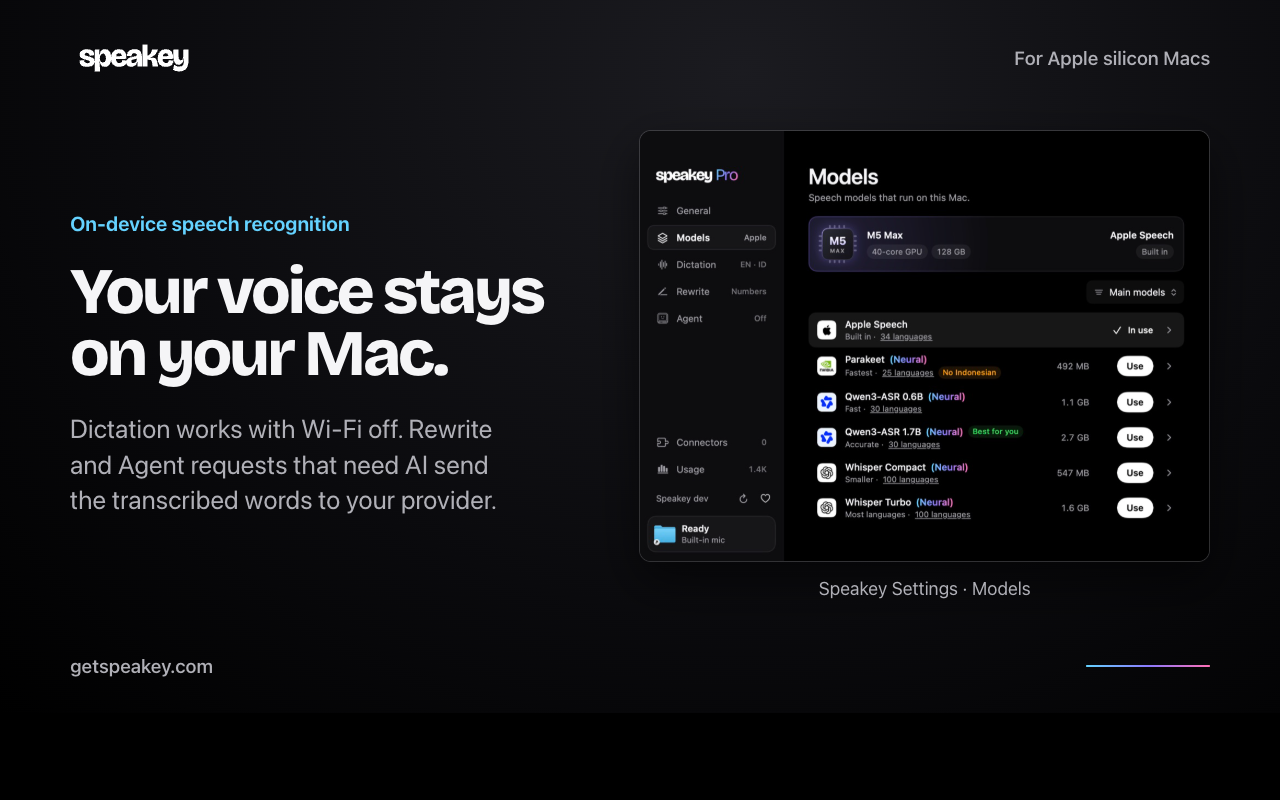
Three keys. That's the whole interface. Ask Speakey for Mac to open an app or arrange your windows. Use Right Option to dictate into any text box, or Left Control to clean up what you say before it's typed. Everyday commands run locally. Dictation works offline and your voice never leaves your Mac.
Do I need an account? Download it and start talking. Speakey has no sign-up. Rewrite and Agent use your own Claude, ChatGPT or Gemini sign-in when they need AI.
How much does it cost? Speakey is free with weekly limits. You get 2,000 words across Dictate, Rewrite and Agent, and 5 minutes of experimental Live Listen, with no limits in your first 3 days. Pro is $4.99 once, an early adopter price, and removes the limits on up to 3 Macs. One key, activated on each Mac. Updates are included.
What do I need? A Mac with Apple silicon on macOS 14 or later.
Speakey for Mac features
- Voice control and dictation for Mac
- Run Mac tasks by voice with your own AI plan
- “Open Calendar.” “Pause the music.” Say it with Right Command held down and Speakey does it.
Who uses Speakey for Mac and for what
- A voice agent for Apple silicon Macs. Hold a key to open apps by voice or dictate a reply offline.
- Ask your Mac to do a task. Speakey uses your Claude, ChatGPT or Gemini plan when it needs AI.
Speakey for Mac FAQ
Do I need an account?
Download it and start talking. Speakey has no sign-up. Rewrite and Agent use your own Claude, ChatGPT or Gemini sign-in when they need AI.
How much does it cost?
Speakey is free with weekly limits. You get 2,000 words across Dictate, Rewrite and Agent, and 5 minutes of experimental Live Listen, with no limits in your first 3 days. Pro is $4.99 once, an early adopter price, and removes the limits on up to 3 Macs. One key, activated on each Mac. Updates are included.
What do I need?
A Mac with Apple silicon on macOS 14 or later.
Comments (0)
No comments yet. Ask the maker a question or share how you would use it.
More Productivity launches
Infinite canvas OS for your apps, teammates and AI agents
Save every recipe. Plan every meal.
Fast, private voice dictation for Mac and Windows
Cloud HR platform for Saudi businesses
Looks like a calculator. Opens like a vault.
Free HEIC to JPG, PNG and PDF converter for iPhone photos