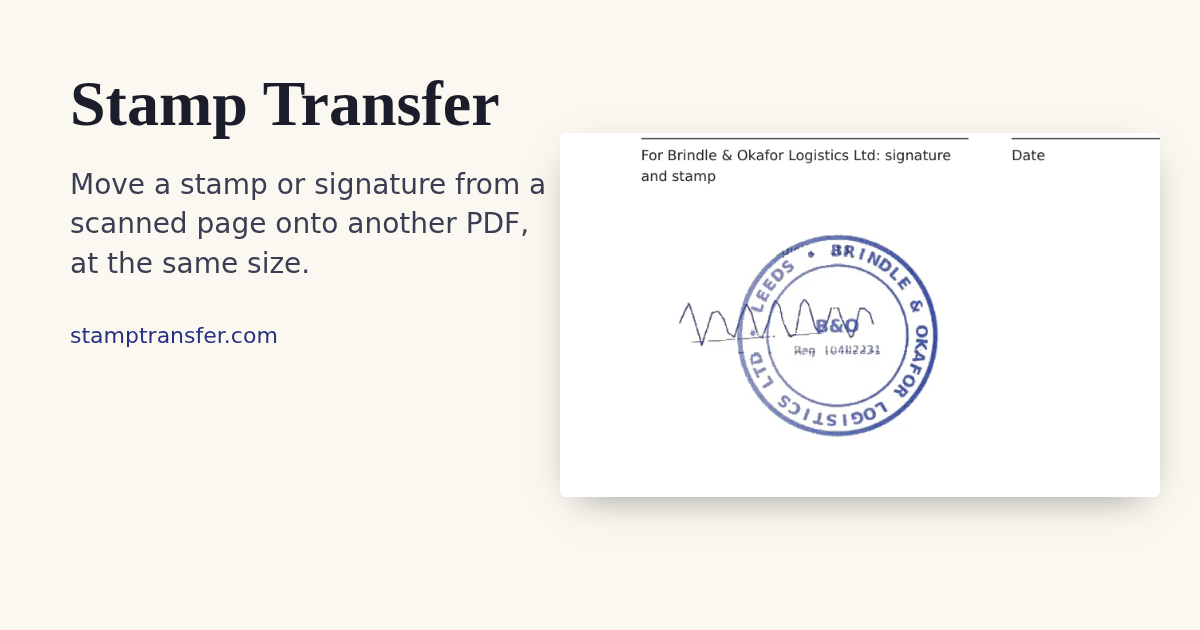
Stamp Transfer
Move a stamp or signature onto a PDF
ProductivityFree#pdf#signature#privacy
Launches Jan 15, 2027 at 00:00 UTC
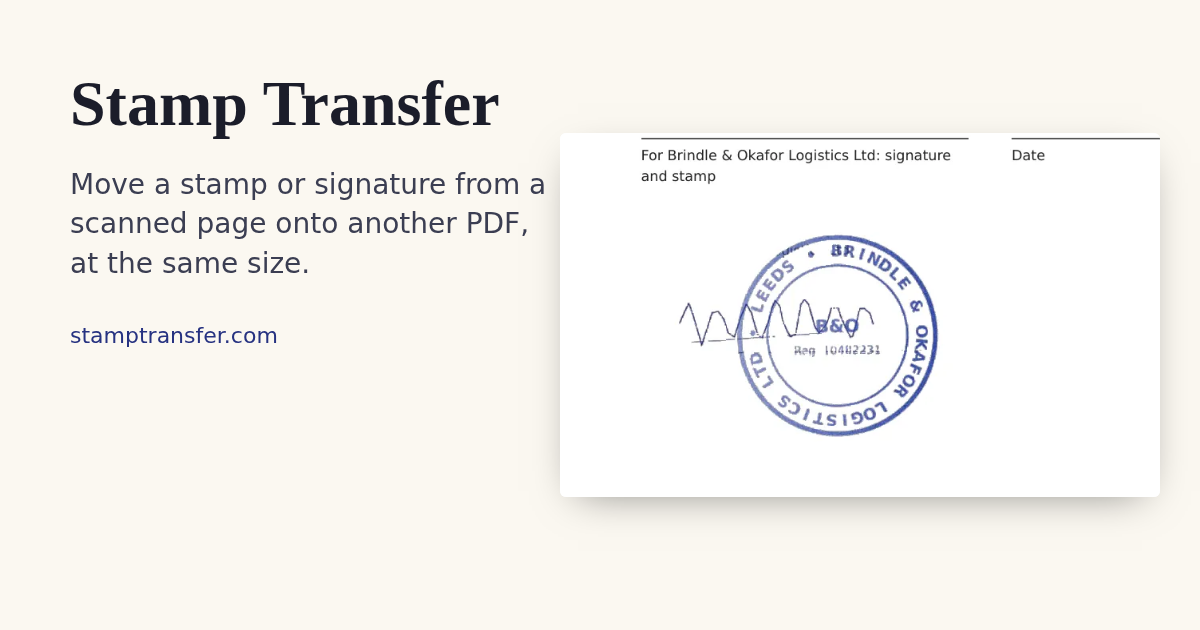
What is Stamp Transfer?
Copy a stamp or signature from a scanned PDF or image onto another PDF, at the same size. It runs in your browser: no upload, no account, no cookies. Free.
Stamp Transfer features
- Stamp from PDF to PDF at original size
- Stamp from image to PDF
- Sign a PDF by hand in the browser
Who uses Stamp Transfer and for what
- Copy a company stamp onto another PDF
- Reuse a scanned signature without upload
Stamp Transfer FAQ
Is Stamp Transfer free?
Yes. It is free to use in the browser with no account.
Are my PDFs uploaded?
No. Files stay in your browser and are not uploaded or stored.
Is it a qualified e-signature?
No. It is a visual stamp or signature mark only.
Comments (0)
No comments yet. Ask the maker a question or share how you would use it.
More Productivity launches
Infinite canvas OS for your apps, teammates and AI agents
Save every recipe. Plan every meal.
Fast, private voice dictation for Mac and Windows
Cloud HR platform for Saudi businesses
Looks like a calculator. Opens like a vault.
Free HEIC to JPG, PNG and PDF converter for iPhone photos