Text Photo AI
Change words in photos, posters and screenshots
DesignFreemium#photo-editing#image-text#screenshots
Launches Jan 26, 2027 at 00:00 UTC
What is Text Photo AI?
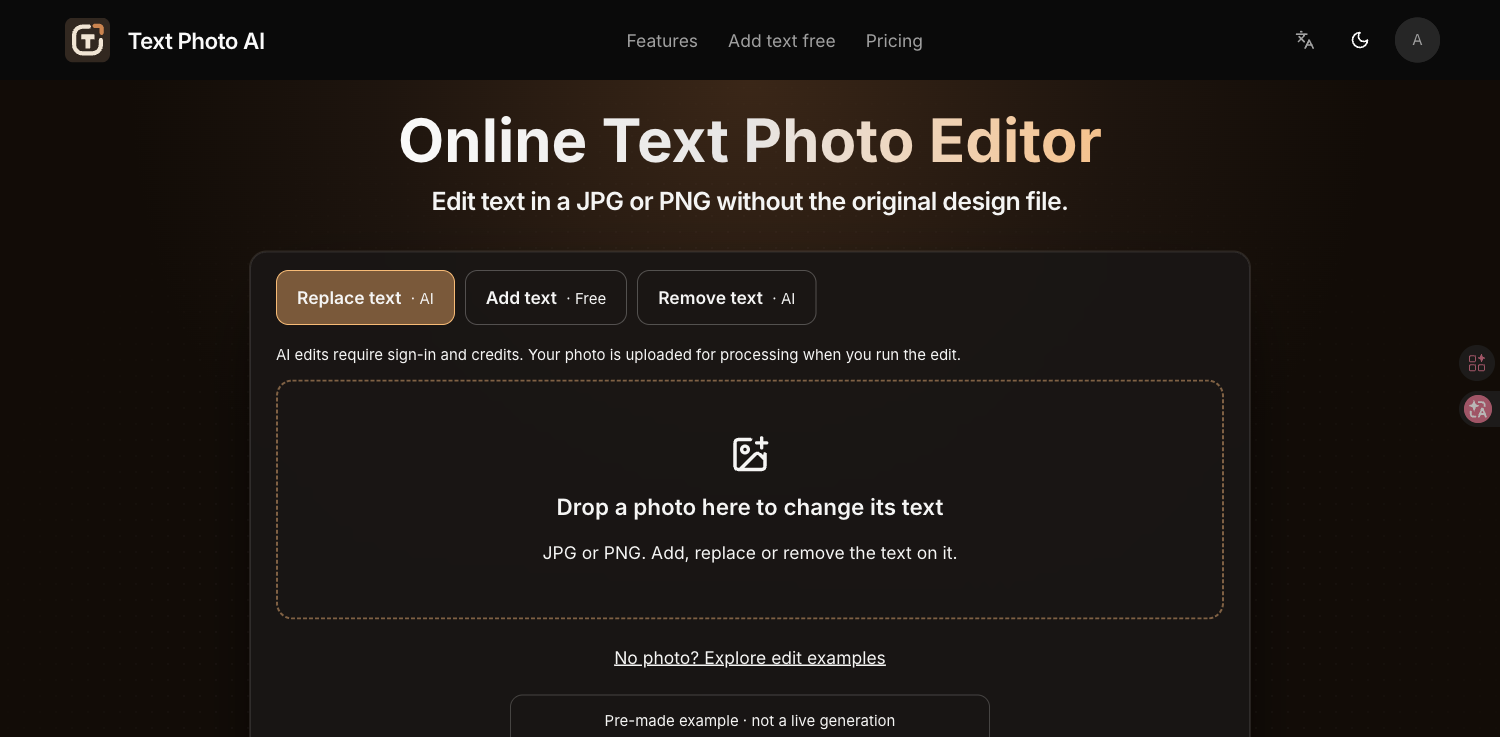
Text Photo AI is a browser editor for fixing text in an exported image. Add a caption to a JPG or PNG and save the PNG for free. If the wording is already part of a screenshot, poster or product graphic, sign in and use AI credits to replace or erase it. Saved examples let you see the edit before trying your own file.
Text Photo AI features
- Add and style a new caption in a JPG or PNG
- Replace words already in an image using AI credits
- Remove embedded text using AI credits
Who uses Text Photo AI and for what
- Designers updating exported poster headlines
- Store owners fixing labels in product graphics
Text Photo AI FAQ
Can I add text for free?
Yes. Add a caption in the browser and export the finished PNG for free.
What image files does the editor accept?
The editor accepts JPG and PNG images.
Does replacing existing text require an account?
Yes. AI text replacement and removal require sign-in and credits.
Comments (0)
No comments yet. Ask the maker a question or share how you would use it.
More Design launches
Client photo galleries, video feedback and print sales
Merge PNGs and images privately in your browser
Browser-based BIM for building design and drawings
Custom Tesla wraps, made for your screen — AI designer
GPT Image 2 online — photoreal AI images with sharp text
AI thumbnail art direction for YouTube creators