
TimedSubs
Turn an approved script and voiceover into timed subtitles.
ProductivityFreemium
Launches Feb 8, 2027 at 00:00 UTC
What is TimedSubs?
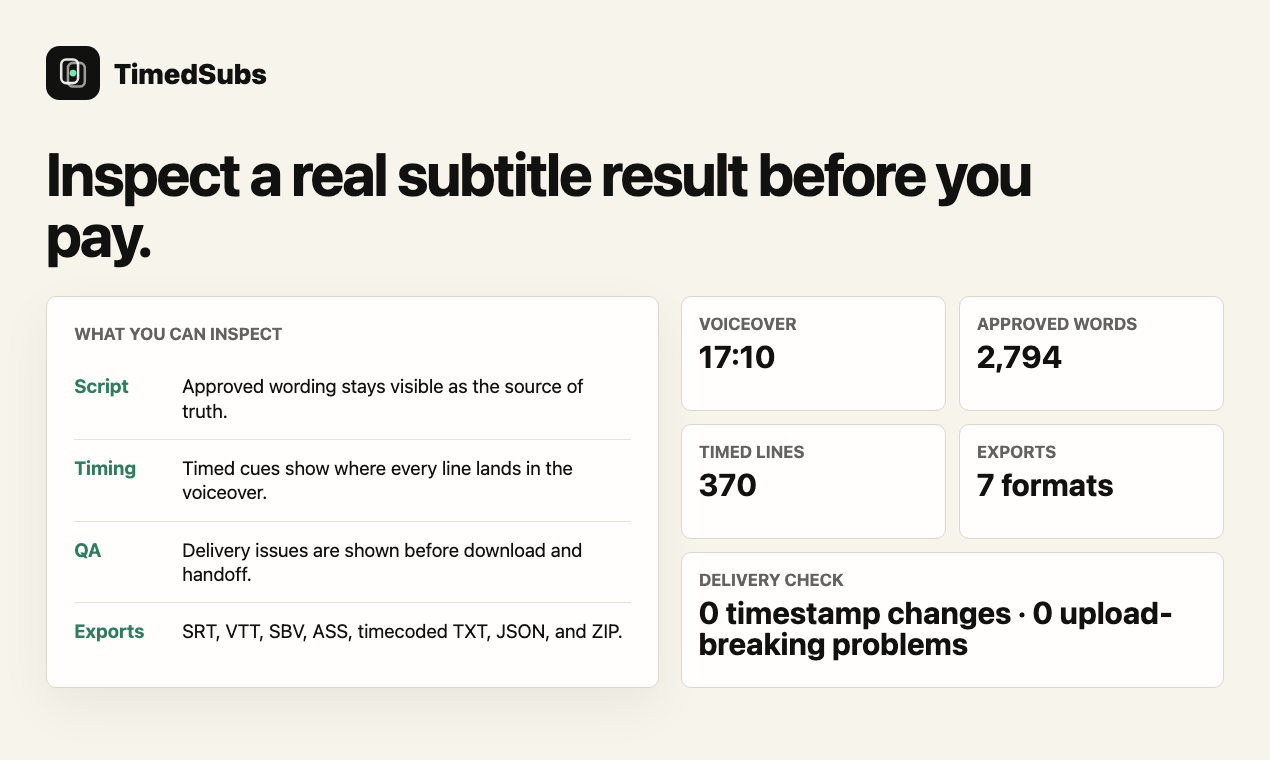
TimedSubs aligns an approved script to its recorded voiceover. Editors can review subtitle timing and export captions, or translate subtitle files while preserving their timestamps.
TimedSubs features
- Align script text with recorded narration
- Review subtitle timing before export
- Translate subtitles while preserving timestamps
Who uses TimedSubs and for what
- Prepare timed captions for a narrated course
- Translate an existing subtitle file for another audience
TimedSubs FAQ
What files do I start with?
Start with the approved script and the recorded narration to align the subtitles.
Can I try the alignment for free?
The free trial includes 15 timing minutes. Files up to five minutes can be downloaded for free.
Can I translate subtitles that are already timed?
Yes. The subtitle translation workflow preserves the timestamps in the source file.
Comments (0)
No comments yet. Ask the maker a question or share how you would use it.
More Productivity launches
Infinite canvas OS for your apps, teammates and AI agents
Save every recipe. Plan every meal.
Fast, private voice dictation for Mac and Windows
Cloud HR platform for Saudi businesses
Looks like a calculator. Opens like a vault.
Free HEIC to JPG, PNG and PDF converter for iPhone photos