
TypeNod
Preview translations as you type on your Mac
ProductivityPaid#translation#typing#macos
Launches Feb 2, 2027 at 00:00 UTC
What is TypeNod?
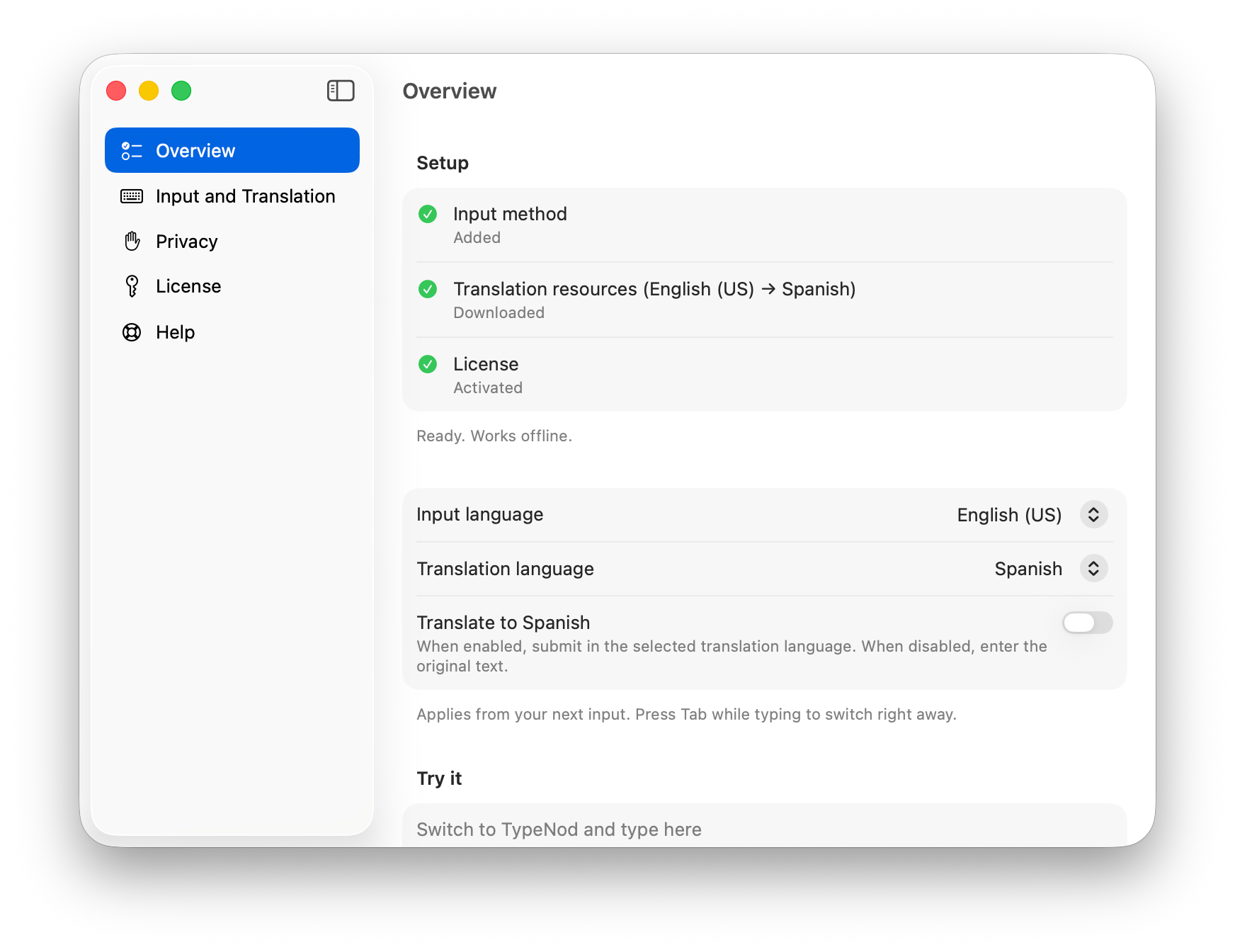
Submitted on behalf of SELFARK LTD. TypeNod is a Mac input method for people writing across languages. Type in Simplified Chinese Pinyin, English, Spanish or French, preview an on-device translation and insert it into a standard Mac text field. Requires macOS 26+ on Intel or Apple silicon and downloaded language resources; some nonstandard editors are unsupported. Typed content is not uploaded, input history is not saved and the clipboard is not read.
Download the signed, notarized DMG from typenod.com. A US$9.90 tax-inclusive lifetime Mac license includes future Mac updates. There is no free trial; a full refund can be requested within 30 days. The iPhone version remains in development.
TypeNod features
- Preview a translation while typing, then insert it into a standard Mac text field
- Translate on the Mac with downloaded Apple translation resources
- Type in Simplified Chinese Pinyin, English, Spanish or French
Who uses TypeNod and for what
- Compose a message in another language without switching windows
- Write across languages in standard macOS email and browser text fields
TypeNod FAQ
How much does TypeNod for Mac cost?
US$9.90 including tax for a lifetime Mac license and future Mac updates. There is no free trial. You can request a full refund within 30 days of purchase.
Which Macs and apps can use TypeNod?
macOS 26.0 or later on Intel or Apple silicon, using the standard macOS text input system. Some nonstandard editors may not work. The app is distributed as a signed, notarized DMG from typenod.com, not through the Mac App Store.
Does TypeNod work offline?
Yes, once the required translation resources have been downloaded. Input, translation and license activation work offline; buying and downloading the app and language resources require an internet connection.
Comments (0)
No comments yet. Ask the maker a question or share how you would use it.
More Productivity launches
Infinite canvas OS for your apps, teammates and AI agents
Save every recipe. Plan every meal.
Fast, private voice dictation for Mac and Windows
Cloud HR platform for Saudi businesses
Looks like a calculator. Opens like a vault.
Free HEIC to JPG, PNG and PDF converter for iPhone photos